Best 7 Documentation Tools for Product Teams
Looking for the right documentation tool? Compare 7 options for product teams and find the best fit for your specs, decisions, and team knowledge.

TL;DR
- Product teams need one place where specs, decisions, and release notes can be written together, searched, and traced back to whoever changed them.
- This post compares seven tools on real-time editing, structure, version history, diagrams, and hosting.
- Docmost is the only tool here that's open source, self-hosted, and built for real-time editing at the same time.
- If you want the short answer, skip to the "how to choose" section, which matches each tool to a team setup.
You're shipping a feature next week, and the spec for it exists in three places. There's the original doc someone wrote at the start of the project, a copy a designer duplicated so she wouldn't change anything while leaving comments, and a third version where the scope changed during a conversation. The decision behind that scope change is from a chat message from weeks ago. A new engineer then joins, opens the first doc they find, and starts building with a document nobody on the team uses anymore.
Every product team hits some version of this. Fixing it doesn't mean more discipline from the people writing docs. What your team needs is a tool where the current version is obvious, the history is visible, and the doc is easy to update so that people find it easy to keep current.
Quick Comparison Of Documentation Tools For Product Teams
|
Tool |
Real-time editing |
Open source |
Self-hosted |
Built-in diagrams |
Version history |
|
Docmost |
Yes |
Yes |
Yes |
Yes |
Yes |
|
Confluence |
Yes |
No |
No, Data Center is closed to new customers |
Whiteboards on Cloud, plus marketplace apps |
Yes |
|
Notion |
Yes |
No |
No |
Mermaid in code blocks |
Yes |
|
Coda (Superhuman Docs) |
Yes |
No |
No |
Through the Mermaid Pack add-on |
Yes |
|
Outline |
Yes |
No, source-available |
Yes |
Mermaid |
Yes |
|
Slab |
Yes |
No |
No |
No |
Yes |
|
Slite |
Yes |
No |
No |
No |
Yes |
What Product Teams Need From A Documentation Tool
Product documentation is usually different types of writing: a spec, a decision record, or a set of release notes, and each asks something different from the tool. Before comparing products, it's important to understand what you're storing and what each type needs. If you're setting up documentation for the whole company and not only the product team, our guide to building a corporate wiki covers the wider setup.
What Product Teams Should Document
|
Document type |
What it contains |
What the tool needs |
|
Specs and PRDs |
Problem, goals, scope, open questions |
Real-time editing, comments |
|
Decision records |
What was decided and why |
Version history, search |
|
Roadmaps and planning notes |
Priorities and timing |
Spaces, nested pages, permissions |
|
Flows and architecture |
User flows, system diagrams |
Built-in diagrams |
|
Release notes |
What shipped and when |
Fast editing, search |
|
Onboarding and processes |
How the team works |
Nested navigation, search |
Product Documentation Tools Compared In Detail
Each tool below is judged on real-time editing, open-source licensing, self-hosting, built-in diagrams, and version history.
1. Docmost: Best For Real-time Specs On Infrastructure You Control
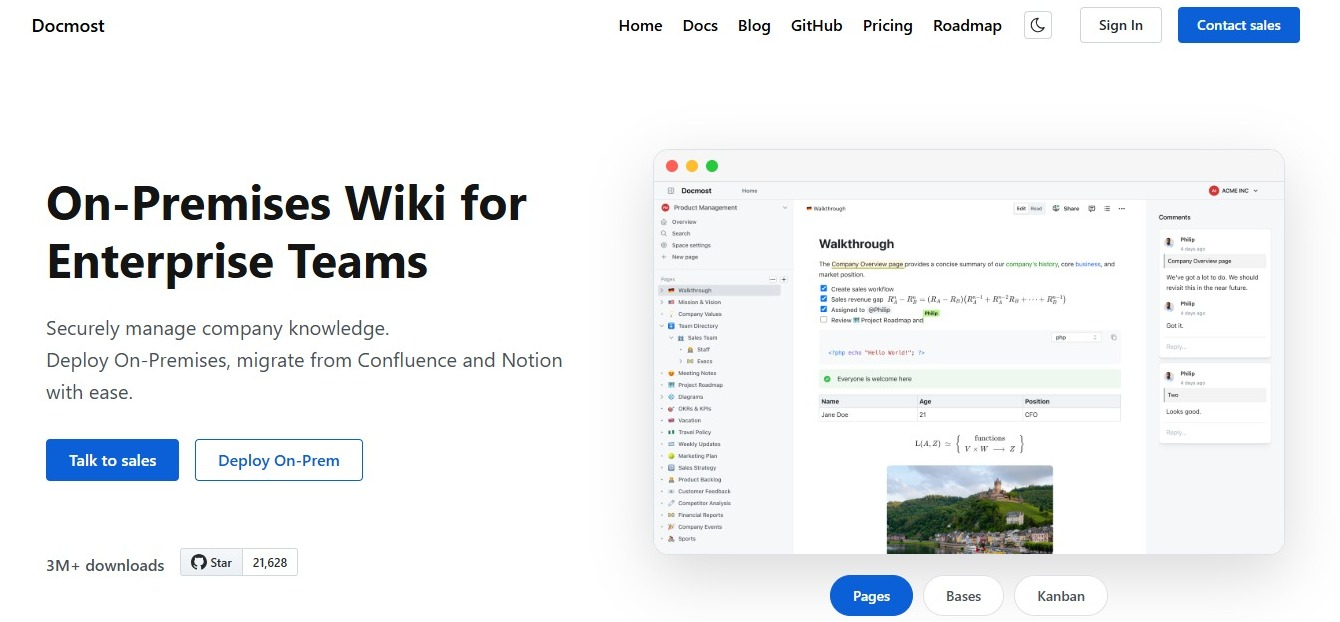
Docmost is an open-source wiki and documentation platform that you run on your own servers. It's built for teams writing together, so two people can work on the same spec at once without one of them duplicating the page to stay out of the way.
Docmost features for product documentation
- Real-time editing with live cursors: Several people can write in the same spec and see each other's changes as they happen.
- Diagrams: Draw.io, Excalidraw, and Mermaid are built in, so user flows and architecture sketches live inside the page instead of in a separate tool.
- Spaces and nested pages: Give each product area its own space, then nest specs under the initiative they belong to.
- Permissions and groups: Control who can read and edit what, and grant access to a whole group at once.
- Inline comments: Leave feedback on a specific line of a spec so the conversation stays attached to the text it's about.
- Version history: See what changed on a page and restore an earlier version.
- Full-text search: Search across all your pages, with filters by space and page type.
- Import: Bring in existing content from Markdown, HTML, ZIP archives, and Notion.
The paid edition adds most of what a larger product team asks for: templates you can reuse across the workspace, Bases for tracking work in table and Kanban views, a page verification and approval workflow, page-level permissions, SSO and SCIM, a REST API, search inside PDF and DOCX attachments, and the Confluence, DOCX, and PDF importers.
Who Docmost is best for
Product teams who write specs together in real time and want their documentation sitting on infrastructure they control. If you're checking out free plans and several options, see our post comparing free wiki and documentation tools for startups.
2. Confluence: Best For Teams Already Working In Jira
Confluence is Atlassian's team wiki, and its main draw for product teams is how closely it sits next to Jira. You can reference issues from inside a spec and keep planning docs in the same place your tickets live.
Confluence features for product documentation
- Page trees and spaces for organizing docs by team or project
- Jira integration, so specs and tickets reference each other
- Blueprints and page templates, including meeting notes and product requirements
- Version history with page comparison
- Whiteboards on Confluence Cloud for sketching flows alongside written docs
Pros and cons
Pros:
- Strong fit if your engineering work already runs through Jira
- Detailed sharing and permission options
- Large library of marketplace apps for diagrams and extras
Cons:
- Self-hosting now means Data Center, which Atlassian has closed to new customers and is retiring
- Diagramming usually means installing a marketplace app
- Larger spaces need someone to keep the page structure tidy
Who Confluence is best for
Teams already inside the Atlassian ecosystem who want documentation next to their tickets. For a side-by-side look, see how Docmost compares to Confluence. If you're running Data Center today, our guide to Confluence Data Center end of life covers what that means for your team.
3. Notion: Best For Databases And Templates In One Workspace

Notion combines documents, databases, and lightweight project tracking in one workspace. Product teams use it to keep a spec next to a table of features, linked to the person who owns each one.
Notion features for product documentation
- Block-based editor with real-time editing
- Databases with properties, views, and relations for tracking features or initiatives
- A large template library, including specs and PRDs
- Page history
- Embeds, including Figma design previews
Pros and cons
Pros:
- One workspace covers docs and lightweight planning
- Databases let a spec sit inside a structured view of all your work
- Plenty of ready-made product templates to start from
Cons:
- Cloud only, with no self-hosting option
- Diagrams rely on Mermaid code blocks or an embed from another tool
- Larger workspaces need some structure to stay easy to navigate
Who Notion is best for
Teams who want documents and structured tracking in the same tool and are fine keeping everything on a vendor's servers. See how Docmost compares to Notion if data location matters to you. If you're also checking out a lighter wiki, our Slite vs Notion comparison post helps you get a clearer look.
4. Coda (now Superhuman Docs): Best For Docs That Combine Writing And Tables
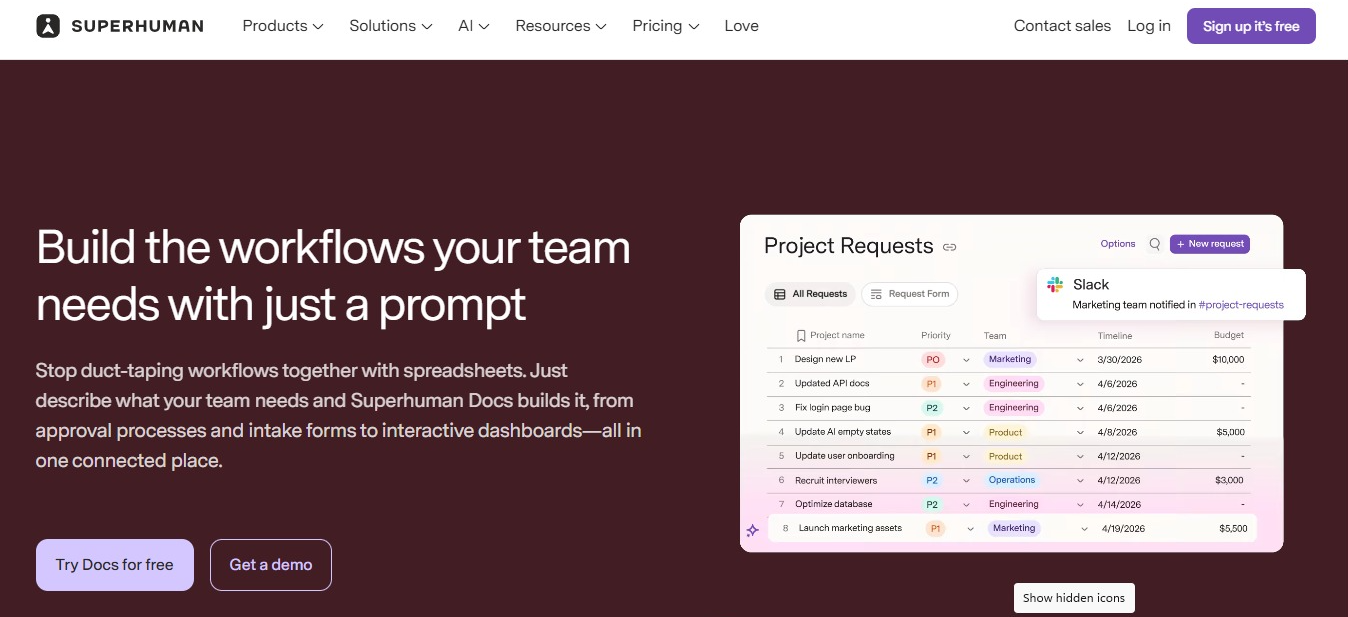
Coda, which is now called Superhuman Docs, treats a document as something closer to an app. A page can hold written sections, tables that other pages pull from, and buttons that change data, which suits product teams who want a spec and its tracking table in one place.
Coda features for product documentation
- Docs built from writing, tables, and interactive controls
- Tables that can be referenced across pages in the same doc
- Real-time editing with comments
- Version history
- Templates for planning and product work
Pros and cons
Pros:
- Tables and written content work together closely
- Good fit for docs that double as trackers
- Writing, tables, and automations live on the same page, so a spec and its tracking table stay together
Cons:
- Cloud only, with no self-hosting option
- The document model takes time to learn if you only want a wiki
- Diagrams come from the Mermaid Pack, an add-on
Who Coda is best for
Teams whose specs and planning docs rely heavily on tables. If you're comparing it against the Atlassian option, read our Coda vs Confluence post. If you like Coda but want something more, see our Coda alternatives.
5. Outline: Best For a Clean Editor With Real-time Collaboration
Outline is a wiki with a focused writing experience and real-time editing, available either as a hosted service or on your own servers.
Outline features for product documentation
- Rich-text editor
- Real-time editing with inline comments
- Collections and nested documents for structure
- Read and write permissions with user groups
- Search across documents
Pros and cons
Pros:
- Focused editor built for writing
- Self-hosting is available for teams who want it
- Collections and nested documents keep the structure straightforward
Cons:
- The license is source-available, not open source
- Diagrams rely on Mermaid or an embed
- Geared toward writing more than structured data tracking
Who Outline is best for
Teams who want a straightforward writing tool with real-time editing and don't need an open-source license. See how Docmost compares to Outline for the licensing and hosting differences. If you're checking more options, see our Outline alternatives.
6. Slab: Best For A Focused Internal Wiki
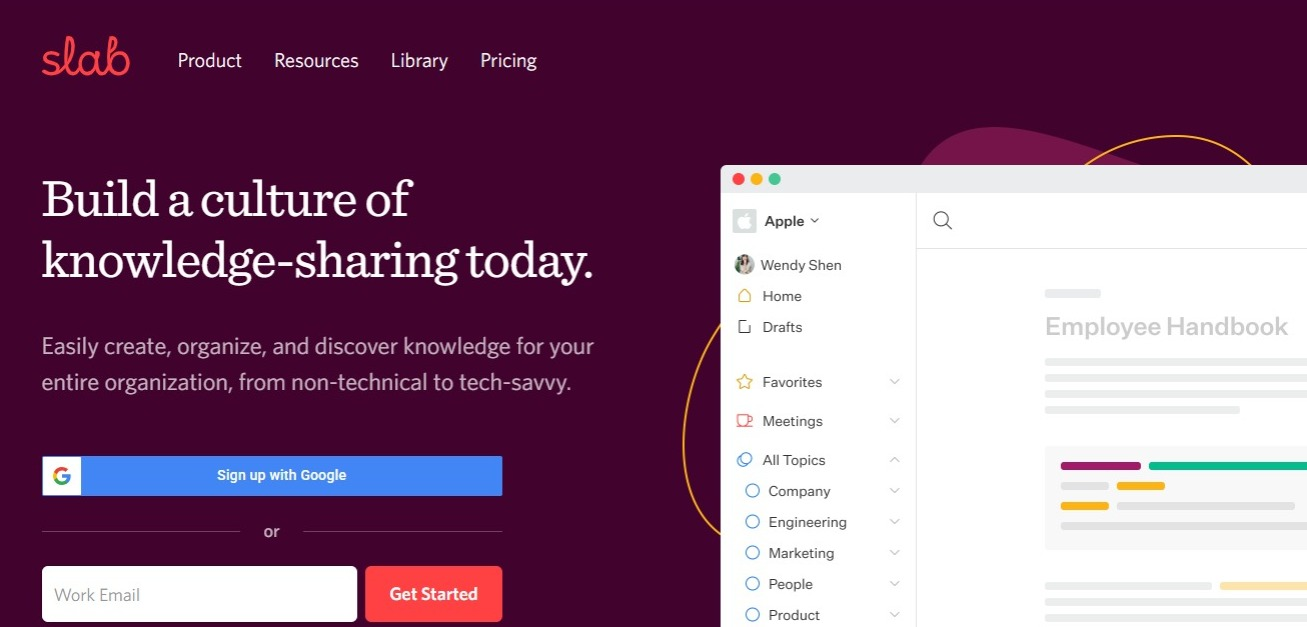
Slab is an internal wiki built around readable documents and search that reaches into the other tools your team uses.
Slab features for product documentation
- Editor with real-time collaboration
- Topics, including private topics, for organizing content across teams
- Unified search across Slab and connected tools like Google Drive, Slack, GitHub, Asana, and Jira
- Post Verification, which puts important documents through regular review so they stay accurate
- Version history
Pros and cons
Pros:
- Search reaches into connected tools so people can find answers quickly and easily
- Post Verification gives important documents a review cycle instead of leaving them to go out of date
- Topics keep the structure simple for small teams
Cons:
- Cloud only, with no self-hosting option
- No built-in diagramming
- Built around documents and search more than structured tracking
Who Slab is best for
Teams who want a wiki that stays simple, with search that goes past the wiki itself. Our Slab vs Confluence post covers how it compares against a heavier option.
7. Slite: Best For Keeping Documentation Up To Date

Slite is an internal documentation tool built around content that stays current. Its AI features answer questions from your docs, and on the higher plan an agent flags documents whose claims no longer match what the team is doing and drafts the correction for somebody to accept or dismiss.
Slite features for product documentation
- Ask, Slite's AI search, which answers questions across your docs
- Doc verification workflow
- Doc ownership, which puts a named person or group behind each document
- The Knowledge Management Panel, for acting on many documents at once instead of opening them one by one
- Exports in PDF, Markdown, and HTML
- MCP and API access
Pros and cons
Pros:
- Keeping docs current is built into the product instead of being somebody's side task
- Documents can have a named owner or group attached
- AI search answers the question instead of returning a list of links
Cons:
- Cloud only, with no self-hosting option
- No built-in diagramming
- Some AI features come with monthly usage limits
Who Slite is best for
Product teams whose docs keep going out of date and who want the tool to catch it. To see how Slite compares with Slab directly, read our Slite vs Slab comparison.
How to choose a documentation tool for your product team
- If you write specs together in real time and want your data on infrastructure you control, choose Docmost.
- If your engineering work already runs through Jira, choose Confluence.
- If you want documents and structured tracking in one workspace, choose Notion.
- If your docs lean heavily on tables, choose Coda.
- If you want a clean editor with real-time editing and a source-available license is fine, choose Outline.
- If you want a wiki that stays simple, with search that can go into your other tools, choose Slab.
- If your documentation keeps going out of date and nobody has time to maintain it, choose Slite.
Still unsure which criteria matter most for your team? Our wiki buyer's checklist walks through how to evaluate a wiki tool before you choose.
How To Move Your Product Docs To A New Tool
- Export from your current tool: Look for Markdown or HTML, since Docmost imports both.
- Import into Docmost: Markdown, HTML, ZIP archives, and Notion exports import on any edition. The Confluence, DOCX, and PDF importers are part of the paid edition.
- Check the result: Look at three things: whether the page hierarchy survived, whether attachments also moved, and whether formatting like tables and code blocks still renders correctly.
- Fix links: Internal links that pointed at the old tool need rearranging to point to the new pages.
Frequently Asked Questions
- What should product teams document?
Specs and PRDs, decision records, roadmaps and planning notes, user flows and architecture, release notes, and onboarding and process docs. The table earlier in this post breaks down what each type holds and what your tool needs to support it.
- Can I move existing docs from Confluence or Notion into Docmost?
Yes. Notion exports import on any edition, along with Markdown, HTML, and ZIP archives. The Confluence importer, which keeps formatting, hierarchy, and attachments intact, is part of the paid edition. After importing, check that your page hierarchy, attachments, and formatting came across as expected.
- Is Google Docs enough for product documentation?
For a single document, it's fine. The problem shows up across a set of documents: there's no page tree connecting them, so structure depends on how someone named folders, and finding the current version of a spec means trusting a file name. A wiki gives you nested pages, permissions that follow your team structure, and search across everything at once.
- How do you keep product documentation from going out of date?
Give each important page a named owner, set a review schedule that matches how fast that area changes, and use version history so anyone reading a page can see when it last changed and what changed. Some tools formalize this with a verification workflow, where important pages go through regular review. Docs that are quick to edit get edited, so the writing experience matters more than it sounds.
- What's the difference between a wiki and a documentation tool?
The terms overlap a lot. A wiki usually means internal content that many people edit, organized as linked pages. A documentation tool can mean the same thing, or it can mean software for publishing docs to customers, which is a different job with different needs around versioning and public hosting. Most product teams are looking for the first kind.
- Who should own product documentation on a team?
Ownership works best when it's split by area instead of assigned to one person. Give each space or section an owner who's responsible for keeping it current, usually the person closest to that part of the product. One person maintaining every doc becomes a bottleneck, and nobody maintaining them means they drift.
- Find the right documentation tool for your product team
The right tool is the one your team will keep using after the first month, which usually comes down to how fast a spec is to update and how obvious the current version is. If control over where your documentation lives matters as much as how it's written, Docmost covers both.
Contact sales to talk through your team's setup.