Top 6 Archbee Alternatives for Team Documentation in 2026
Compare six Archbee alternatives for internal team documentation, including hosting, open-source options, editing, and free plans.

TL;DR
- Who this is for: Teams using Archbee for internal documents, not public API reference sites.
- Six alternatives to consider: Document360, Confluence, Docmost, Notion, Helpjuice, and Bloomfire.
- Best by situation: Confluence for Atlassian teams, Notion for flexible workspaces, Docmost for self-hosting, Document360 and Helpjuice for knowledge bases, and Bloomfire for enterprise search.
- Archbee's $80 entry plan includes public-portal options that internal teams may not need.
Your team started using Archbee to keep runbooks, onboarding guides, and other company documents in one place. It has become the place everyone goes when they need information about how things work but when you check what your team is paying each month, you notice that the $80 plan comes with:
- A custom domain.
- Public pages for sharing documents with people outside your company.
Your team doesn't use these options because all its documents are for employees. If your team uses Archbee mainly for internal documents, you may be paying for more than you need.
This guide looks at six alternatives that can help your team create, share, and find company information. If you use Archbee to publish API documentation for developers outside your company, we'll also cover options that can do that.
Archbee Alternatives Compared
|
Tool |
Best for |
Hosting |
Open source |
Real-time editing |
Free option |
|
Document360 |
Structured knowledge bases |
Cloud |
No |
Yes |
14-day trial; no free plan |
|
Confluence |
Teams using Atlassian tools |
Cloud or Data Center |
No |
Yes |
Yes, limited plan |
|
Docmost |
Self-hosted team wikis |
Self-hosted or cloud |
Yes |
Yes |
Yes, Community edition |
|
Notion |
Flexible team workspaces |
Cloud |
No |
Yes |
Yes |
|
Helpjuice |
Internal and customer knowledge bases |
Cloud |
No |
Collaborative editing |
14-day trial; no free plan |
|
Bloomfire |
Enterprise knowledge search |
Cloud |
No |
Collaborative knowledge sharing |
No free plan; quote-based |
Each tool works differently. Some help you build and manage a large knowledge base, while others give your team more freedom to organise documents and information. If you also want to keep your documents on your own infrastructure, that will narrow down your options.
Why Look for Archbee Alternatives?
Archbee supports different types of documentation, including API documentation and content shared with people outside your company but if your team mainly needs a place where employees can find company information, you may not need all those capabilities.
Some reasons you might want to consider another tool:
- You need a simple internal wiki: Your team mainly creates process documents, onboarding guides, meeting notes, and runbooks.
- You want more control over your documents: You may prefer to keep company information on infrastructure your organisation controls.
- You need a different way to organise information: You may want a flexible workspace, a structured knowledge base, or a wiki with spaces and permissions.
- You want a free or open-source option: You may find a tool that covers your team's needs without paying for things you don't use.
- You need an easier way to find information: As your company documents grow, easy search and clear organisation become more important.
How We Compared the Tools
We compared the tools based on what matters when your team uses documentation software to manage company information.
We decided based on these areas:
- Internal documentation: Can the tool handle company guides, onboarding documents, runbooks, and team knowledge?
- Collaboration: Can colleagues work on documents together?
- Organisation and search: Can employees organise pages and find the information they need?
- Hosting and data control: Can you use the cloud, host the software yourself, or choose between both?
- Pricing and free access: Is there a free plan, and what do the paid plans include?
- Other things to look for: Does the tool offer permissions, version history, AI search, or integrations?
Below are what each tool can do and what you should keep in mind before choosing one.
1. Document360
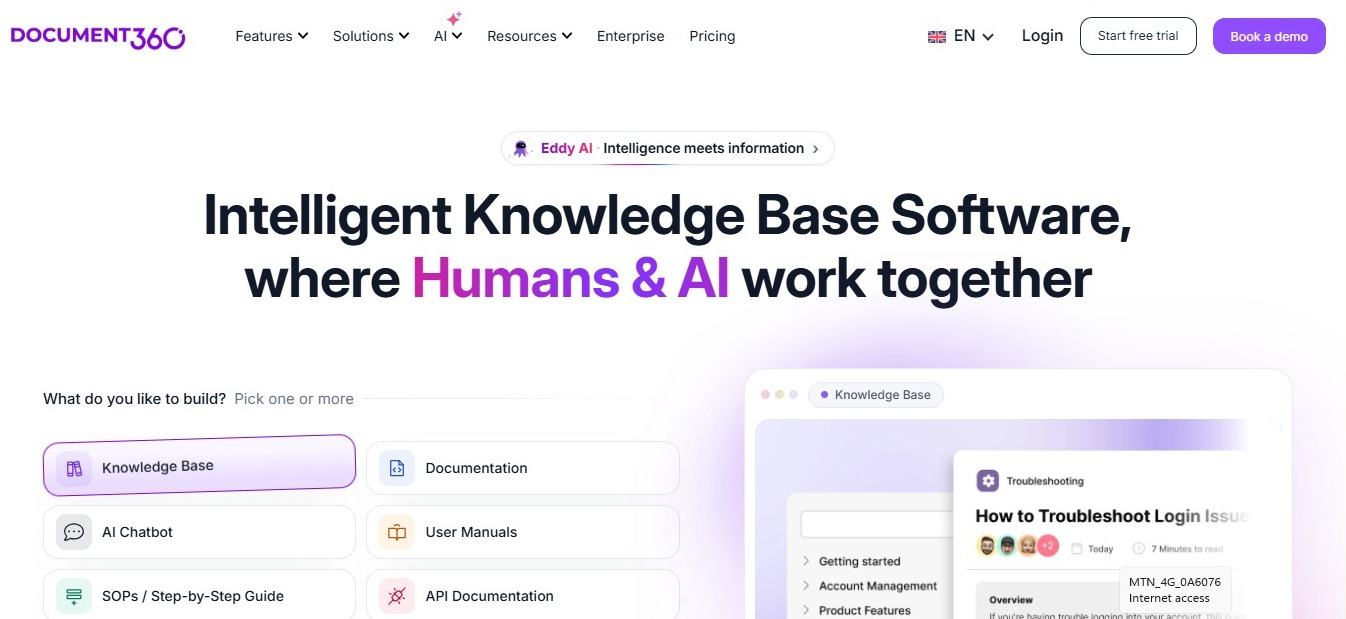
Document360 is a knowledge base platform for companies that need to organise a lot of information. Teams can use it to create internal documentation, employee resources, and customer help centres.
It may suit your team if you have a large collection of documents and want an easier way to organise, update, and search through them.
Organising a Large Knowledge Base with Document360
Document360 gives you several ways to organise and manage your team's information:
- Knowledge base editor: Write articles and group them into categories so employees can find information by topic.
- AI writing tools: Get help drafting and improving your documents.
- Search: Find information across your knowledge base.
- Analytics: See which articles people use and which ones may need updating.
- Translation support: Manage content for teams and readers who use different languages.
What You May Need to Consider
Document360 is a paid platform. The price depends on the plan and the services your organisation needs. It may offer more than a small team needs if all you want is a simple internal wiki. Document360 is also cloud-based, so you cannot host it on your own infrastructure.
2. Confluence
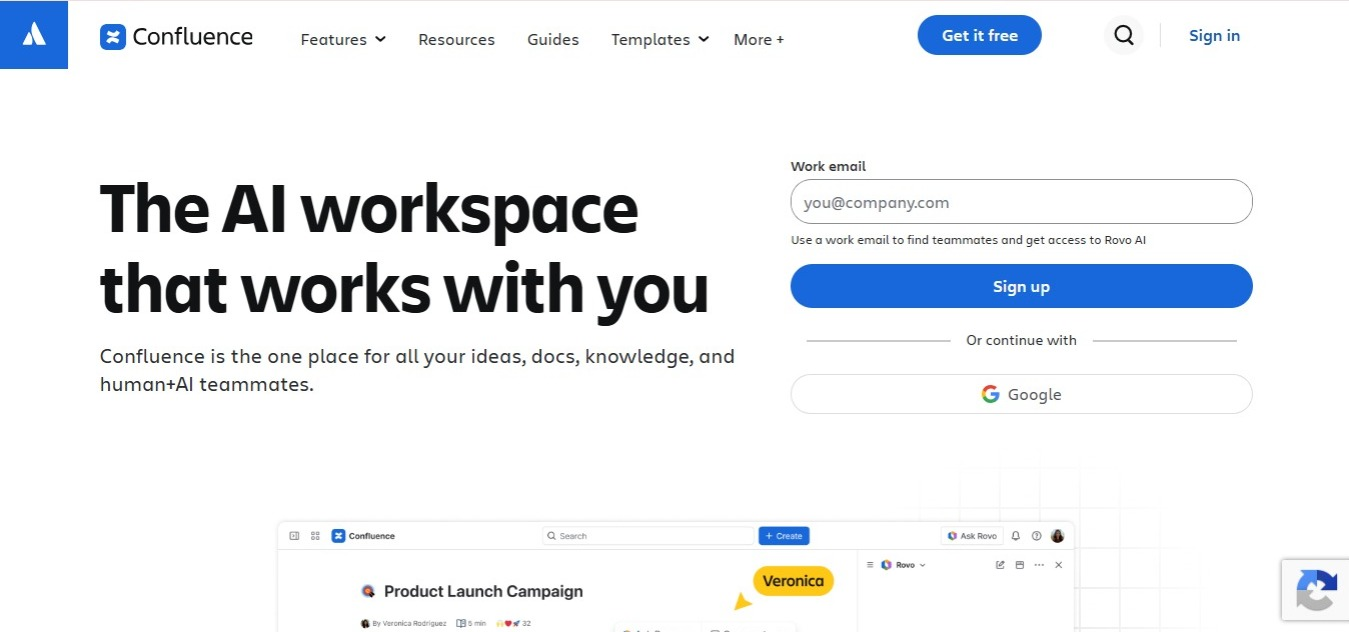
Confluence is Atlassian's documentation and collaboration platform. It works well for companies that already use Jira or other Atlassian products and want to keep project information and team documents together.
You can use it to create internal pages, organise project information, and connect documents to the work your team does every day.
Organising Team Documents with Confluence
With Confluence, teams can:
- Create team spaces: Keep documents for different departments, projects, and teams in separate spaces.
- Use page templates: Start with templates for meeting notes, project plans, decisions, and other common documents.
- Connect Jira work: Link documentation to Jira issues and project work.
- Set permissions: Choose who can view or edit spaces and pages.
- Work on pages together: Collaborate with colleagues and keep track of changes.
What You May Need to Consider
Confluence can be a good choice if your company already uses Atlassian tools, but if your team only needs a simple internal wiki, some of its wider project and collaboration options may be more than you need.
Other things to keep in mind:
- Confluence has a free plan for small teams.
- Paid plans add more capabilities and administrative controls.
3. Docmost
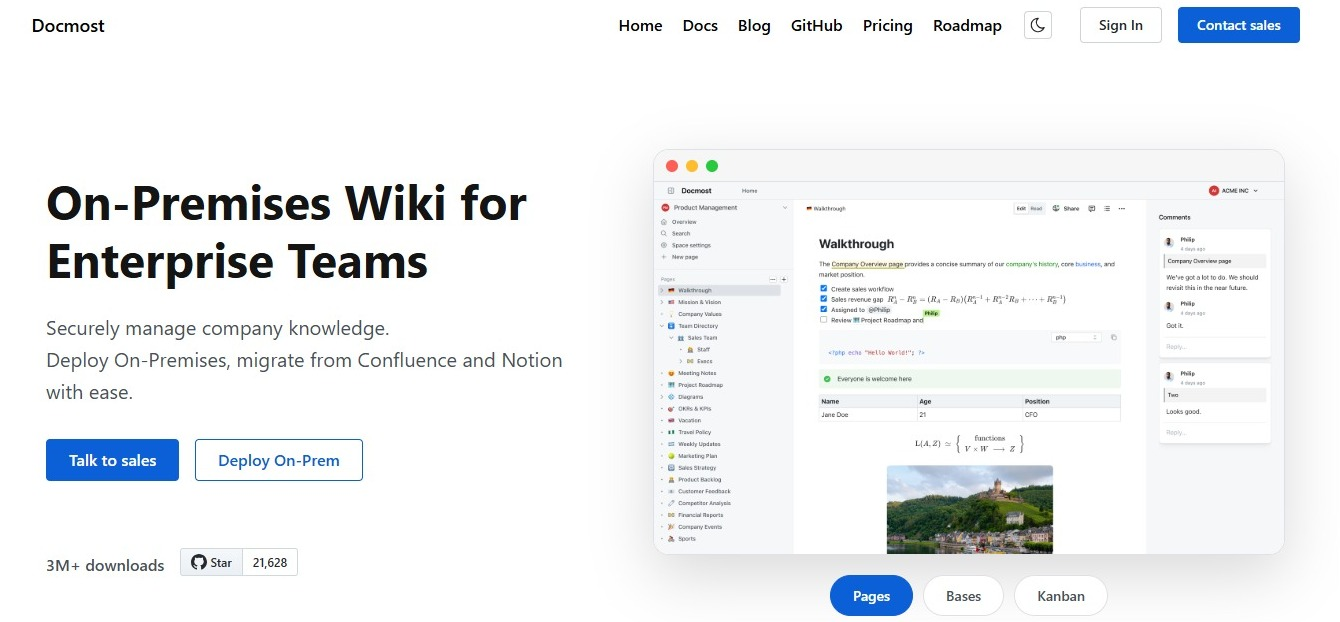
Docmost is an open-source wiki and documentation platform for teams that want one place for company information. You can host it on your own infrastructure or use its cloud option. It may suit your team if you want an internal wiki where colleagues can work together, organise documents into spaces, and control who has access.
Working Together on Documents with Docmost
Here are some of the ways your team can use Docmost:
- Real-time collaboration: Work on the same document with colleagues and see changes as they happen.
- Spaces and permissions: Group documents by department or project and control who can access them.
- Version history: Check earlier versions of a page when you need to review or restore previous content.
- Diagrams and drawings: Use Draw.io, Excalidraw, and Mermaid to explain processes and technical ideas.
- Self-hosting: Run Docmost on your own infrastructure, so your documents stay within systems you control.
- Confluence import: Move existing Confluence content into Docmost using the importer available on paid plans.
Docmost is open source under the AGPL-3.0 licence. The Community edition is free, while paid plans add capabilities such as SSO, page-level permissions, AI tools, and the Confluence importer.
What You May Need to Consider
When you host Docmost yourself, your organisation has more control over where its documents are stored. Your IT team will also be responsible for:
- Hosting and backups.
- Software upgrades.
- Security patches.
- Setting up and managing access controls, encryption, and data retention.
Docmost is built for team documentation and internal knowledge sharing. If your main need is a public API documentation portal for external developers, you may need another tool.
If you're comparing it with Confluence, see how Docmost and Confluence compare. Engineering teams can also read our guide to the best documentation tools for engineering teams for more options.
4. Notion

Notion brings documents, notes, databases, and project information together in one workspace. Teams can use it to create an internal knowledge hub and organise information around the way they work.
It may suit your team if you want the freedom to create different types of pages rather than follow a fixed wiki structure.
Organising Documents and Projects with Notion
Notion lets your team:
- Create documents and wikis: Write company guides, meeting notes, project updates, and internal policies.
- Build databases: Organise information in tables, boards, calendars, and other views.
- Use templates: Set up pages for onboarding, project planning, and team processes.
- Connect related information: Link pages and databases so employees can move between related documents.
- Work together: Share pages, leave comments, and edit documents with colleagues.
What You May Need to Consider
Notion gives teams a lot of freedom, but that can make a large workspace harder to organise. Without clear rules for creating and updating pages, employees may struggle to find the right information.
Other things to keep in mind:
- The free plan is useful for trying Notion, but its limits may affect your team as it grows.
- Paid plans add more capabilities and controls for teams.
If you're deciding between the two platforms, see how Docmost compares with Notion.
5. Helpjuice

Helpjuice is a knowledge base platform for companies that want to create and share information. Teams can use it to build internal knowledge bases for employees or help centres for customers.
It may suit your team if you want one place for your articles and a way to see how people use them.
Creating a Knowledge Base with Helpjuice
Helpjuice gives teams several ways to create and organise knowledge base content:
- Article editor: Write and format knowledge base articles.
- Search: Help employees and customers find information in the knowledge base.
- Analytics: See which articles people use and identify content that may need updating.
- AI-powered search: Help users find answers across existing knowledge base content.
- Content organisation: Group articles into categories so people can browse them more easily.
What You May Need to Consider
Helpjuice is a paid platform, so it may not suit teams looking for a free documentation tool. It also focuses on knowledge bases. If your team wants a more flexible workspace for project notes, databases, and internal documents, Notion may be a better fit.
If you're considering moving away from Helpjuice too, see our guide to the best Helpjuice alternatives.
6. Bloomfire

Bloomfire helps employees find information across company documents and other content. It is designed for organisations where useful information is spread across documents, presentations, videos, and other resources.
It may suit your organisation if employees often have trouble finding information because it is stored in different places.
Finding Company Information with Bloomfire
Bloomfire gives employees different ways to find and share company information:
- AI-powered search: Search across different types of company content to find relevant information.
- Search across documents: Find information in documents, PDFs, videos, and other resources.
- Knowledge sharing: Give employees a place to contribute information and share what they know.
- Company information in one place: Bring company resources together so employees have one place to search.
- Tools for larger organisations: Manage knowledge sharing across larger organisations and teams.
What You May Need to Consider
Bloomfire is designed for larger organisations with wider knowledge management needs. It may be more than a small team needs if all you want is an internal wiki. Bloomfire also uses quote-based pricing, so you'll need to contact the company to find out how much it would cost for your organisation.
Which Archbee Alternative Should You Choose?
The best choice depends on what your team needs from its documentation platform.
Here's a quick way to narrow down the options:
- Document360: Choose it if you need a structured knowledge base with writing tools, search, analytics, and content management.
- Confluence: Choose it if your company already uses Jira and other Atlassian products.
- Docmost: Choose it if you want an open-source wiki with self-hosting and real-time collaboration.
- Notion: Choose it if you want a flexible workspace for documents, databases, and project information.
- Helpjuice: Choose it if you need a dedicated knowledge base for employees or customers.
- Bloomfire: Choose it if your organisation needs to search through a large collection of company information.
Before you decide, think about how your team works every day.
Ask yourself:
- Can employees find the documents they need?
- Can the right people access and update those documents?
- Can colleagues work together without getting in each other's way?
- Do you need to host your documents yourself?
- Are you paying for things your team does not use?
Your answers will help you choose a tool that fits the way your team works. For a wider comparison of internal wiki platforms, see our guide to internal wiki alternatives.
Free Archbee Alternatives
If you want to move away from Archbee without paying for another subscription straight away, here are three options to consider:
- Docmost Community: A free, open-source edition for teams that want to host their own wiki. It includes core documentation and collaboration capabilities.
- Confluence Free: A free plan for small teams that want to organise pages and work with other Atlassian tools.
- Notion Free: A way to create documents, notes, and databases, although its limits may matter as your team grows.
Document360, Helpjuice, and Bloomfire are mainly paid options, so they may not be the first tools to consider if you need a free plan.
Before choosing a free tool, check:
- How many people can use the plan.
- How much storage is included.
- Which permissions are available.
- Whether you can export your documents.
- Which services are only available on paid plans.
A free plan may cover what your team needs now, but check what happens when you need more users, storage, or capabilities. For more options, compare the best free wiki and documentation tools for startups.
Open-source Archbee Alternatives on GitHub
If you're searching GitHub for an Archbee alternative, you may be looking for software you can inspect, host yourself, or adapt to your organisation's needs.
Docmost is one option. It is open source under the AGPL-3.0 licence and supports self-hosting, real-time collaboration, spaces, and page permissions.
When looking at open-source documentation tools on GitHub, check:
- Licence: Read the licence to understand how your organisation can use the software.
- Hosting: Check whether you can run it on your own infrastructure.
- Project activity: Look for recent updates, bug fixes, and security work.
- Collaboration: Make sure it supports the way your team creates and edits documents.
- Permissions: Check how you can control access to spaces and pages.
- Import and export: Find out how to move your existing documents into the tool and take them with you later.
An open-source licence gives you access to the software's code, but that doesn't tell you everything about the project. Check that it has what your team needs and is still being maintained.
Moving From Archbee to Another Tool
Before moving your documents, take some time to review what your team has in Archbee and decide how you want to organise everything in the new platform.
These steps can help you get started:
- Review your documents: List the pages your team uses, such as onboarding guides, runbooks, policies, and project documents. Remove anything you no longer need.
- Check the import options: Find out whether the new tool can import your existing content or whether you'll need to move pages yourself.
- Plan the new structure: Decide how to organise documents by team, department, or topic before moving everything.
- Check access permissions: Make sure the right people can view and edit each section.
- Test with a small group: Move a few documents first and ask team members to check the formatting, links, and attachments.
- Tell employees where to find things: Once the new workspace is ready, share the link and explain where important documents have moved.
Keep Archbee available until your team has checked that all the documents it needs are in the new platform.
Frequently Asked Questions
- Is there a free alternative to Archbee?
Yes. Docmost Community, Confluence Free, and Notion Free are options to consider. Their plans and limits differ, so check which one supports your team's needs before moving your documents.
- What is the best open-source alternative to Archbee?
Docmost is an open-source option for teams that want a wiki they can host themselves. It supports real-time collaboration, spaces, and version history, while paid plans include additional enterprise capabilities.
- Can I use GitHub to find an Archbee alternative?
Yes. GitHub can help you find open-source documentation tools and check their code, licences, and project activity. Before choosing one, make sure it has what your team needs and is still being maintained.
- Can I use a wiki instead of an API documentation tool?
Yes, if your main goal is to manage internal company information. A wiki works well for runbooks, onboarding guides, policies, and team processes. But if you publish API references for external developers, choose a tool that supports that type of documentation.
Choosing a Documentation Tool for Your Team
Your documentation platform should make it easy for employees to create, share, and find the information they need. If your team mainly uses Archbee for internal documents, you may not need a tool built around public documentation and external portals.
Think about what your team uses every day, which capabilities it needs, and where you want your documents to live. Then choose the tool that fits those needs.
If you want an open-source wiki that you can host yourself or use in the cloud, get started with Docmost.