Best 10 Free Wiki And Documentation Tools For Startups In 2026
Compare 10 free wiki and documentation tools for startups on self-hosting, seat limits, and open-source status, so you know which "free" plan stays free.

TL;DR
- Most "free" wiki tools stop being free once a startup grows past a limit on seats, items, or features.
- This list separates tools that stay free at any team size from tools that only look free until your company grows.
- Docmost, BookStack, Wiki.js, and XWiki stay free at any size because they're self-hosted and open source.
- Notion, Confluence, GitBook, ReadMe, and Nuclino stop being free at a stage, and Outline's cloud plan isn't free at all past a 30-day trial.
Your team picks a wiki tool that works great. And because it's free, with all the needed features, everyone just accepts and uses it. But three months in, you hire your tenth person, and the tool sends you a seat-based invoice nobody budgeted for. This is normal with wikis. Most free wiki plans are built to hit their limit exactly when a startup starts hiring more teammates.
Free wiki and documentation tools for startups: quick comparison
|
Tool |
Self-hosted |
Free at any team size |
Open source |
Real-time collaboration |
|
Docmost |
Yes |
Yes |
Yes |
Yes |
|
BookStack |
Yes |
Yes |
Yes |
No |
|
Wiki.js |
Yes |
Yes |
Yes |
No |
|
XWiki |
Yes |
Yes |
Yes |
Limited |
|
Outline |
Yes, self-hosted only |
Yes, self-hosted only |
No, source-available |
Yes |
|
Notion |
No |
No, seat limit |
No |
Yes |
|
Confluence |
No |
No, 10-user limit |
No |
Yes |
|
GitBook |
No |
No, 1-user limit |
No |
Yes |
|
ReadMe |
No |
No, 1-admin limit |
No |
No, versioning instead of live editing |
|
Nuclino |
No |
No, 50-item/2GB limit |
No |
Yes |
Docmost
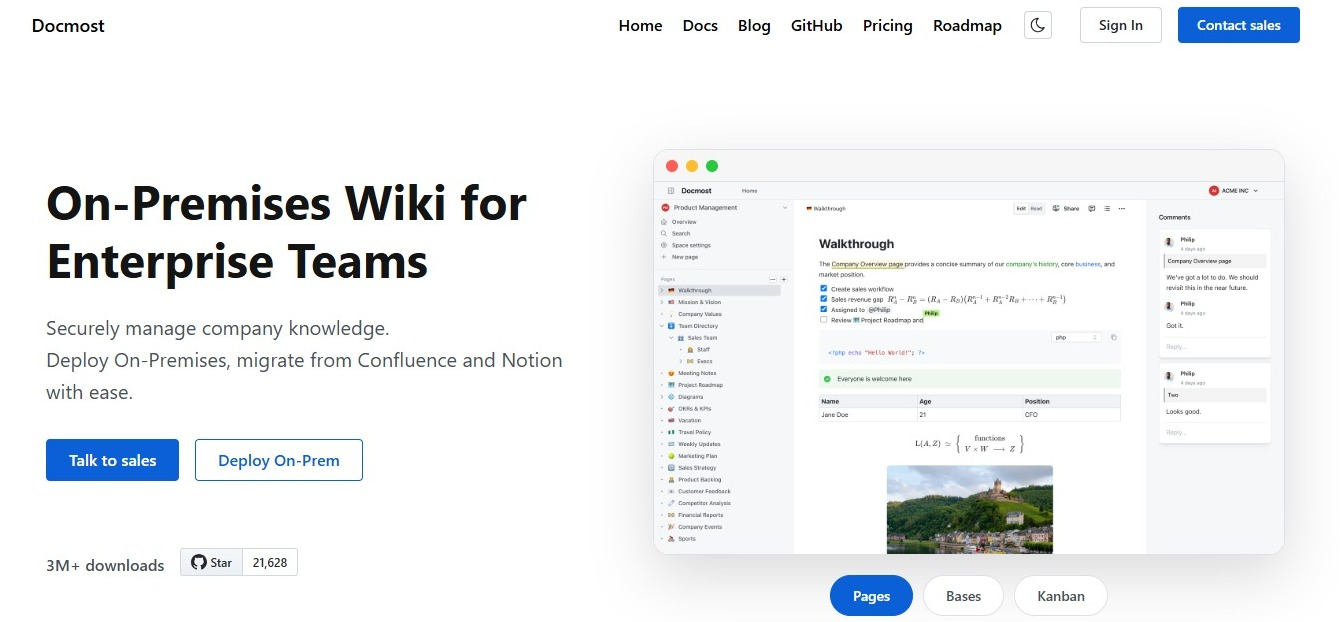
Docmost is a self-hosted, open-source wiki and documentation platform. It's licensed under AGPL-3.0, so the code is open to inspect, and there's no separate paid version hiding features behind a license key.
Free vs. paid features
|
Feature |
Community (free) |
Business |
|
Real-time collaborative editing |
Yes |
Yes |
|
Diagrams (Draw.io, Excalidraw, Mermaid) |
Yes |
Yes |
|
Basic Confluence, DOCX, and PDF import |
Yes |
Yes |
|
Full-fidelity Confluence importer (preserved formatting, hierarchy, attachments) |
No |
Yes |
|
Templates |
No |
Yes |
|
SSO / SAML / OIDC / LDAP |
No |
Yes |
|
REST API |
No |
Yes |
|
AI chat, writing assistant, and AI search |
No |
Yes |
|
Priority support |
No |
Yes |
Who it's best for
Docmost is the only tool on this list that checks all four boxes: self-hosted, free at any team size, open source, and built for real-time collaboration.
- The Community edition doesn't limit users or spaces, so a startup doesn't outgrow it the way it outgrows a seat-based plan.
- Running it yourself also means your data never leaves infrastructure you control, and you're the one defining your compliance posture (access controls, encryption, retention) instead of inheriting a vendor's. Hosting, backups, upgrades, and security patching fall to your IT team.
If your team is currently using Notion as a stand-in wiki, see how the two compare in Docmost vs Notion.
BookStack
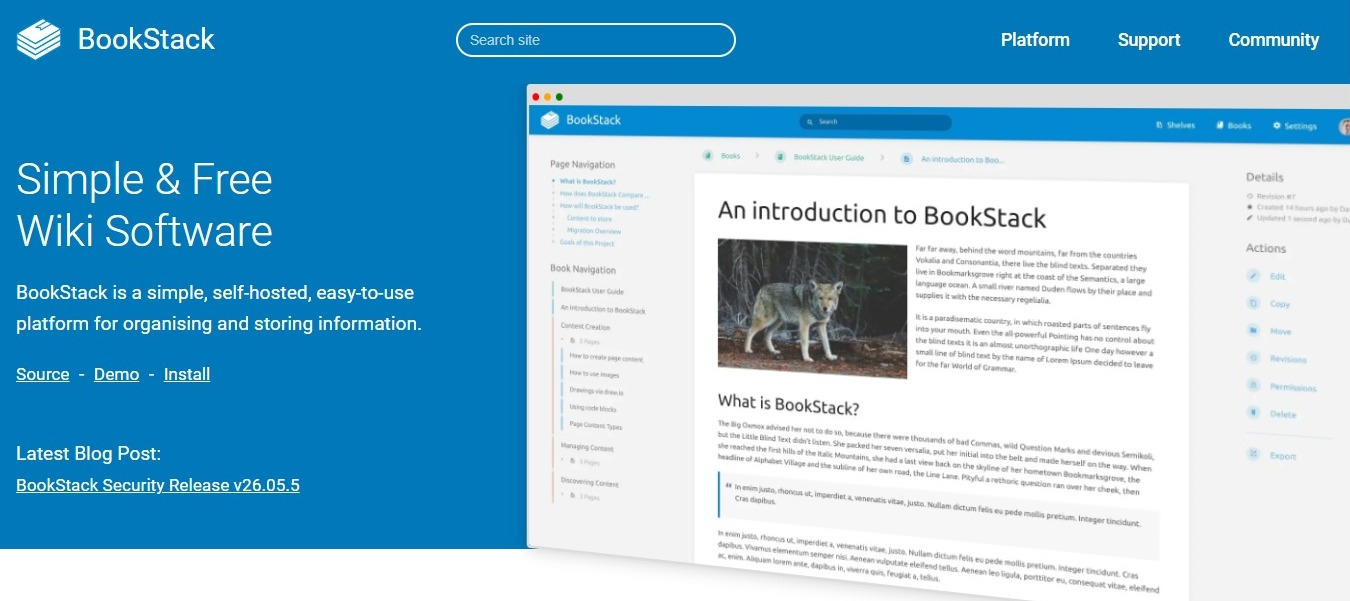
BookStack is a free, open-source, self-hosted wiki that organizes content into shelves, books, and pages.
Free vs. paid features
Free features:
- Full WYSIWYG editor, or a Markdown editor with live preview if you prefer writing in Markdown
- OIDC, SAML2, and LDAP authentication built in, plus multi-factor authentication (TOTP or backup codes)
- Built-in diagrams.net support for drawing diagrams directly in pages
- Full-text search across books, chapters, and pages, plus page revision history
Paid features:
- None. BookStack doesn't sell a paid plan.
Who it's best for
This works well for a startup that wants simple, hierarchical documentation and is comfortable self-hosting. The one thing you give up is real-time co-editing because two people can't work on the same page at the same time.
Read the full breakdown in Docmost vs BookStack, or see more options in Top 5 alternatives to BookStack.
Wiki.js
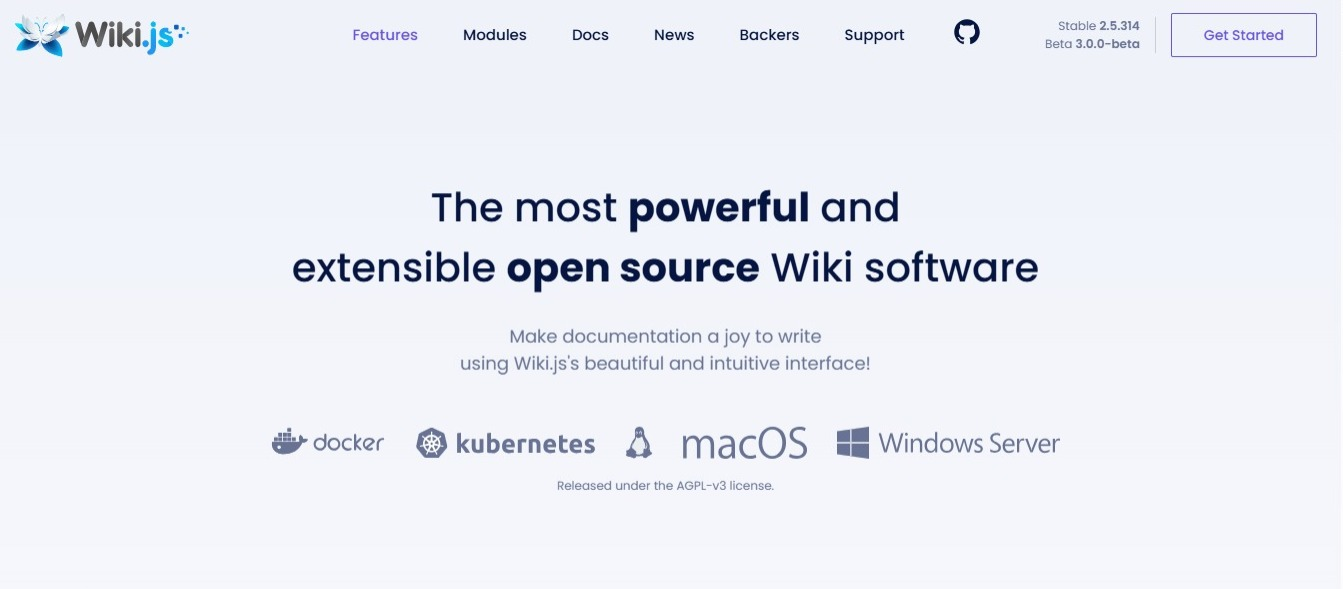
Wiki.js is a free, open-source, self-hosted wiki engine built on Node.js.
Free vs. paid features
Free features:
- Choice of Markdown, visual WYSIWYG, or plain HTML editors
- Enterprise-grade authentication built in for free: LDAP, SAML, CAS, Auth0, Okta, Azure AD, OAuth2, and OpenID Connect, plus two-factor authentication
- Full version history, including the ability to compare two versions side by side
- Built-in diagrams (UML, flowcharts, sequence diagrams) and math expression rendering
Paid features:
- None. There's no paid plan gating features.
Who it's best for
This is good for a startup that wants a free self-hosted wiki and doesn't need people editing the same page together in real time. Two editors working on the same page just need to coordinate instead of typing at once.
Compare it directly in Docmost vs Wiki.js.
XWiki
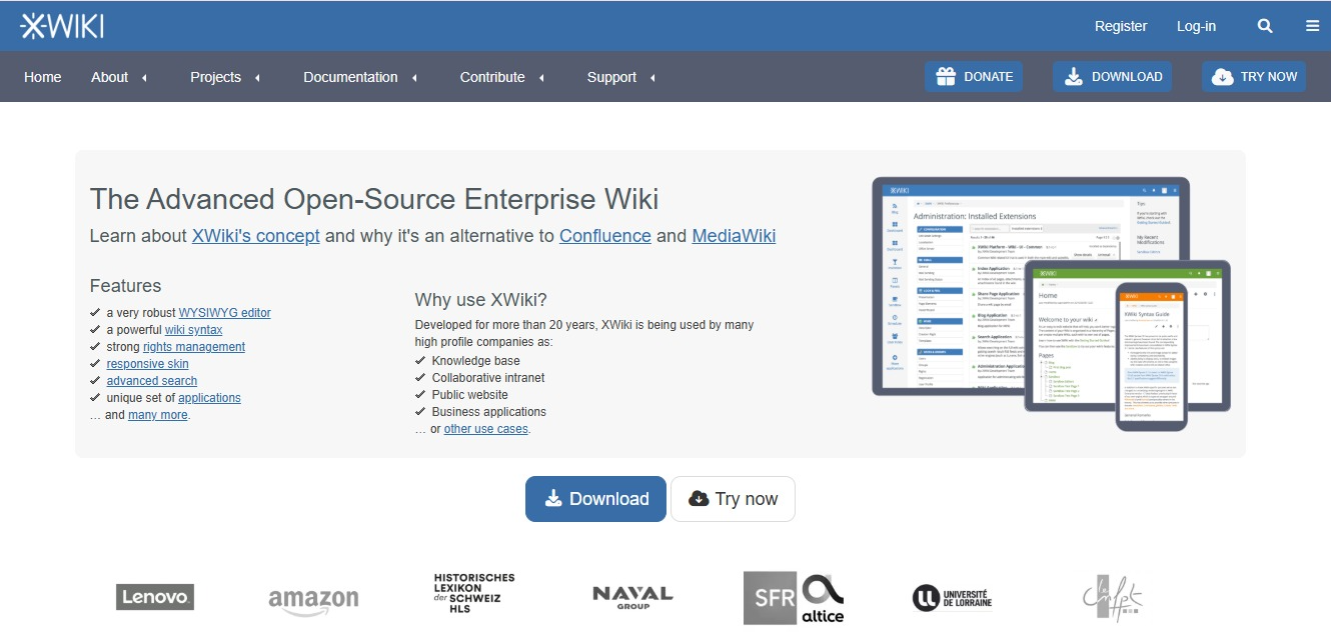
XWiki is an open-source, self-hosted wiki built for structured data and custom internal apps.
Free vs. paid features
Free features:
- Programming API (Velocity or Groovy) and the App Within Minutes tool, for building structured, custom applications on top of your wiki
- Full version history, with page comparison and rollback to any previous version
- LDAP and custom authentication, with rights management down to individual pages or whole wikis
- Office, Excel, and CSV import, plus export to PDF, ODT, RTF, or HTML
Paid features:
- Cloud hosting and support through XWiki SAS. This is an optional service on top of the free edition, not a feature gate, and running the Community edition yourself costs nothing.
Who it's best for
A technical startup that wants to build small internal apps on top of its wiki gets the most out of XWiki. Real-time collaboration is limited compared to a purpose-built editor like Docmost's.
See the full comparison in Docmost vs XWiki.
Outline
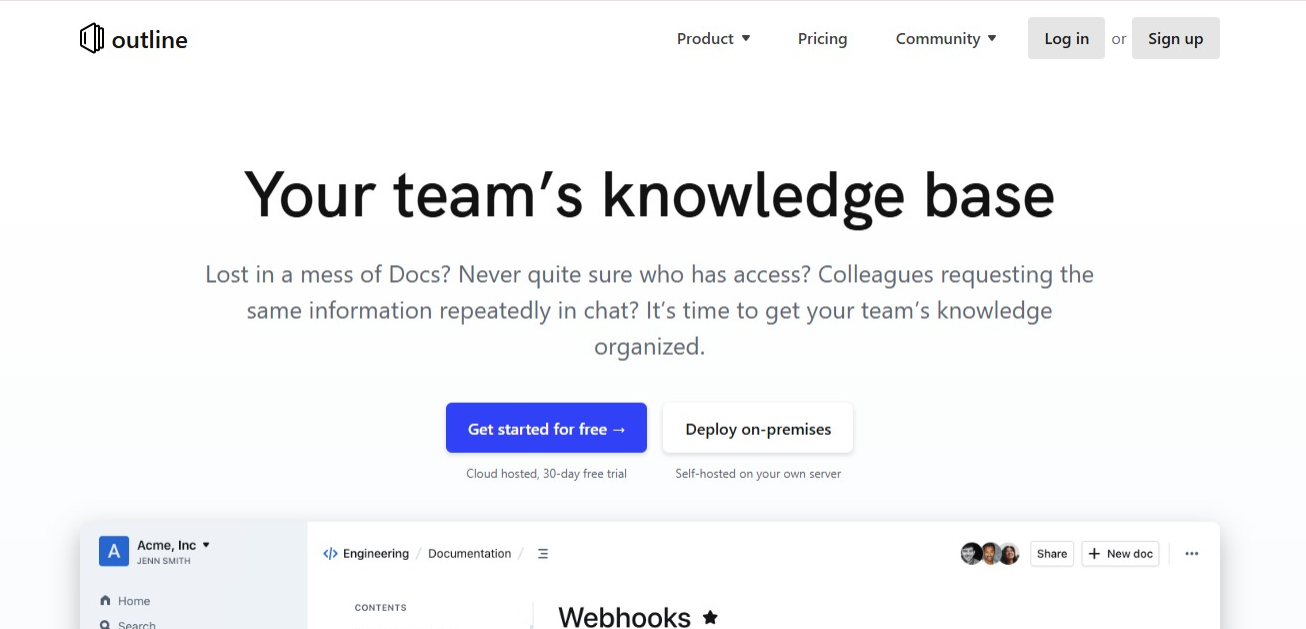
Outline is a wiki with a clean editor and real-time collaboration, available either self-hosted or through Outline's cloud service.
Free vs. paid features
Free features:
- Markdown editor with slash commands and interactive embeds
- Real-time collaborative editing, with comments and threads
- Read/write permissions, user groups, and guest users
- 20+ integrations (Slack, Figma, Loom, and more), plus an open API
Paid features:
- Outline's Cloud plan hosts the same product for you, priced by team size:
- $10/month for up to 10 members
- $79/month for up to 100
- $249/month for up to 200
- New teams get a 30-day trial, and once it ends, the workspace goes read-only until a payment method is added.
Who it's best for
A good editor experience if your startup is fine self-hosting and doesn't need a fully open-source license. The self-hosted edition runs on a Business Source License instead of a standard open-source one, so it's source-available, not open source like Docmost, BookStack, Wiki.js, or XWiki. So, if open source matters to you specifically, check the license terms before you commit.
Compare the two directly in Docmost vs Outline, or see more picks in Top 6 Outline alternatives.
Notion
Notion is a cloud workspace that combines docs, a wiki, and lightweight project planning in one interface.
Free vs. paid features
Free features:
- A trial of Notion AI
- Basic forms and basic sites
- Notion Calendar
- Databases with subtasks, dependencies, and custom properties
Paid features:
- Custom forms and custom sites
- Unlimited charts
- Unlimited collaborative blocks
- Unlimited file uploads
- Basic integrations with Slack, Gmail, and Google Drive
Who it's best for
Fine for a solo founder or a two-person team testing an idea. You realize how expensive the seat-based cost is the moment hiring starts, since each new person adds to the bill.
See the full picture in Docmost vs Notion.
Confluence
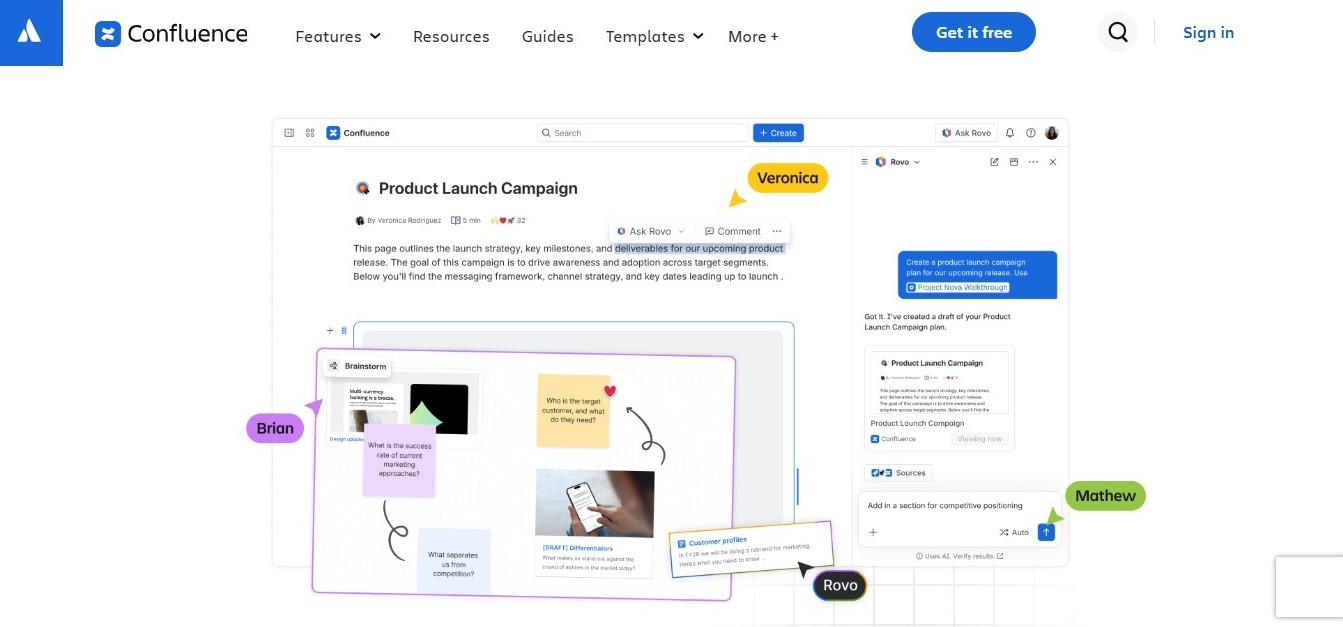
Confluence is Atlassian's team wiki, built to integrate closely with Jira.
Free vs. paid features
|
Feature |
Free |
Standard |
|
Users |
Up to 10 |
Up to 250,000 per site |
|
Storage |
2GB |
250GB |
|
Guest access |
Not included |
Free, up to 5 guests per paid user |
|
AI (Rovo Search, Chat, Agents) |
No |
Yes |
Who it's best for
This works for a very early startup under 10 people, especially one already using Jira.
Read the full comparison in Docmost vs Confluence.
GitBook
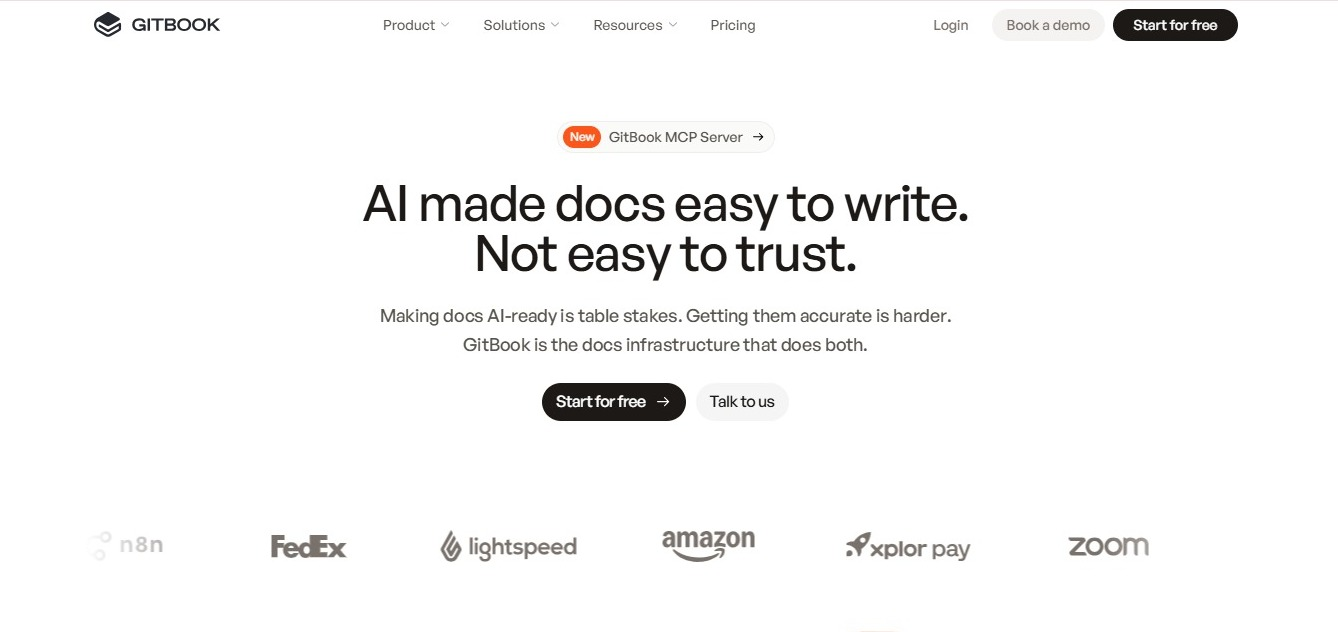
GitBook is a cloud documentation platform built for developer and API docs.
Free vs. paid features
|
Feature |
Free (Basic) |
Premium |
|
Users |
1 |
Unlimited, $12/user/month |
|
Custom domain |
No |
Yes |
|
AI search (Ask) |
No |
Yes |
|
Monthly price |
$0 |
$65/site + $12/user |
Who it's best for
GitBook is best for a solo developer publishing personal docs. But not so good for even a two-person team, since the free plan is limited to one user.
See the differences in Docmost vs GitBook.
ReadMe is an API documentation platform built for developer-facing docs.
Free vs. paid features
|
Feature |
Starter (free) |
Pro |
|
Published versions |
1 |
Unlimited |
|
Admins |
1 |
5, plus $20 per additional admin |
|
Custom domain |
Yes |
Yes |
|
Team collaboration (invite teammates, multiplayer editing) |
No |
Yes |
|
AI assistant (Ask AI) |
No |
Yes |
|
Monthly price |
$0 |
$250, billed annually |
Who it's best for
- The free Starter plan works for a solo developer publishing a single API's documentation.
- It's more generous than GitBook's free plan because custom domains are included.
- The limit is the same as GitBook's. There's no way to add a second person to the team on the free plan, so it stops working the moment more than one person needs to write docs.
Nuclino
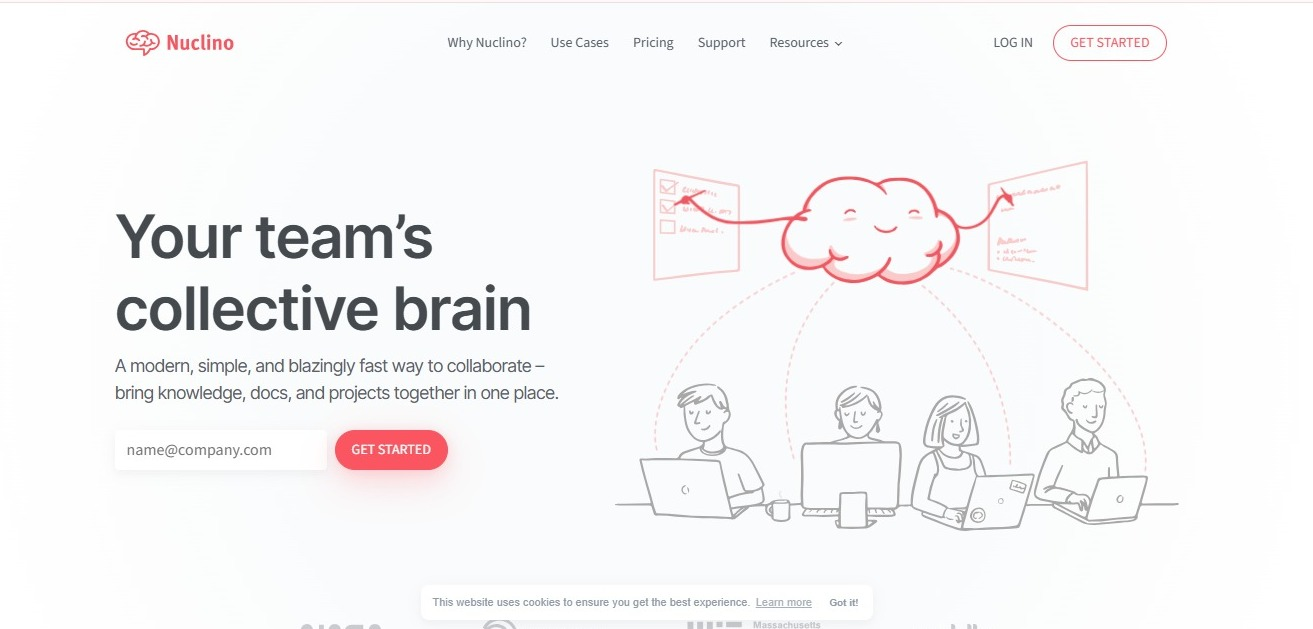
Nuclino is a lightweight cloud wiki with visual graph-view organization.
Free vs. paid features
|
Feature |
Free |
Starter |
|
Items |
50 |
Unlimited |
|
Canvases |
3 |
Unlimited |
|
Storage |
2GB total |
10GB per user |
|
Version history |
Not included |
30 days |
|
Members |
Unlimited |
Unlimited |
Who it's best for
The limit here is content volume, not people. A small team can add unlimited members for free but once it passes 50 items or 2GB of storage, it's over. And that happens faster than it sounds when a startup is documenting onboarding, processes, and product decisions in the same place.
Compare it directly in Docmost vs Nuclino.
What is the best free wiki tool for startups?
- If you want the only tool here that's free, self-hosted, open source, with real-time editing all at once, use Docmost.
- If you want a simple wiki with zero paywall, use BookStack or Wiki.js.
- If you're building custom internal apps on top of your wiki, use XWiki.
- If you want the best editor and don't mind a source-available license, use Outline.
- If you're a solo founder just testing an idea, use Notion.
- If you're under 10 people and already in the Atlassian ecosystem, use Confluence.
- If you're a solo developer publishing API docs, use GitBook or ReadMe.
- If unlimited team members matter more to you than unlimited storage, use Nuclino.
Frequently asked questions
- Is Docmost free to use?
Yes. The Community edition is free, open source, and doesn't limit users or spaces. Paid Business features focus on SSO, the REST API, and AI tools, not on core wiki functionality.
- Is Notion free for a startup team?
For a very small team, yes. Notion's free plan works for an individual or a couple of people testing an idea, but paid plans price per seat once you start hiring.
- Is Confluence free for a startup team?
Yes, up to 10 users. Past that, you need a paid Standard plan, which also adds guest access and Confluence's AI features.
- Is GitBook free for a startup team?
Only for one person. GitBook's free plan is limited to a single user with no custom domain, so it stops working the moment a second person needs to write or edit docs.
- Does ReadMe have a free plan?
Yes, called Starter. It covers one project and one published API version, with a single admin and no option to invite teammates. It's built for a solo developer, not a team.
- How can I migrate from Confluence?
Export your Confluence spaces, then import them into your new tool. Docmost includes a basic Confluence importer on the free Community plan, and a full-fidelity importer that preserves formatting, hierarchy, and attachments on the paid Business plan.
- Which wiki tool can import from Confluence?
Docmost is the one confirmed here, with a basic Confluence importer on its free plan and a full-fidelity version on its paid plan, preserving formatting, hierarchy, and attachments.
- Do I need IT staff to self-host a wiki?
Not necessarily. Tools like Docmost are built to run from a single Docker command, and day-to-day maintenance is closer to updating an app than running a server from scratch. You will need someone comfortable with basic server upkeep, backups, and updates.
- What is the best free wiki tool for a startup?
Docmost is the only tool in this list that's free, self-hosted, open source, and built for real-time collaboration all at once, which is why it comes out ahead for most startups. The right pick still depends on your setup, so see the breakdown above.
Ready to try the best free wiki tool for your startup?
Contact sales to talk through your team's setup, or explore the comparisons above to see how Docmost compares to the tool you're using today.