Best 6 Documentation Tools for Engineering Teams
Compare 6 documentation tools for engineering teams on editing, hosting, versioning, and pricing to find the right fit for your runbooks and docs.

TL;DR
- Engineering docs come in different types, such as runbooks, ADRs (short notes on a technical decision and why you made it), onboarding guides, and API references. No single tool fits all of them.
- This post compares Docmost, Confluence, GitBook, Notion, Docusaurus, and Read the Docs.
- Wiki tools suit internal docs that many people edit. Docs-as-code tools suit versioned docs that are stored in a repo (the place where your team keeps its code).
- Docmost is the only tool here that's open source, self-hosted, and built for real-time editing.
- The "How to Choose" section near the end matches each tool to a team setup.
Your senior architect just gave notice. Someone asks where the billing service design is written down, and your stomach drops, because you already know the answer. Part of it is in a wiki page from two years ago, part is in a pull request, and most is in their head.
If that sounds like your team, it isn't because anyone was lazy. It's just that writing docs takes time nobody has during a release, and a page that's hard to find or tedious to update gets skipped, even by careful engineers. What helps is a tool people open on a normal day, where every page has an owner and a history.
Which one fits depends on what your team writes and who does the writing.
Quick Comparison of Engineering Documentation Tools
|
Tool |
Best For |
Editing Model |
Hosting |
Starting Price |
|
Docmost |
Internal engineering wiki |
Browser editor, real-time |
Self-hosted |
Free community edition |
|
Confluence |
Teams on Jira |
Browser editor |
Cloud |
Free up to 10 users |
|
GitBook |
Public developer docs |
Visual editor plus Git Sync |
Hosted |
Free for one user |
|
Notion |
Docs plus databases |
Browser editor |
Hosted |
Free plan available |
|
Docusaurus |
Versioned docs sites |
Markdown and MDX in a repo |
You host the site |
Free (MIT) |
|
Read the Docs |
Building and hosting docs from a repo |
Builds from your Git repo |
Hosted |
Free for open source only |
Pricing details are in each tool's section below.
What Engineering Teams Need From a Documentation Tool
Engineering teams write several kinds of documents, and each one needs something different from a tool. For example, a runbook has to be found in seconds during an incident, while an ADR, which records what the team decided and why, needs a visible history of changes. And an API reference has to follow your releases.
Match the Tool to the Document Type
Start with the document, then pick the tool. The table below sorts common engineering documents by what they need.
|
Document Type |
What It Needs |
Tool Type That Fits |
|
Runbooks and incident docs |
Fast search, clear ownership |
Wiki (Docmost, Confluence) |
|
ADRs and design docs |
Version history, comments |
Wiki (Docmost, Confluence, Notion) |
|
Onboarding guides |
Nested pages, search |
Wiki (Docmost, Notion, Confluence) |
|
API and SDK references |
Versioning, builds from code |
Docs-as-code or hosted docs site (Docusaurus, Read the Docs, GitBook) |
|
Public developer docs |
Branded site, search |
Docs-as-code or hosted docs site (GitBook, Docusaurus, Read the Docs) |
Wiki or Docs-as-Code: Which Is Better for Engineering Teams?
Neither wins every time. It depends on who writes your docs. A wiki is a set of linked pages that people write and edit in the browser. Docs-as-code means writing docs with the same tools developers use for code: text files (usually written in Markdown, a simple way to format plain text), Git (a tool for tracking changes to code), and pull requests (the review step before a change goes out).
- Wiki: Anyone writes in the browser, which suits mixed teams.
- Docs-as-code: Docs ship through pull requests, which suits docs the engineers own.
One benefit of docs-as-code is that your team can block a new feature from going into the code until its docs are written, which encourages developers to write about it while it's fresh.
However, docs-as-code gets harder once product, support, or operations need to contribute regularly.
Keeping Engineering Docs Current
Documentation describes a system that changes with every release, so pages go out of date unless somebody is responsible for them.
- Name an owner for each space or section.
- Use version history to see what changed and restore an earlier version.
- Agree on how often each area gets reviewed, and put that on the page.
For the full process, see how to assign page owners and review dates in a wiki.
How We Picked These 6 Tools
We compared each tool on six points. The first is the editing model: who can edit pages, and whether they need to know Git. Because Git is built for engineers, a tool built around it can shut out teammates who don't use it.
The other five are hosting and data control, versioning and history, search, AI and MCP access, and pricing transparency. Each tool's section covers the basics, and a side-by-side comparison follows the six tools.
The 6 Best Documentation Tools for Engineering Teams, Compared
1. Docmost: Best for Engineering Wikis on Your Own Infrastructure
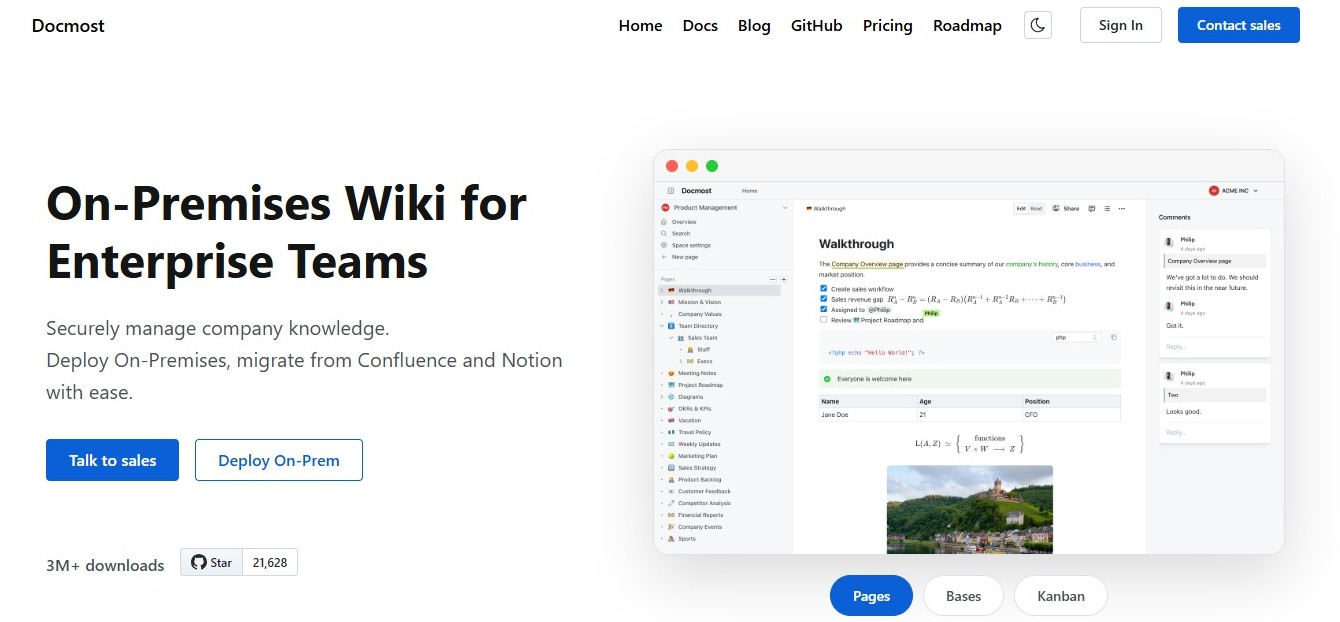
Docmost is an open source wiki and documentation platform that you run on your own servers. It's built for teams that write together, so two engineers can work in the same runbook and see each other's changes as they type.
- Real-time editing and inline comments: Review a design doc on the page itself, with each comment attached to the text it's about.
- Page history that shows what changed: See what changed on a page and restore an earlier version.
- Diagrams: Draw.io, Excalidraw, and Mermaid work inside the editor, so an architecture sketch can go on the same page as the text around it.
- Code blocks: Paste code with syntax highlighting.
- Spaces, groups, and permissions: Give each team or service its own space and control who can read and edit.
- Backlinks: The page details panel shows backlinks, so you can see which pages link to the one you're reading.
- Markdown and HTML import and export: Bring existing docs in, or copy a page out as Markdown.
- Paid edition: Adds single sign-on (SSO, one company login), AI, MCP, API keys, page-level permissions, and the Confluence importer.
MCP is a standard way for AI tools to connect to other apps. In the paid edition, it lets AI tools such as Claude and Cursor search, read, create, and update pages in Docmost.
You can read how to connect your wiki to Claude, ChatGPT, or Cursor with MCP.
Here's what running Docmost yourself means:
- Data never leaves infrastructure you control.
- You define your own compliance posture (access controls, encryption, retention) instead of inheriting a vendor's.
- Hosting, backups, upgrades, and security patching become your IT team's responsibility.
Pricing: The community edition is free and open source (AGPL-3.0). See the Docmost pricing page for current prices.
Best for: Runbooks, ADRs, and onboarding guides for teams that want control over where their docs are stored.
Pairs with: A docs-as-code tool for public API references. Docmost can also share pages publicly.
If you use Atlassian tools today, see how Docmost compares to Confluence.
2. Confluence: Best for Teams Already Working in Jira
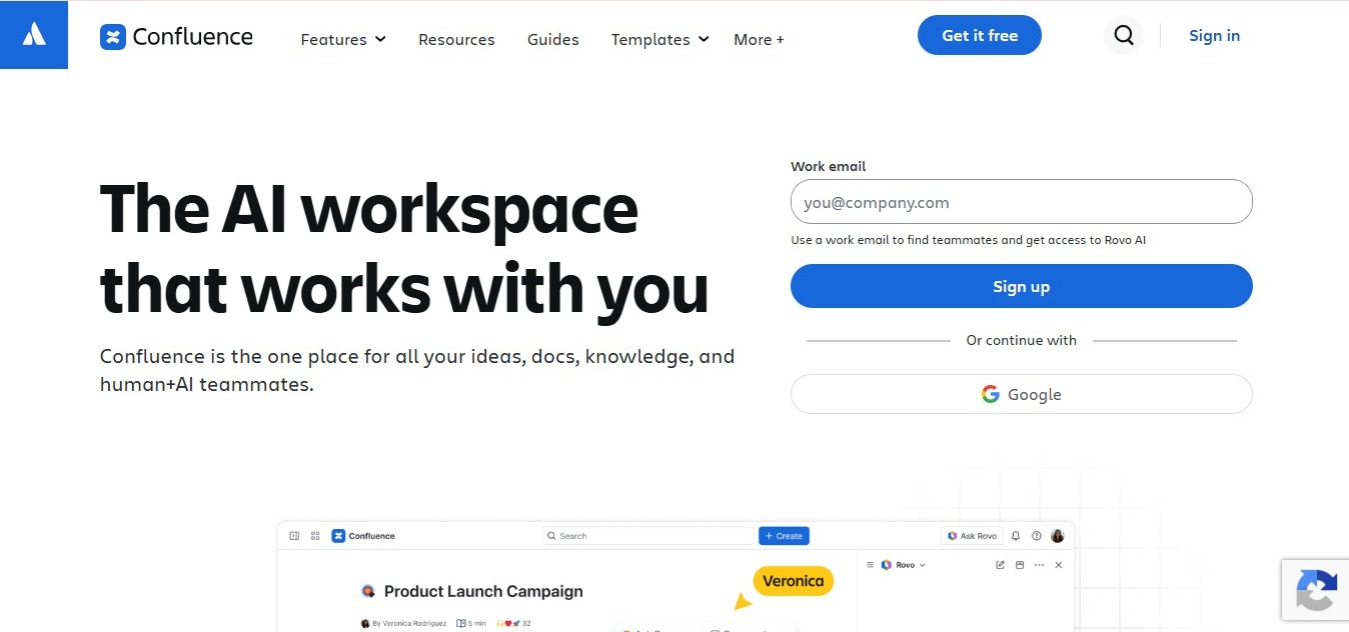
Confluence is Atlassian's team wiki. Its main draw for engineering teams is how closely it works with Jira, so a spec or runbook can be right beside the tickets it relates to.
- Jira integration: Docs and tickets can reference each other.
- Page trees and spaces: Organize docs by team or project.
- Templates: Start common documents from a ready-made layout.
- Version history with page comparison: Compare two versions of a page.
- Whiteboards on Cloud: Sketch flows alongside written docs.
Pricing: Free for up to 10 users, with paid plans priced per user per month.
Watch for: Self-hosting now means Data Center, which Atlassian has closed to new customers and is retiring. If you run it today, the guide to Confluence Data Center end of life explains what that means for your team.
If you're moving off Confluence, see how Docmost compares to it feature by feature.
3. GitBook: Best for Public Developer Docs With Git Sync
GitBook is a documentation platform for technical teams. It pairs a visual editor built from blocks with Git Sync, so engineers can work in a repo while other contributors write in the browser.
- Git Sync: Connects to GitHub or GitLab.
- Visual editor built from blocks: Contributors don't need Git to edit.
- API playgrounds: Readers can try API calls right in the docs.
Pricing: Free for one user. Essential is $65 per site per month and Ultimate is $249 per site per month, plus $12 per extra user, all on annual billing.
Watch for: Billing is per site, so costs add up if you maintain several doc sites. The Free plan has one user, and editing together with teammates starts on Essential.
See how Docmost compares to GitBook, or browse GitBook alternatives if you're still deciding.
4. Notion: Best for Docs Next to Databases

Notion is a hosted workspace that combines documents and databases, so you can keep a spec and the table that tracks its work in one place.
- Databases and templates: Track features or initiatives next to the docs that describe them.
- Real-time editing and page history: Several people can write in a page, and earlier versions are available.
- Business plan extras: Adds SAML SSO and "Verify any page." Verifying a page marks it as trusted and up to date, and Notion reminds the owner to review it when the verification runs out.
Pricing: Free, Plus at $10 per member per month, and Business at $20 per member per month.
Watch for: Notion is hosted only, and your docs are kept in the Notion workspace, not next to your code. The Free plan is meant for individuals and limits how much a team can add.
See how Docmost compares to Notion if data location matters to you, or read the full Notion vs Confluence comparison.
5. Docusaurus: Best for Versioned Docs Sites Built From Markdown
Docusaurus is an open source site generator that turns Markdown files into a documentation website. Your docs are stored as files next to your code, so your team can review doc changes before they go out, just like code changes.
- Markdown and MDX: Write in Markdown and MDX (Markdown that can hold React components).
- Built-in versioning: Keep docs for older releases available beside the current ones.
- Multiple languages: You can publish your docs in more than one language.
- Search: Not built in. You add Algolia DocSearch or a community search plugin.
Pricing: Free and open source (MIT). You host the built site.
Watch for: Contributors need Git and Markdown.
For more options that run on your own infrastructure, see our list of self-hosted documentation tools.
6. Read the Docs: Best for Building and Hosting Docs From Your Repo
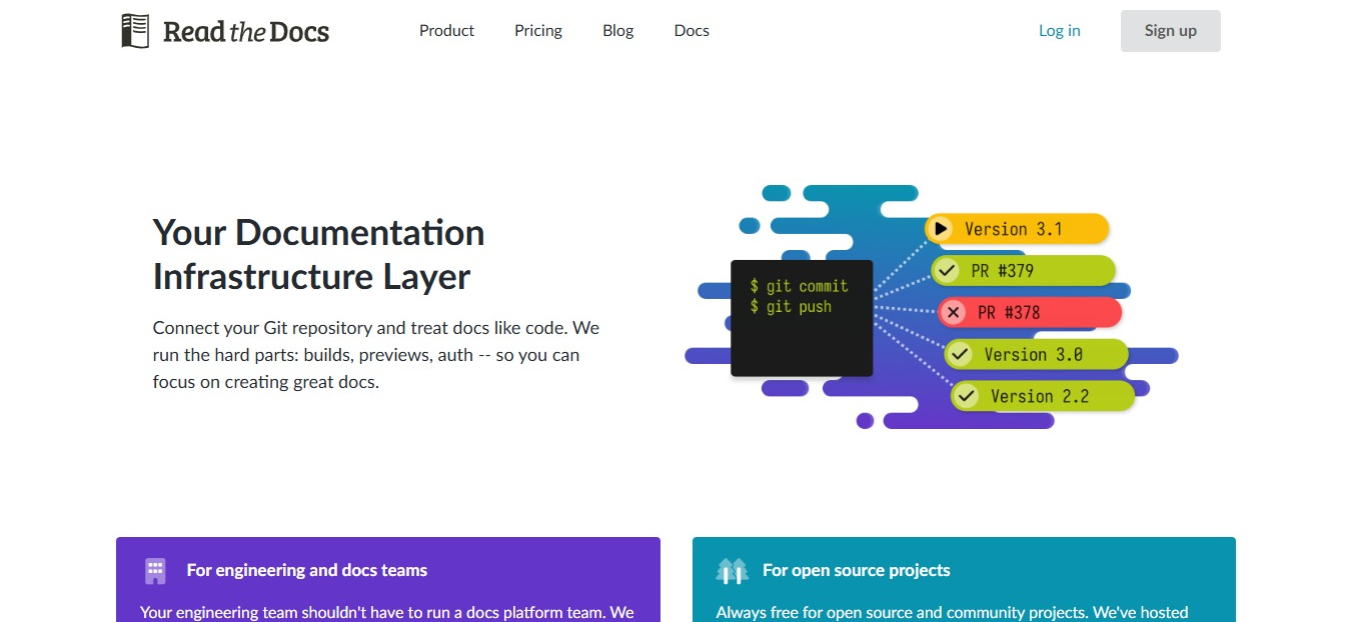
Read the Docs builds and hosts documentation from your Git repository. It works with Sphinx, MkDocs, and Docusaurus, so it complements a site generator instead of replacing one.
- Updates on its own: Each time you send new changes to your Git repo, your docs site is rebuilt. You can set rules to skip some rebuilds.
- Every plan includes: Versioning, search, previews of your docs before a change goes out, and fast hosting on a content delivery network (CDN).
Pricing: The Community plan is free for open source projects only. Business plans are Basic at $50, Advanced at $150, and Pro at $250 per month. Enterprise starts at $10k per year.
Watch for: Private or internal docs need a paid plan.
How the 6 Tools Compare Against Hosting, History, Search, AI, and Pricing
Hosting and Data Control
Where your docs are stored.
- Docmost: Self-hosted, so data never leaves infrastructure you control.
- Confluence: Stored in Atlassian's cloud. Data Center, the self-managed version, is closed to new customers.
- GitBook: Stored on GitBook's managed platform, and it can sync with your GitHub or GitLab repo.
- Notion: Stored in Notion's cloud.
- Docusaurus: You build the site and host it yourself, and your docs are stored as files next to your code.
- Read the Docs: Hosted by Read the Docs and built from your Git repo.
Versioning and History
How you see and undo changes.
- Docmost: Page history shows what changed and lets you restore an earlier version.
- Confluence: Version history with page comparison.
- GitBook: Version history with rollback, plus change requests, where you draft edits, get a review, and merge.
- Notion: Page history, and how far back it goes depends on your plan.
- Docusaurus: Built-in versioning keeps docs for each release, and Git tracks every change to the files.
- Read the Docs: Versioning on every plan, so readers can switch between doc versions.
Search
How quickly someone finds the right page.
- Docmost: Full-text search in the free edition, plus AI search in the paid edition.
- Confluence: Filters by space, contributor, type, date, and label, plus Rovo (Atlassian's AI search) across other Atlassian apps.
- GitBook: Keyword search on every site, plus AI answers in the search box on higher plans.
- Notion: Search with filters for date, creator, and location, plus Notion AI search across your workspace and connected apps.
- Docusaurus: No built-in search. You add Algolia DocSearch or a community plugin.
- Read the Docs: Full-text search on every plan.
AI and MCP Access
Whether AI tools can work with your docs. MCP is a standard way for AI tools to connect to other apps.
- Docmost: An MCP server in the paid edition lets tools like Claude and Cursor search, read, create, and update pages.
- Confluence: The Atlassian Rovo MCP Server connects tools like Claude, Cursor, and ChatGPT to Confluence Cloud.
- GitBook: Every published site gets a read-only MCP server and an llms.txt file (a page index written for AI tools), and a separate GitBook MCP lets AI tools edit content.
- Notion: A hosted Notion MCP server lets tools like Claude and Cursor search, read, and edit pages.
- Docusaurus: No built-in AI or MCP support. Community plugins add llms.txt files.
- Read the Docs: llms.txt support and Markdown versions of pages for AI agents.
Pricing Transparency
Whether you can see what a tool costs before you talk to sales.
- Docmost: The community edition is free, and paid pricing is published on the pricing page.
- Confluence: A free plan for up to 10 users, with paid prices on Atlassian's pricing page.
- GitBook: Prices for the Free, Essential, and Ultimate plans are listed.
- Notion: Prices for the Free, Plus, and Business plans are listed, and Enterprise means contacting sales.
- Docusaurus: Free and open source.
- Read the Docs: Basic, Advanced, and Pro prices are listed, and Enterprise has a published starting price.
How to Choose a Documentation Tool for Your Engineering Team
- If you want a real-time wiki on your own servers, choose Docmost.
- If your workflow runs through Jira, choose Confluence.
- If you want public docs with Git Sync and a visual editor, choose GitBook.
- If you want docs next to databases, choose Notion.
- If you want a versioned docs site in your repo, choose Docusaurus.
- If you want automated builds and hosting for repo-based docs, choose Read the Docs.
If you're still sorting out your criteria, the wiki buyer's checklist walks through how to evaluate a tool.
If product managers write in the same docs, see the best documentation tools for product teams.
Can You Use a Wiki and a Docs-as-Code Tool Together?
Yes, you can. Keep internal knowledge such as runbooks, ADRs, and onboarding guides in a wiki like Docmost, and keep public references such as API docs in a docs-as-code tool like Docusaurus or Read the Docs. Each type of document gets one home, so nothing gets written twice.
How to Split Docs Between a Wiki and a Docs-as-Code Tool
- Sort your docs by who writes them: Pages that many people edit, including people who don't use Git, belong in the wiki.
- Put docs the engineers own with the code: API references and docs that change with each release fit docs-as-code.
- Pick one home for each document type: Say where each one is kept in your onboarding guide.
- Link between the tools: Link to the other tool instead of copying content, so there's one version of each page.
How to Move Your Engineering Docs to Docmost
- Export from your current tool: Look for Markdown or HTML.
- Import into Docmost: Markdown, HTML, and Notion exports import on any edition. The Confluence importer is part of the paid edition.
- Check the result: Look at the page hierarchy, attachments, and formatting.
- Fix internal links: Point links that used to go to the old tool at the new pages.
The import and export guide covers the details.
Frequently Asked Questions
1. What documentation should engineering teams keep? Runbooks and incident docs, ADRs and design docs, onboarding guides, and API or SDK references. The table earlier in this post shows what each type needs from a tool.
2. What's the difference between docs-as-code and a wiki? A wiki is a set of linked pages written and edited in the browser, which suits teams where many people contribute. Docs-as-code means writing docs with the same tools developers use for code, such as text files in Git and pull requests for review, which suits docs the engineers own.
3. How do you keep engineering docs from going out of date? Give each space or section a named owner, agree on how often it gets reviewed, and use version history to see when a page last changed and what changed.
4. What are the best open source documentation tools for engineering teams? Docmost and Docusaurus are both open source. Docmost's community edition is free under the AGPL-3.0 license, and you can self-host it. The paid edition adds features such as single sign-on and the Confluence importer. Docusaurus is free under the MIT license, and you host the site it builds yourself.
5. How do I move my docs from Confluence or Notion to a new tool? Export your pages from the old tool (look for a Markdown or HTML export), import them into the new one, then check the page hierarchy, attachments, and formatting. Docmost imports Markdown, HTML, and Notion exports on any edition, and the Confluence importer is part of the paid edition. The import and export guide covers the steps.
6. Can AI tools like Claude or Cursor read and search my documentation? Yes, if your documentation tool supports MCP, a standard way for AI tools to connect to other apps. Docmost (paid edition), Confluence, GitBook, and Notion each have an MCP server that lets AI tools like Claude and Cursor search, read, and update pages. See how to connect Docmost to Claude, ChatGPT, or Cursor with MCP.
Keep Your Engineering Docs on Your Own Servers
If your team wants a wiki that runs on your own infrastructure and is still easy to write in, Docmost was built for that. Get a free trial license, or contact sales to talk through your setup.