Best 8 Knowledge Base Software for Schools: K-12 and Universities
Trying to find a knowledge base for your school? We compared 8 tools for K-12 and universities, so you can pick the one that fits your IT team.

TL;DR
- A school knowledge base is a searchable library of written answers for students, parents, teachers, and staff.
- Of the 8 tools here, five are hosted by the vendor, and three (Docmost, Helpjuice, and Confluence Data Center, the version of Confluence you run yourself) can run on servers your school controls.
- Docmost is open source, and its free edition includes real-time editing, full-text search, and spaces, which are separate areas with their own members and permissions.
- A knowledge base works alongside your help desk, and you can link its articles in ticket replies.
Schools answer the same kinds of questions again and again: how to connect to the Wi-Fi, how to reset a password, how to use a classroom display. When the answer sits in an email thread, a PDF, or one person's head, every new request goes through IT. A knowledge base gives those answers one searchable home that anyone who needs them can open on their own.
This guide compares eight knowledge base tools for K-12 schools and universities. All eight can publish pages that readers open without a login, though Confluence limits this to paid Cloud plans. You'll also see how a knowledge base differs from a help desk, what to look for, and what to document first.
Quick Comparison: Knowledge Base Software for Schools
This is how the eight tools compare on the basics. The sections after the table cover each one in more detail.
|
Tool |
Run on your own servers? |
License |
Public pages without a login? |
Standout for schools |
|
Docmost |
Yes |
Open source core (AGPL-3.0) |
Yes, share a page with a public link |
Keeps your data on servers you control |
|
KnowledgeOwl |
No, hosted by KnowledgeOwl |
Paid plans |
Yes, public and private readers |
Reader groups for different audiences |
|
Document360 |
No, hosted (the private hosting option is also run by Document360) |
Paid plans |
Yes, public knowledge bases |
Separate public and private sites for each department |
|
Helpjuice |
Yes, with an on-premise option |
Paid plans |
Yes, public content needs no login |
Search reports that show content gaps |
|
HelpKit |
No, hosted |
Paid plans |
Yes, no login for readers |
One site per department, written in Notion |
|
Notion |
No, hosted |
Paid plans |
Yes, publish a page to the web |
Publish a page in a few clicks |
|
Confluence |
Yes, with Data Center (ends March 28, 2029) |
Paid plans |
Yes, on paid Cloud plans |
Spaces with permissions |
|
Zendesk Guide |
No, hosted |
Paid plans |
Yes, public help center articles |
Articles live next to your tickets |
Help Desk Software vs Knowledge Base Software for Schools
People often use these two terms as if they mean the same thing. They don't, and seeing the difference makes it easier to tell which one your school is missing.
|
Comparison |
Help desk |
Knowledge base |
|
Main job |
Track and resolve requests |
Answer questions before they turn into requests |
|
Who uses it |
IT staff and support agents |
Students, parents, teachers, and staff |
|
Typical content |
Tickets and replies |
Guides, policies, and how-tos |
What a Help Desk Does
A help desk tracks requests. Someone submits a ticket, it gets assigned to a person on your team, and you follow it until the problem is fixed. It's built for answering requests, with queues, assignments, and reports on how fast tickets get closed.
What a Knowledge Base Does
A knowledge base holds the answers themselves. It's where your setup guides, policies, and how-tos are documented and read by anyone who needs them. When it works, a teacher finds a solution on her own and never has to open a ticket.
Why Most Schools Need Both
Your help desk handles problems nobody has written answers to yet, and your knowledge base handles the ones somebody has. Every repeat ticket shows you an article that's missing from your knowledge base, and every good article reduces the number of tickets.
What to Look for in a School Knowledge Base
A school has many kinds of readers. The same system might serve a ten-year-old, a parent, a new teacher, and a network admin, so a few features matter more here.
- Public pages and private spaces: Students and parents should be able to read a device guide without logging in, while staff procedures stay internal.
- Permissions by department, grade level, or campus: The science department's lab procedures and the front office's enrollment steps shouldn't be editable by everyone.
- Search that finds the right guide on the first try: If people can't find an article, they may submit a ticket instead.
- Version history: When someone posts the wrong Wi-Fi password, you want to see who changed it and change it back fast.
- An editor non-technical staff can pick up quickly: Teachers and office staff will only write articles if the editor feels as easy as writing an email.
- Where the data lives: Sooner or later, some of your content will relate to real students, so it matters whose servers hold it.
Self-Hosted vs Cloud Knowledge Base for Schools
Most tools on this list run only in the cloud, which means the company behind the tool runs the servers and your content sits there.
Three tools on this list, Docmost, Helpjuice, and Confluence Data Center, can run on servers your school controls. Neither model is right for everyone.
Which one fits depends on how much control you want and how much upkeep your IT team can take on.
What Changes With Self-Hosting
Self-hosting means you install the software on your own servers or your own cloud account. Three things change:
- Data never leaves infrastructure you control: Your articles, attachments, and user accounts stay on your own servers.
- You define your own compliance posture (access controls, encryption, retention) instead of inheriting a vendor's.
- Hosting, backups, upgrades, and security patching become your IT team's responsibility: That's the price of the control you gain.
See our list of the best self-hosted wiki software.
When Cloud Is the Better Fit
If your IT team is small and covers several buildings, running another server may not be realistic. With a cloud tool, the company behind it runs the servers, so you can spend your time writing articles. You're trusting that company with where your content lives and how it's protected, so read its privacy and security terms before you sign.
The 8 Best Knowledge Base Software Tools for Schools
Here's a quick view of each tool before the details.
|
# |
Tool |
Best for |
Hosting |
|
1 |
Docmost |
Keeping student-related content on your own servers |
Self-hosted |
|
2 |
KnowledgeOwl |
Help sites with different reader groups |
Cloud |
|
3 |
Document360 |
Separate public and private sites for departments |
Cloud, with a private hosting option |
|
4 |
Helpjuice |
Help sites with search reports |
Cloud, or on-premise |
|
5 |
HelpKit |
Department sites written in Notion |
Cloud |
|
6 |
Notion |
Quick pages for small teams already using it |
Cloud |
|
7 |
Confluence |
Schools already working in Atlassian tools |
Cloud or Data Center |
|
8 |
Zendesk Guide |
Schools already running Zendesk |
Cloud |
See our list of internal knowledge base tools.
1. Docmost: Best for Keeping Student-Related Content on Your Own Servers
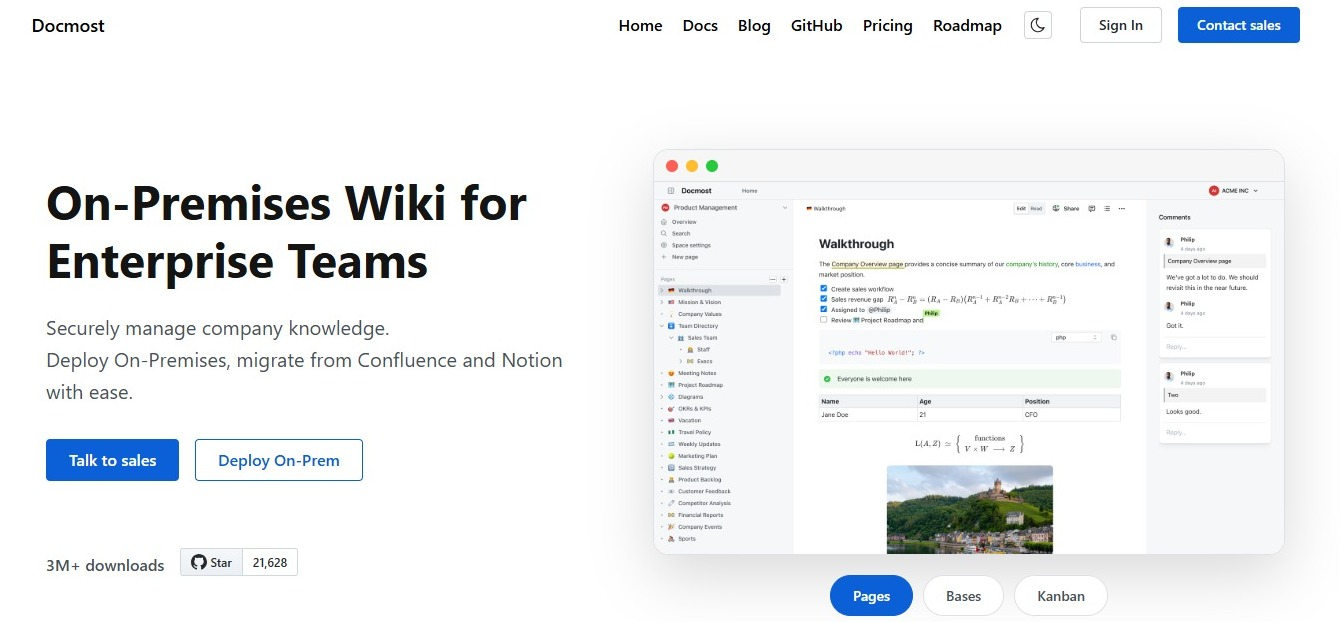
Docmost is an open-source wiki and knowledge base that you run on your own servers. Content lives in spaces, and each space has its own members and permissions, so your IT how-to guides and your parent-facing device guide can sit in one system without anyone seeing what they shouldn't.
When a page is meant for students or families, you can share it with a public link.
Organizations including the Australian Government use Docmost, and Docmost offers special pricing for educational institutions. You can ask about it through contact sales.
- Best for: Schools and universities that want student-related content on infrastructure they control.
- Strengths:
- Runs on your own servers, including air-gapped setups with no internet connection
- Real-time editing, spaces, and full-text search come with the free open-source edition
- Any page can be shared with a public link, and staff-only pages stay inside private spaces
- Limits:
- Single sign-on, AI features, and page-level permissions are part of the paid edition
- Hosting, backups, upgrades, and security patching are your IT team's job
2. KnowledgeOwl: Best for Help Sites With Different Reader Groups
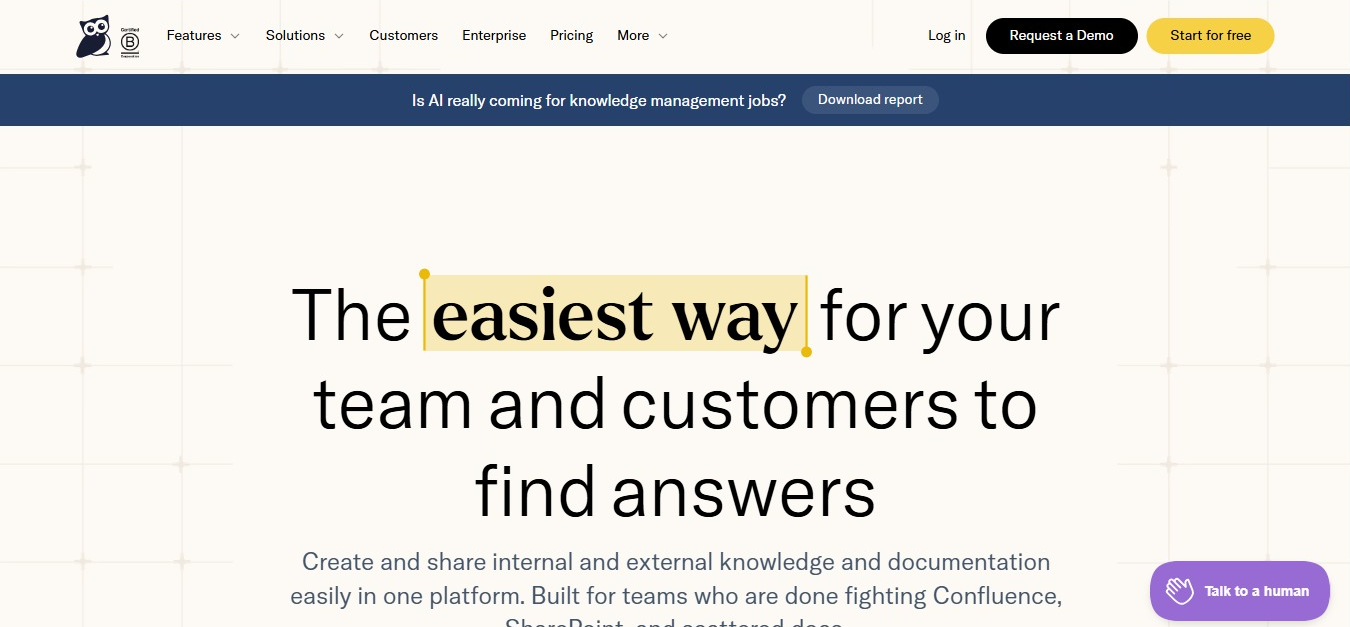
KnowledgeOwl is a hosted knowledge base with a page for EdTech companies and their school clients.
That page says educational institutes use it daily to serve their students, so ask the sales team how it fits a school IT department.
- Best for: Schools that want one help site with different reader groups.
- Strengths:
- Reader groups let you control who sees which articles and categories
- Private articles can require a sign-in, and the number of readers is unlimited
- Version history, plus a Needs Review status you can schedule so articles get checked again
- Limits:
- Plans start at $100 a month with one author and one knowledge base. Extra authors cost $25 each, and extra knowledge bases cost $50 each
- Hosted only, with no self-hosting option
3. Document360: Best for Separate Public and Private Sites for Departments
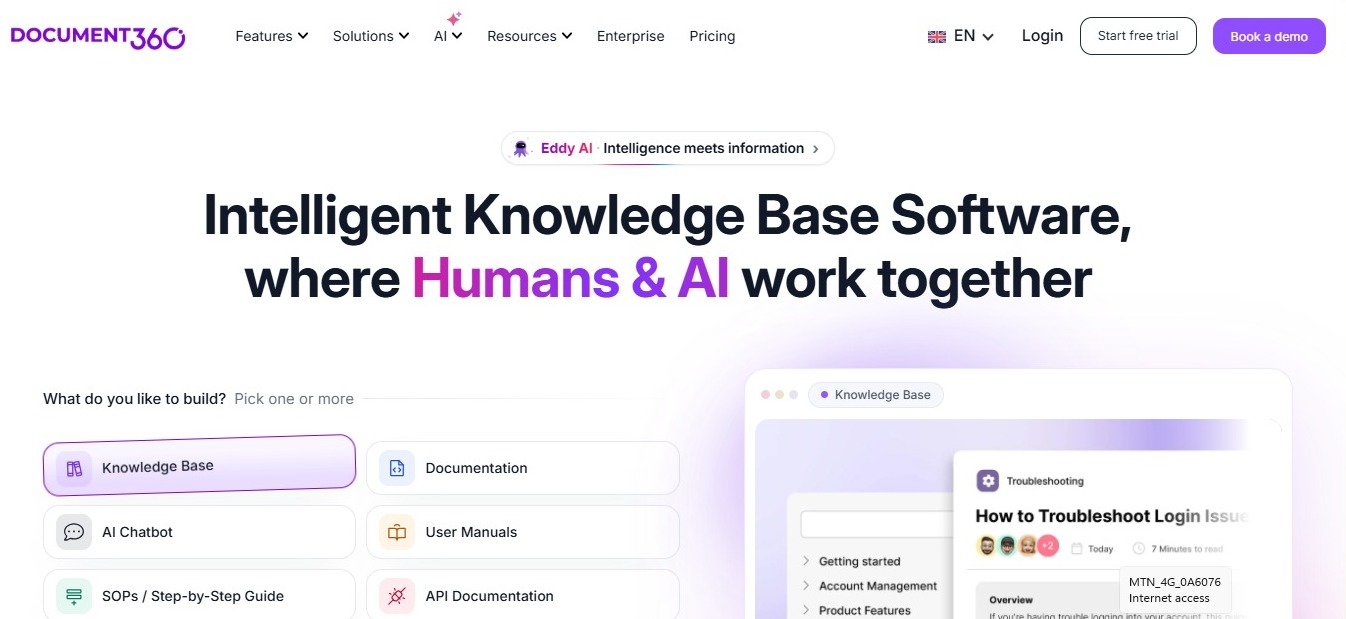
Document360 is a hosted knowledge base with an education page that covers student and parent portals, faculty and staff handbooks, and IT procedures.
Ajman University is one of the customers named there. You can run several knowledge bases in one account, some public and some private, so each department can have its own site.
- Best for: Universities and larger schools that want public sites for families and private sites for staff.
- Strengths:
- Public knowledge bases for prospective students, and private ones with a login for current students, faculty, and staff
- AI-powered search that scans documents and handbooks
- Version history, plus permissions that control who can create, view, and edit
- Limits:
- Pricing is quoted for your setup instead of listed as flat plans
- Hosted by Document360. Even the private hosting option, which puts your knowledge base on a dedicated server, is run by Document360 and not by your school
4. Helpjuice: Best for Help Sites With Search Reports
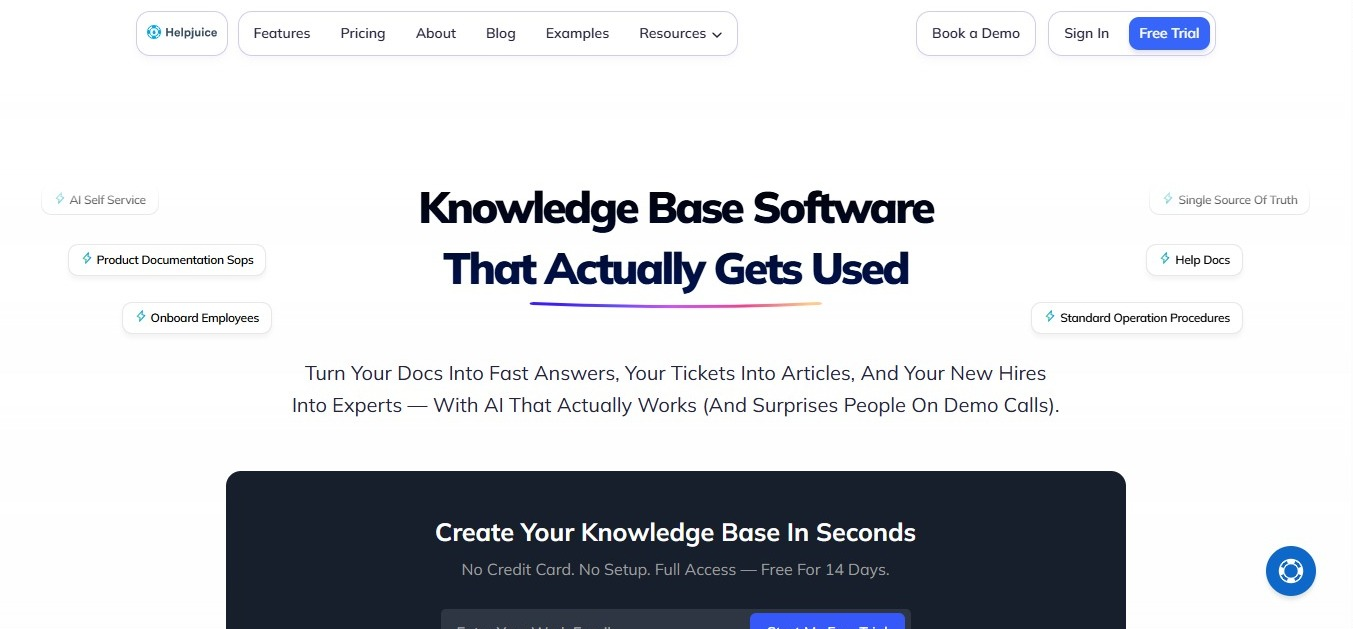
Helpjuice is a cloud-based knowledge base that can serve both employees and outside readers, such as students or parents.
It also offers on-premise self-hosting for teams that want to run it on their own servers. Plans are $249 a month for up to 30 users, $449 for up to 100 users, and $799 for unlimited users.
- Best for: Schools that care most about what people search for and where their articles fall short.
- Strengths:
- Four visibility levels (public, internal, URL only, and private) control who sees each article or category, and private content can be limited to chosen users or groups
- The Searches tab shows what people look for, including searches that return nothing, so you can see where articles are missing
- An article editor with headings, tables, tabs, accordions, and alerts, plus HTML or Markdown when you need them
- Limits:
- It's aimed at businesses and customer support teams, not at schools in particular
- Each plan has a user cap, 30 on the first plan and 100 on the second, so count your staff accounts before you pick one
5. HelpKit: Best for Department Sites Written in Notion
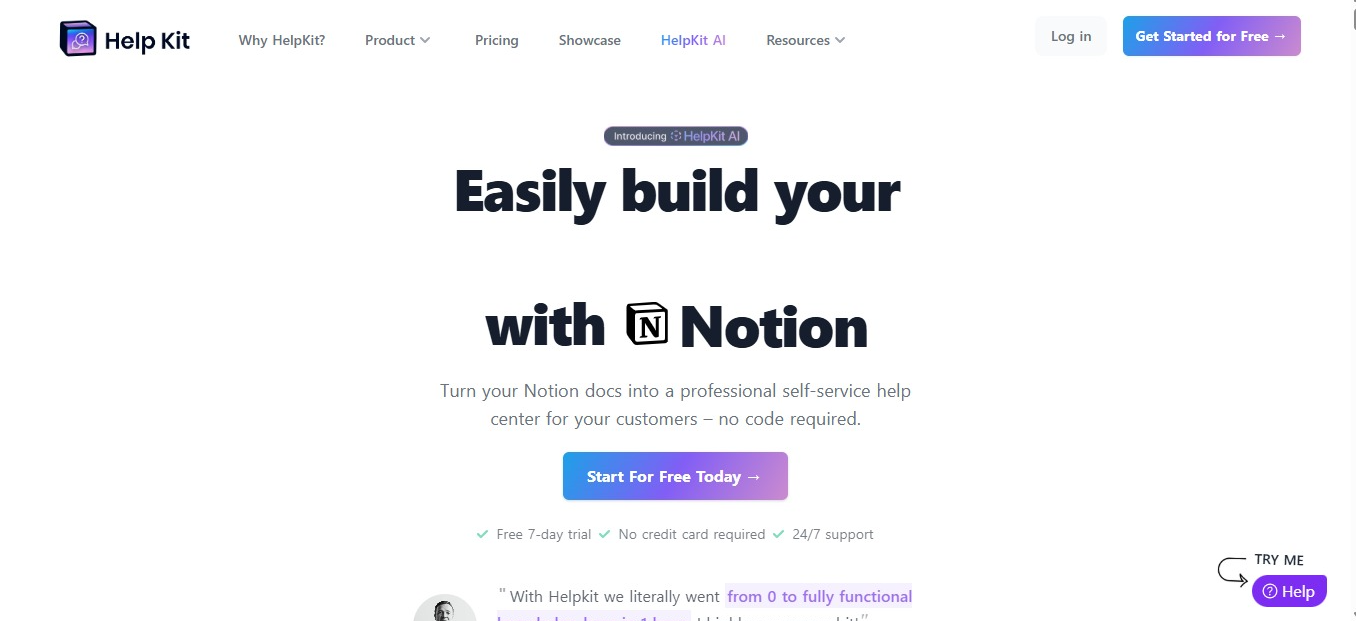
HelpKit turns pages you write in Notion into a searchable help site on your own domain. Its page for universities and colleges describes one knowledge base per department, all run from one account.
Plans are priced per site per month: Starter is $15, Business is $31, and Professional is $79.
- Best for: University departments and student services teams that already write in Notion.
- Strengths:
- Priced per site and not per reader, so the number of readers doesn't change the price
- Public sites need no login, and the Business plan and up add access protection for content you want to limit
- Staff keep writing in the Notion editor they already know
- Limits:
- Each plan caps articles and team seats: Starter has 25 articles and 1 seat, Business has 100 articles and 3 seats, and Professional has 1,000 articles and 5 seats
- Your content lives in Notion, so you depend on two products, and each department site needs its own plan
6. Notion: Best for Quick Pages for Small Teams Already Using It

Notion is a general workspace that can turn any page into a public website in a few clicks. Knowledge bases are one of the things people publish this way.
- Best for: Small school teams that already plan their work in Notion.
- Strengths:
- Publish any page to the web in a few clicks
- Settings let you put an expiry date on the link and choose whether search engines can index the page
- You can unpublish a page at any time
- Limits:
- Hosted only, with no self-hosting option
- It's a general workspace, so you design the structure of your knowledge base yourself
See how Docmost compares to Notion side by side.
7. Confluence: Best for Schools Already Working in Atlassian Tools
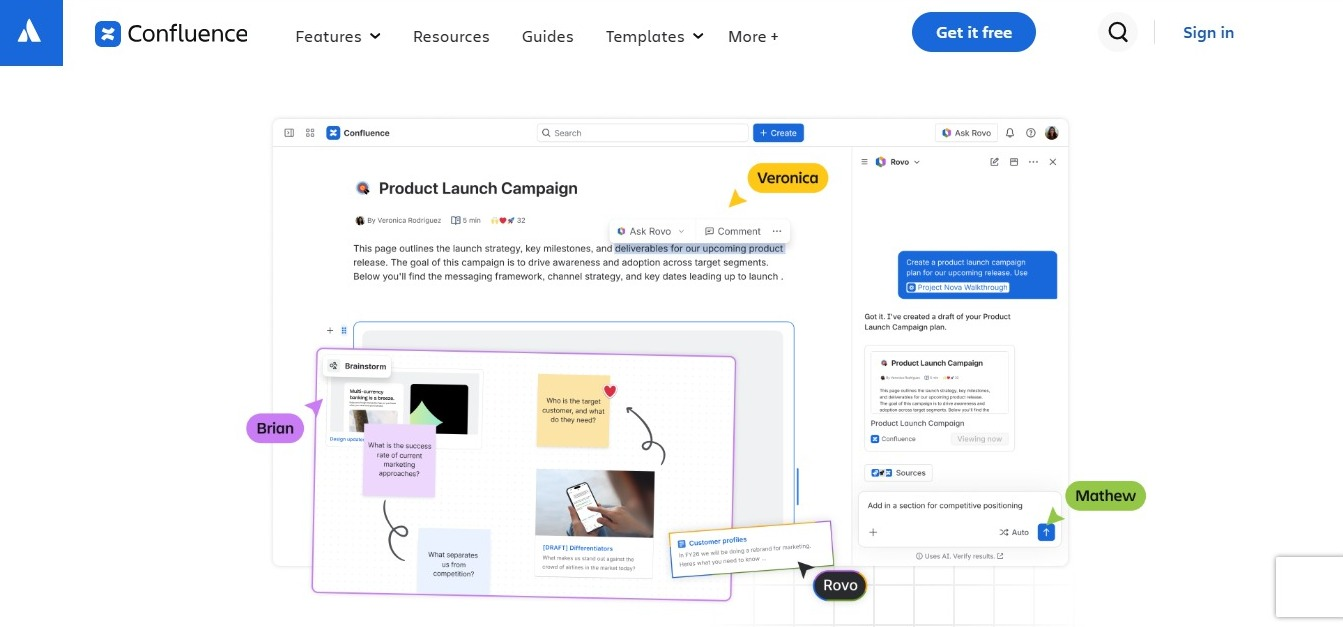
Confluence is Atlassian's wiki. It comes as Confluence Cloud, or as Data Center, which you run yourself.
- Best for: Schools whose IT team already works in Atlassian tools.
- Strengths:
- Spaces with permissions, so each team controls who sees its pages
- On paid Cloud plans, you can share a single page with a public link, or open a whole space to the public with anonymous access
- Data Center can run on your own servers
- Limits:
- Atlassian is ending Data Center on March 28, 2029
- Not open source
See how Docmost compares to Confluence if you're thinking about a move.
8. Zendesk Guide: Best for Schools Already Running Zendesk
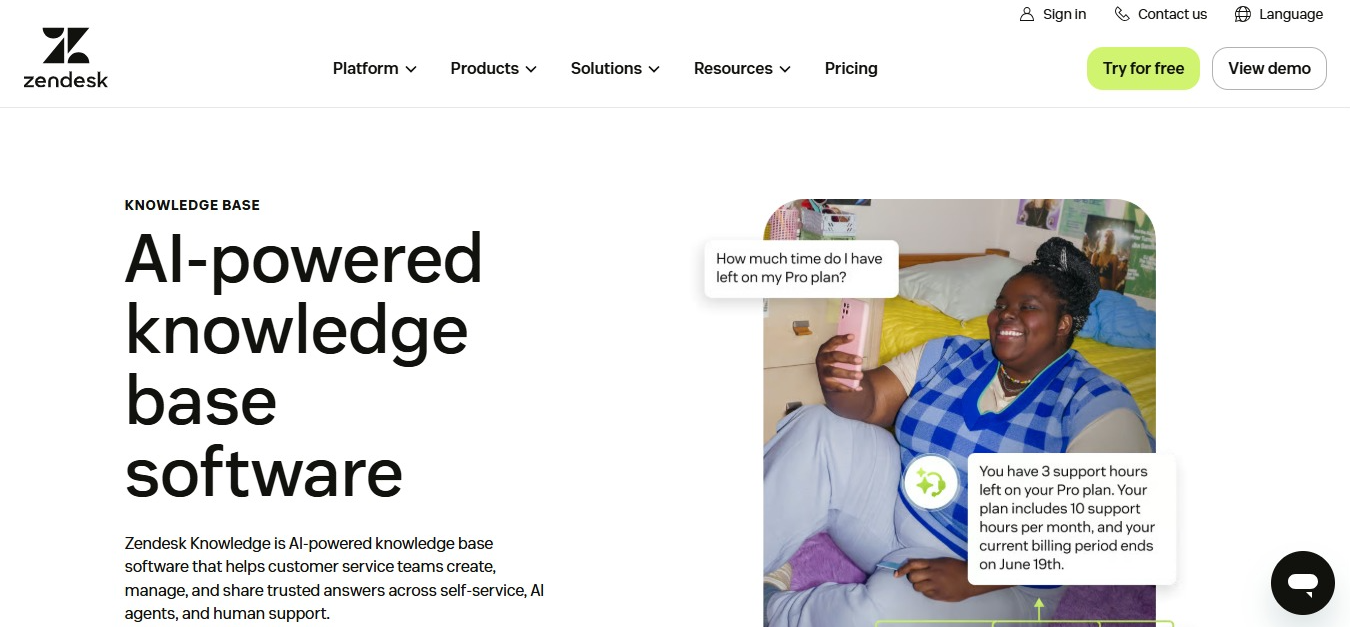
Zendesk Guide is the knowledge base that goes with Zendesk's help desk.
- Best for: Schools that already run their help desk on Zendesk.
- Strengths:
- Help center articles can be public or internal
- Agents can link, quote, and pin articles inside a ticket without leaving it (in Agent Workspace, linking needs a Support plan with Guide Professional or Enterprise)
- If you run several brands in Zendesk, each brand can have its own help center
- Limits:
- Makes the most sense if Zendesk is already your help desk
- Hosted only, with no self-hosting option
How to Pair a Knowledge Base With Your School Help Desk
A knowledge base works best when your help desk team uses it every day. A few habits help the two work well together:
- Link articles inside ticket replies: When you answer a ticket, link the guide and skip retyping the answers again and again. The person then gets the issue fixed and learns where to look next time.
- Turn repeat tickets into new articles: If the same question shows up twice in a week, write the way to fix it in your knowledge base. That's a clear sign of what's missing.
- Keep one owner per space: Somebody needs to be responsible for keeping each area current, whether that's IT, the front office, or a department head.
- Use it with whatever ticketing tool you run: A knowledge base doesn't need to come from the same company as your help desk. A link in a ticket reply works the same either way.
See our guide to documentation tools for product teams.
What to Document First in a School Knowledge Base
Start with the questions your help desk answers most often, so the knowledge base covers what people ask about most.
For K-12 Schools
- Device setup for student laptops and tablets
- Wi-Fi access for students, staff, and guests
- Password resets for student and staff accounts
- Classroom tech guides for projectors, interactive displays, and audio
For Universities
- VPN setup for off-campus access
- Lab policies and safety procedures
- Department handbooks for grading, committees, and course design
- Onboarding guides for new faculty, staff, and graduate students
Read our guide to wiki software for higher education.
Frequently Asked Questions
- What's the Difference Between a Help Desk and a Knowledge Base?
A help desk tracks requests from the moment someone submits a ticket until the problem is fixed. A knowledge base holds the written answers people can find on their own. The two work together, and the knowledge base cuts down the number of tickets the help desk has to handle.
- Can Students and Parents Read a School Knowledge Base Without an Account?
With all eight tools in this guide, yes, though Confluence limits public pages to paid Cloud plans. You can make selected pages or a whole site public while keeping staff-only content behind a login. In Docmost, you share a page publicly with a link, and everything else stays inside its space.
- Is a Self-Hosted Knowledge Base FERPA Compliant?
No tool is FERPA compliant on its own. FERPA is a federal law that protects the privacy of student education records, and compliance depends on how you set up and run your system. Self-hosting gives you direct control over where the data lives and who can access it, which makes it easier to set up access the way your school needs it.
- Can a Knowledge Base Run Without an Internet Connection?
Docmost can. It runs in air-gapped setups, which means the system has no internet connection, including on the free open-source edition. A cloud tool can't work this way, because it needs an internet connection to reach the vendor's servers.
- How Do You Keep Knowledge Base Articles Up to Date When Staff Leave?
Give every space an owner, and make reviewing articles part of that person's job. When someone leaves, hand their spaces to a named replacement before their last day. Version history also helps, because you can see who wrote what and when it last changed.
- Does Docmost Have Special Pricing for Schools?
Yes. Docmost offers special pricing for educational institutions. Ask about it when you contact sales.
Give Your School One Home for Its Answers
Every repeat ticket points to an answer your school already knows but hasn't written down where people can find it. Docmost gives you one place for those answers, with your data on infrastructure you control.
Contact sales to see how Docmost fits your school or district.