Wiki Software for Higher Education and Universities: A Compliance-First Guide
Compare the best wiki software for higher education. Learn how self-hosted wikis like Docmost help universities meet FERPA and GDPR requirements.

Picture the start of a new semester. A new lecturer needs the grading policy, so they email the department admin. A student can't find last year's lab safety guide, so they ask three classmates before someone digs up a PDF. The IT help desk answers the same question about VPN setup for the twentieth time this week, and somewhere on a shared drive, the "official" onboarding document has two versions out of date, quietly giving everyone the wrong information.
None of this is a people problem, it’s all a documentation problem. Universities generate an enormous amount of information, from course materials and research notes to HR policies and IT runbooks, and most of it lives in places no one else can easily reach.
When that documentation is scattered, staff waste hours hunting for it and students lose time they should be spending on coursework.
A wiki fixes this scattering by giving everyone one place to write things down, find them again, and update them when needed. That much is true of any wiki. But what makes the choice harder in higher education is that a university is not a normal company.
You’re holding sensitive student data, you answer to regulators, and with tens of thousands of students and staff, software that charges by the user gets expensive fast, which rules out a lot of smaller software options.
That combination of compliance and cost are what should drive the decision.
So, here are how the main options compare on the things that matter most to an institution.
Quick Comparison: Wiki Software For Universities
The rows are deliberately weighted toward control and cost, because that is where higher education decisions usually turn.
|
Feature |
Docmost |
Wiki.js |
BookStack |
Confluence |
|
Self-hosting |
Yes, including air-gapped |
Yes |
Yes |
Data Center only (retiring) |
|
Open-source license |
AGPL-3.0 (core) |
AGPL-3.0 |
MIT |
Proprietary |
|
Real-time collaboration |
Yes |
Limited |
No |
Yes |
|
SSO / SAML / LDAP |
Enterprise tier |
Yes |
Yes (with add-ons) |
Yes |
|
Standout for universities |
Runs on your own servers, keeps student data in-house |
Git-backed, developer-friendly |
Simple book/chapter structure |
Familiar, but cloud-first and pricey |
Something very important to note is: the self-hosted, open-source tools all let you keep data on infrastructure you control, while Confluence steers new customers toward its cloud, where student records sit on servers you don't manage. For an institution answering to FERPA and GDPR, that difference in who controls the data matters more than any single line item.
Imagine how that adds up for a 40,000-student institution.
We’ll come back to what "self-hosted" really buys you, since it’s the part that matters most for compliance.
Why Universities Need A Wiki In The First Place
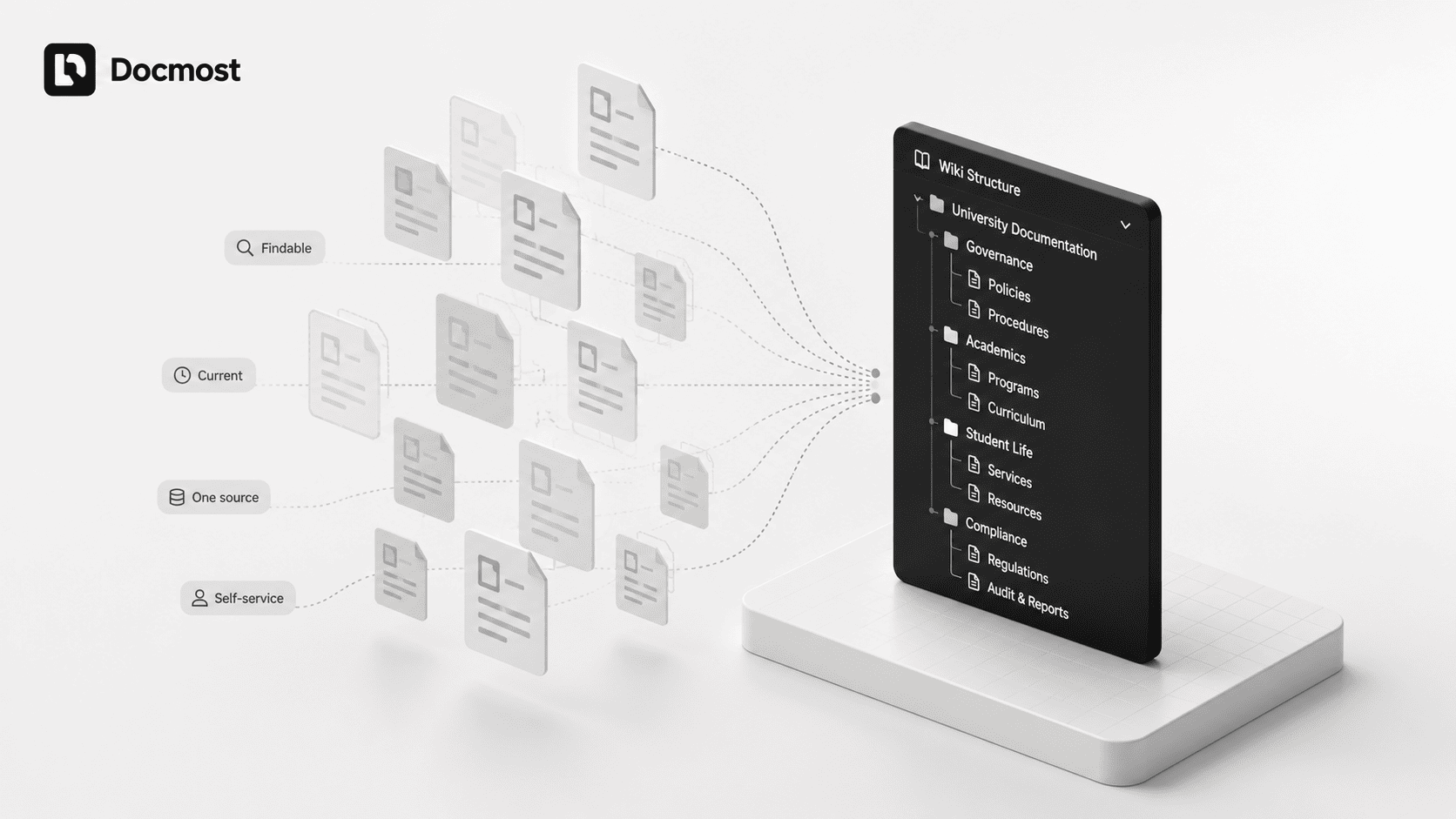
The clearest sign a university needs a wiki is repetition. The same questions get asked and answered over and over, the same documents get rebuilt because no one could find the original, and the same corrections get made because an outdated version keeps circulating.
A well-run wiki cuts all of that down. When a school actually centralizes its knowledge, the results show up quickly where it matters most: how many questions pile up at the help desk, and how long it takes to get new staff up to speed.
Fewer repeat questions reach IT because people can find the answer themselves, and new hires catch up faster because everything they need sits in one searchable place instead of a dozen scattered ones. Those are the kinds of gains that come simply from making existing knowledge findable.
Beyond easing that load, a wiki changes how a campus works day to day:
- Faculty can update a syllabus once and know everyone sees the current version.
- New staff get a single reference for policies and procedures instead of digging through scattered files to find them.
- Students get self-service access to the materials they need, whenever they need them, without waiting on an email reply.
- Because good wikis track every change, you always know who edited what and can correct a mistake in seconds.
FERPA, GDPR And Where Your Data Lives
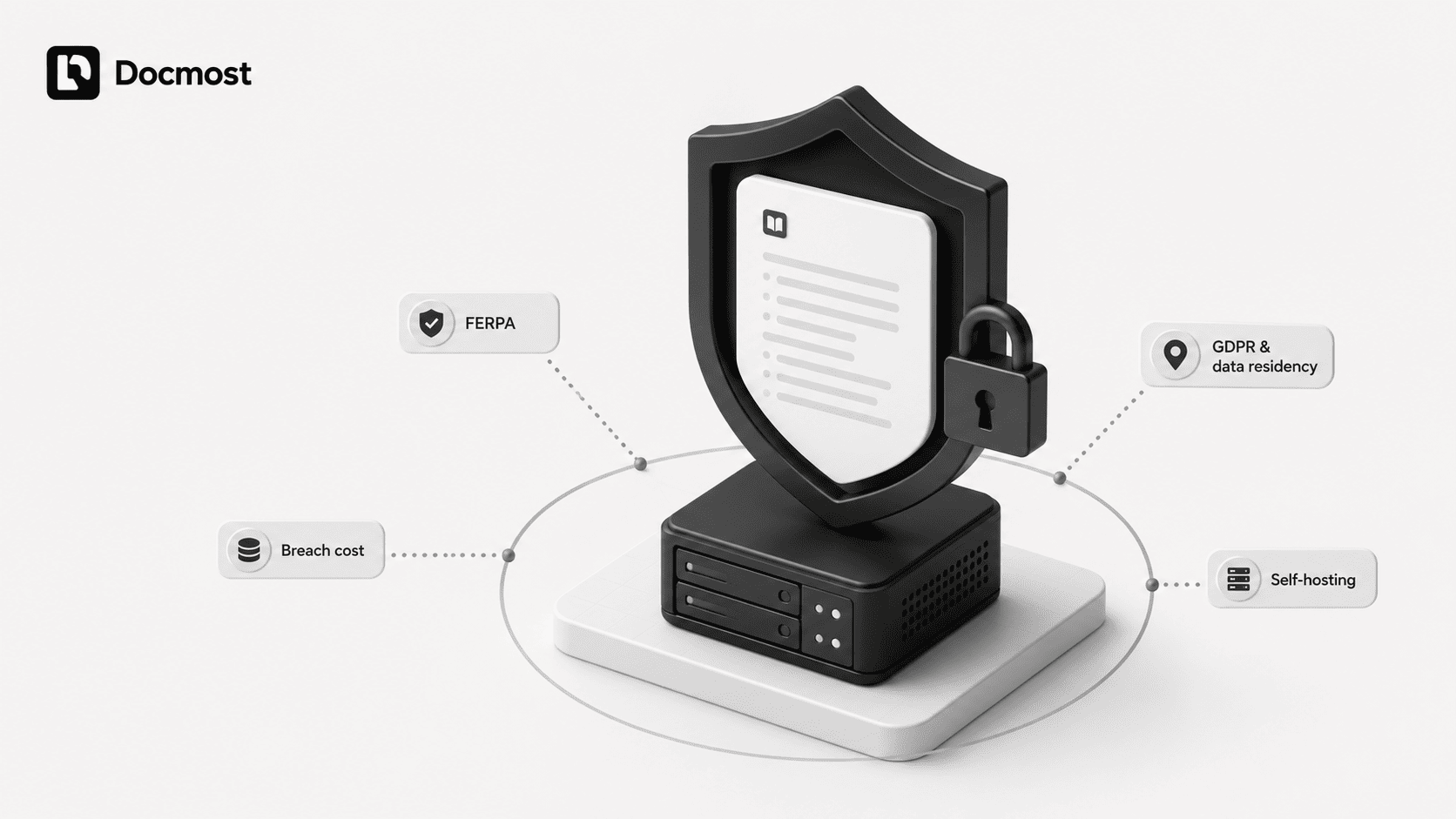
A wiki in a university does more than hold harmless how-to notes. Sooner or later it holds things tied to real students: advising records, disciplinary notes, accommodation details, and research involving human subjects. The moment that happens, the law has an opinion about how you handle it.
FERPA: Who It Covers And What It Demands
In the United States, that law is FERPA, the Family Educational Rights and Privacy Act. It protects the education records of students at any institution that receives federal funding, which effectively covers every accredited college and university in the country.
FERPA is really about control over disclosure: you have to know where student records live, who can see them, and you have to keep vendors under your direct control rather than letting them do as they please with the data. And FERPA is only the starting point. State privacy laws such as California's CCPA, Virginia's CDPA, and Colorado's CPA layer additional obligations on top, and they vary by jurisdiction.
GDPR And The Data Residency Problem
If you enroll students from the European Union, GDPR applies too, and it comes at the problem from a different direction. Where the US frameworks focus on institutional control and vendor accountability, GDPR centers on the individual's rights and on enforceable technical measures like encryption in transit and at rest, plus data residency.
Data residency is the real problem for a lot of institutions: with a cloud tool, your content typically sits in whatever region the provider chose, subject to their backups and their sub-processors. Any hosting provider's sub-processors effectively become yours, and you’re the one who has to account for them.
What A Breach Costs
None of this is theoretical. In 2025 alone there were serious breaches at Harvard, the University of Pennsylvania, NYU, Princeton, Dartmouth, and Columbia, and Michigan State once spent an estimated $3 million cleaning up an incident that exposed around 400,000 student and faculty records.
Losing money is bad enough, but the trust cost is worse, because families don’t quickly forgive an institution that leaks their children's data.
Why Self-hosting Is The Safest Answer
All of which leads to a simple architectural conclusion. The surest way to keep student data compliant is to keep it somewhere you fully control.
Self-hosting shifts those critical control points back to you instead of trusting a provider to store and protect your data properly. That's exactly why self-hosted wikis keep coming up in higher education conversations.
Self-hosted Or Cloud: Which Model Fits A University
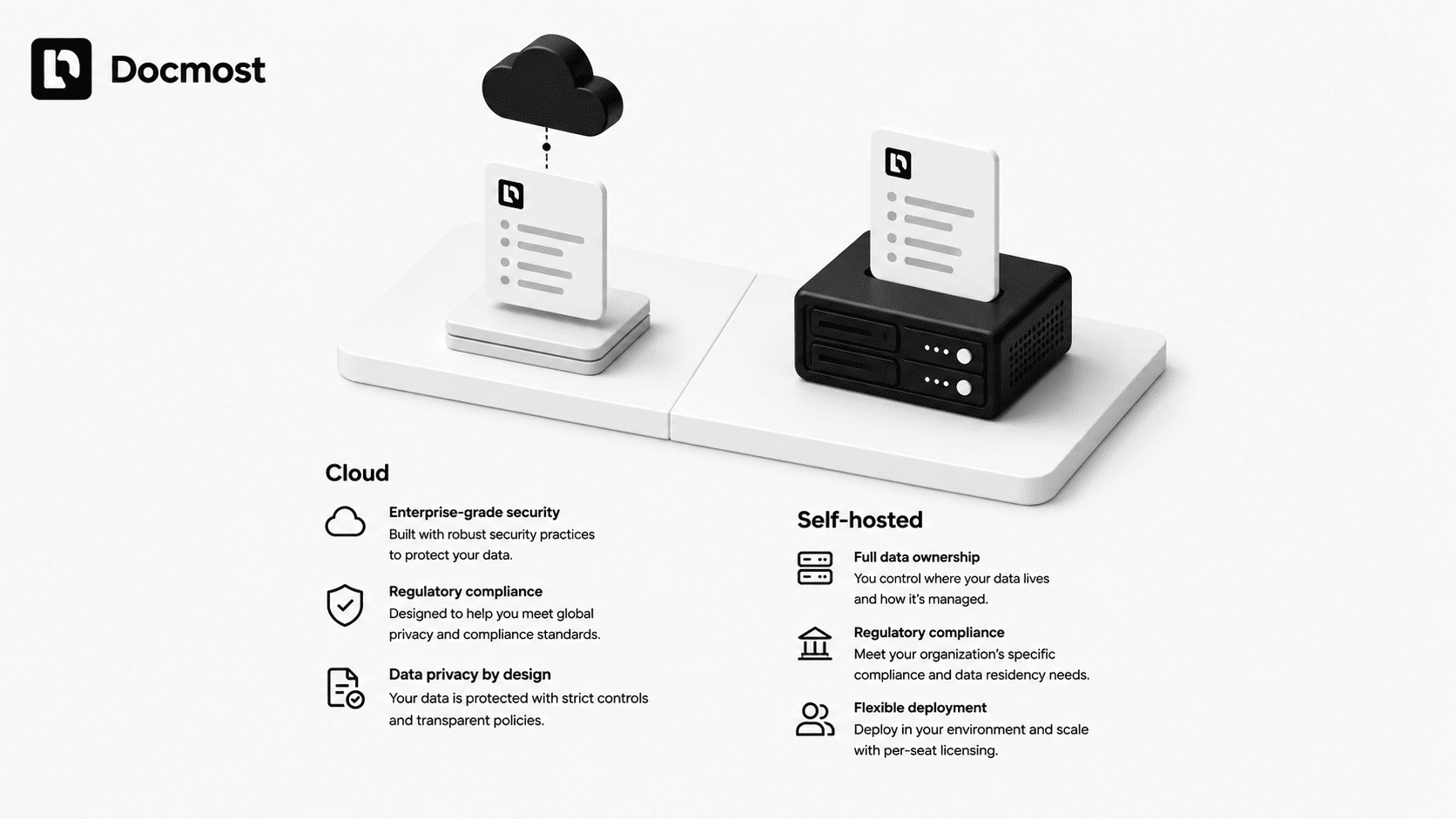
Both models can work, and the honest answer depends on your IT capacity and risk tolerance.
Cloud (or SaaS) means someone else runs the software:
- You sign up and get going in an afternoon, with the vendor handling servers, updates, and backups.
- Your data lives on their infrastructure, not yours.
- You pay per user, so the bill grows with your headcount.
- You inherit whatever compliance posture the vendor offers, rather than defining your own.
Self-hosting changes that. You run the wiki on your own servers or your own cloud tenancy:
- Your data never leaves infrastructure you control, which is the whole point for a university juggling FERPA, GDPR, and data-residency rules.
- You define your own compliance posture (access controls, encryption, retention) instead of inheriting whatever a vendor offers.
- The work of running it, the hosting, backups, upgrades, and security patching, now belongs to your IT team.
For most institutions with even a small IT department, self-hosting is the better fit, because owning your compliance posture is worth the extra work of running it. Universities also tend to already have the servers, sysadmins, and security processes that self-hosting requires.
If your IT team is genuinely overwhelmed, a managed or cloud option can help, but it's worth being informed that you're handing some control of your data to someone else.
Who Actually Uses A University Wiki?
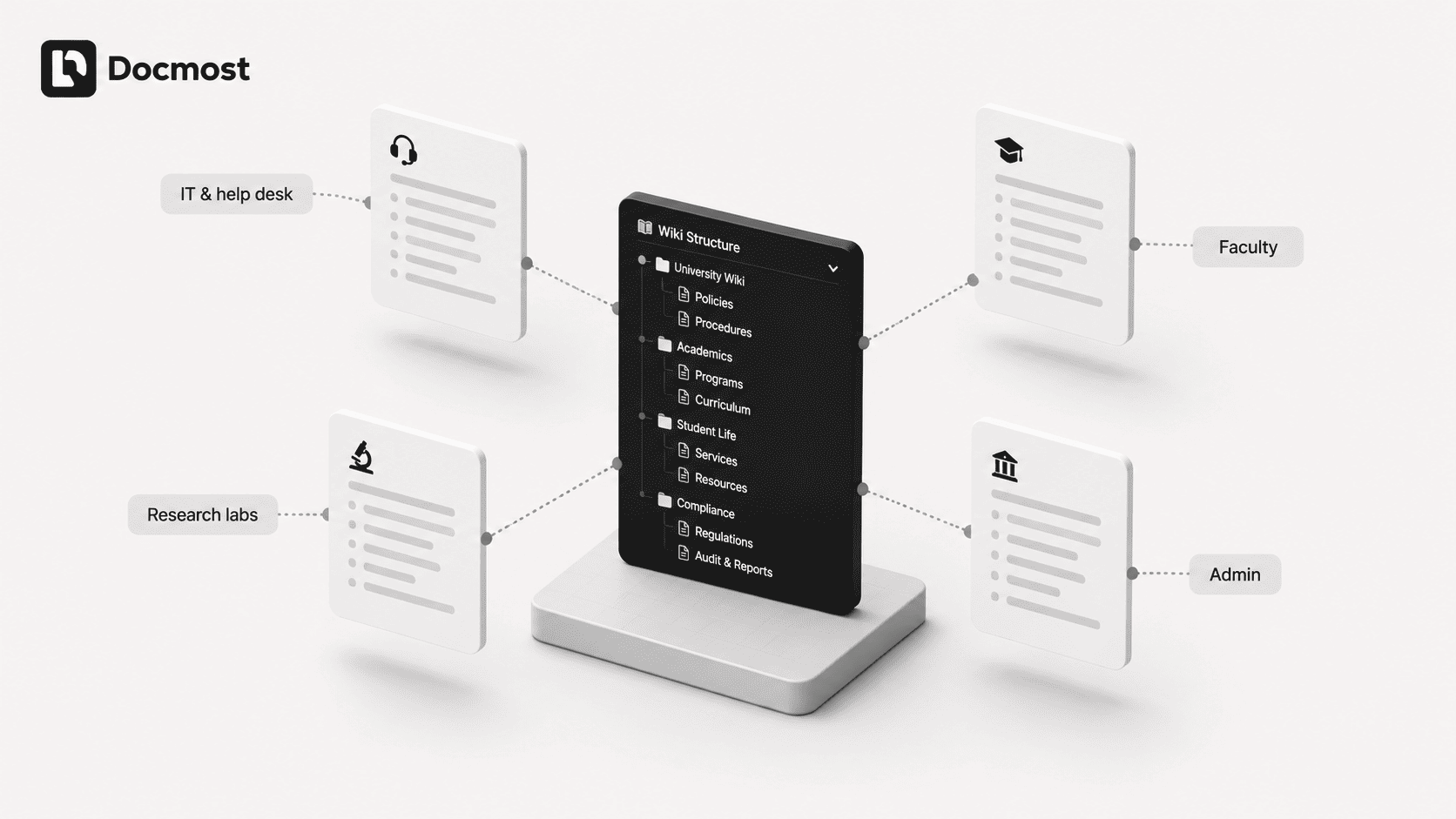
"A wiki for the university" sounds like one thing, but in practice it’s five or six different tools wearing the same coat.
It helps to picture the specific people who will lean on it, because that is who you’re really buying for.
- IT and the help desk usually feel the pain first. They live in a stream of repeat questions, and a wiki full of setup guides and troubleshooting steps turns those tickets into self-service articles that answer themselves.
- Faculty and departments use it as a shared handbook: a collection of grading policies, committee procedures, course-design notes, and the accumulated "how we do things here" that the university usually loses when a long-serving professor retires.
- Research groups and labs need documentation that keeps a project reproducible: protocols, equipment notes, onboarding for new grad students, data-handling procedures. A wiki with proper version history is a natural home for it.
- Administration and student services keep official policies in one trusted place, so students get consistent answers instead of a different one depending on who they ask. You can also open parts of the wiki to students so they can find resources on their own.
Good wiki software supports all of these at once, giving each group its own private space within the same system.
In Docmost, for instance, content is organized into Spaces, each with its own members and permissions, so the IT runbook, faculty handbook, and research lab's notes can all live in the same system without anyone seeing what they shouldn't.
The Open-source Options
The good news for budget-conscious institutions is that the best wikis for this job are open source and free to self-host. The field has gotten genuinely strong, and it includes Docmost, Wiki.js, BookStack, MediaWiki, and Outline, among others.
And it’s worth repeating that "free" covers the license, not the running of it. You still own the hosting, backups, and upkeep, so budget in the staff time.
With that said, here is roughly what each option is best at:
- MediaWiki is the engine behind Wikipedia, battle-tested at massive scale, and a number of universities already run it, though its interface feels old-fashioned.
- Wiki.js offers a modern, Git-backed editor that developer-heavy teams like, with the catch that its next major version has been slow to arrive.
- BookStack keeps things refreshingly simple, with a book, chapter, and page structure that non-technical staff pick up almost immediately.
- Docmost sits in the sweet spot of modern real-time editing with genuinely open licensing, which is why it comes up so often for teams that want the Notion feel without the cloud lock-in.
If you are comparing the last two, our comparison post of Docmost vs Outline breaks down the differences in more detail.
Where Docmost Fits For Higher Education
Built For The Balance Universities Want
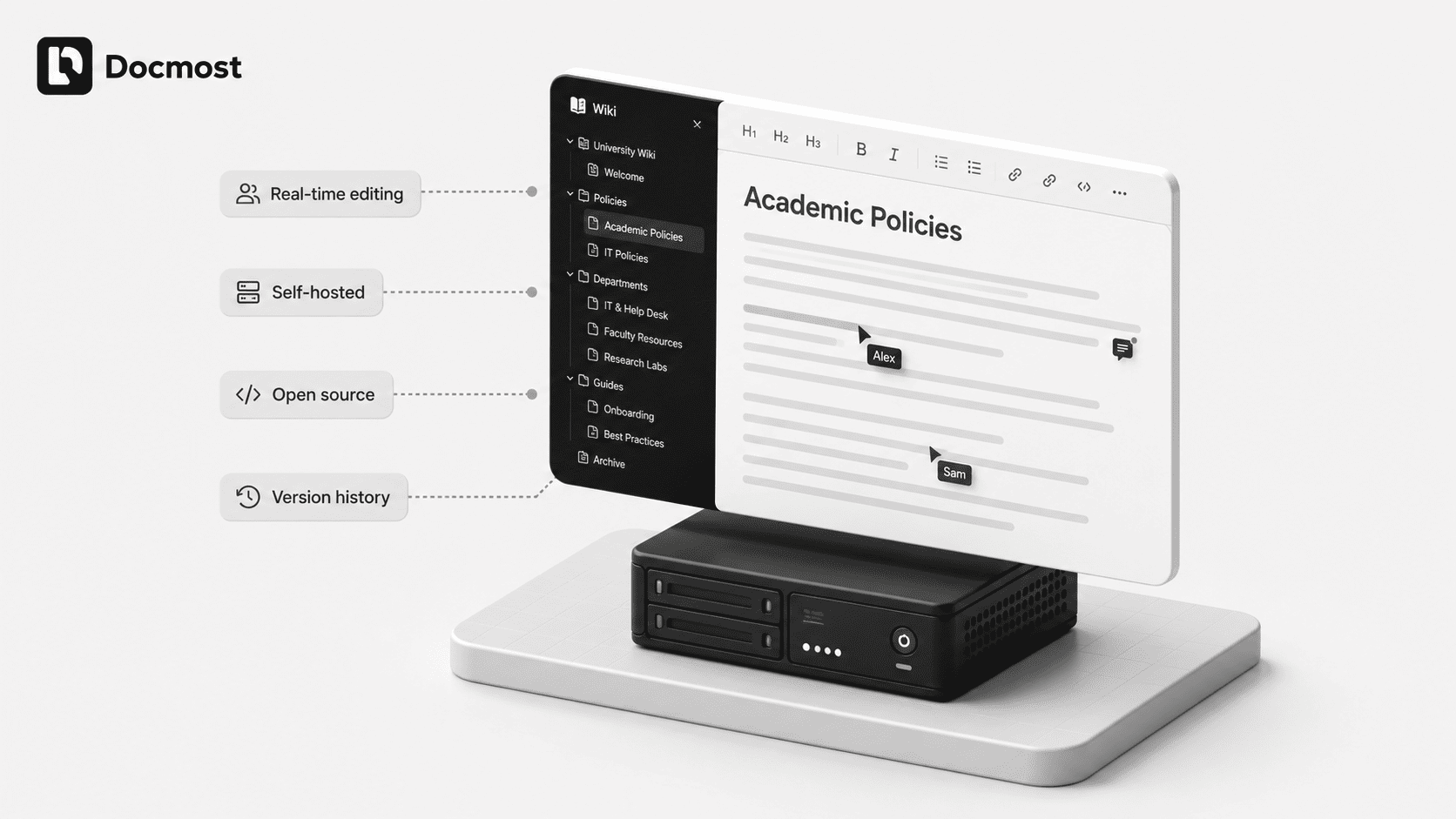
Docmost is an open-source, self-hosted wiki built for exactly the balance a university is looking for: modern collaboration on infrastructure you own.
The core is licensed under AGPL-3.0, which is genuinely open source, giving institutions unlimited pages, spaces, and real-time collaboration on the free Community Edition. Enterprise features like SSO and advanced permissions are available on a paid, per-seat tier.
Since its launch in 2024 it has grown to more than 21,000 GitHub stars, and it’s already in use by teams at institutions including the University of Florida and the University of Georgia.
Compliance And Data Control
On the compliance front, Docmost is designed to keep your data where you want it. It’s fully self-hosted and can even run in air-gapped environments with no external dependencies, and the platform is built to help institutions meet standards like GDPR, ISO 27001, and SOC 2.
That combination of self-hosting and compliance-readiness is the piece cloud-first tools struggle to match, because you can’t promise data residency on servers you don’t run.
What You Get Day To Day
Day to day, it does the things a campus needs without fuss. Multiple people can edit the same page at once thanks to real-time collaborative editing that never overwrites anyone's work. Content lives in spaces assigned to a team, department, or project, each with its own permissions, so the boundaries between IT, faculty, and research stay clean.
You get page history, inline comments, full-text search, and built-in diagramming with Draw.io, Mermaid, and Excalidraw for those workflow and process docs. The free Community Edition covers unlimited pages, spaces, real-time collaboration, and search, while a paid tier adds SSO, advanced permissions, and AI features for institutions that need them.
To be upfront, since honesty is the point: single sign-on through SAML or OIDC, LDAP, MFA, and audit logs sit in the paid enterprise tier rather than the free core. For a university that needs campus-wide SSO from day one, that is a real line item to plan for. But the underlying data-control story (your wiki on your servers) stays true from the very first free install.
Migrating From Confluence
If you’re currently on Confluence and watching its Data Center edition head toward end of life, Docmost also ships with a built-in importer that brings spaces, page hierarchy, attachments, and diagrams across, so switching doesn’t mean rebuilding your documentation from scratch.
Frequently Asked Questions
- Is a self-hosted wiki FERPA-compliant?
No tool is "FERPA-compliant" on its own; compliance depends on how you set it up and run it. That said, self-hosting makes it much easier, because keeping student data on servers you control puts you in charge of access and disclosure. Add proper permissions and encryption and you are on solid footing.
- What is the best open-source wiki for a university?
It depends on your priorities. BookStack is easiest for non-technical staff, Wiki.js suits developer-heavy teams, and MediaWiki scales enormously. For modern real-time collaboration on data you fully control, Docmost is the strongest fit.
- How do you get faculty and staff to actually use a wiki?
Start small and solve one painful problem first, rather than trying to document everything at once. Give each space an owner who keeps it current, and make sure leadership points people to it instead of answering the same questions by email. A wiki that is genuinely easier than asking a colleague earns its own usage.
- Can a wiki connect to our LMS or single sign-on system?
Most established wikis support single sign-on through SAML or OIDC, so staff and students log in with their existing university credentials. Check which tier that sits in, though; with Docmost, for example, SSO is part of the paid plan rather than the free core. Direct LMS integration is less common, so most institutions simply link between the two.
- How is a wiki different from SharePoint or Google Drive?
Drives store documents; a wiki organizes knowledge. Instead of scattered files you open one by one, a wiki keeps everything as linked, searchable pages with a clear history of what changed. Many universities use both: the drive for files, the wiki for the living reference that ties them together.
Give Your Institution One Home For Its Knowledge
Scattered documentation costs your university time, money, and occasionally its reputation. A self-hosted wiki brings that knowledge together in one searchable place while keeping student data exactly where compliance requires it: on infrastructure you control.
Docmost is built for precisely that balance.
Try Docmost and see how it fits your campus, or explore the documentation to plan a self-hosted deployment on your own terms.