Best 12 Internal Knowledge Base Tools for Teams in 2026
Looking for an internal knowledge base for your team? Compare 12 tools, self-hosted and cloud, with prices, free plans, and AI features.

TL;DR
- This guide compares 12 tools your team can use to store and find company knowledge. Some run on your own servers, and some run in the cloud.
- Where the tool runs is the biggest choice you'll make. Tools on your own servers keep your data in-house. Cloud tools are faster to get going.
- Some are free. BookStack and Docmost Community cost nothing to run yourself, Outline is free on your own servers for up to 10 users, and Notion, Slab, and Confluence have free cloud plans.
- Guru, Bloomfire, and Document360 don't list prices, so you'll need to talk to their sales teams.
- We checked every price on each company's own website in October 2026.
An internal knowledge base is where your team keeps the information it needs to do its job, like company policies, how-to guides, and onboarding docs. Without one, that information ends up spread across chat threads, shared drives, and old email, and people keep asking the same questions.
The tools for building one differ mainly in where they run, what they cost, and which features come with each plan. Of the 12 tools in this guide, three can run on your own servers (Docmost, BookStack, and Outline), and the other nine run in the cloud. Also, six have a free option, and three others (Guru, Bloomfire, and Document360) don't list prices at all. Plus, some paid plans make you pay for a minimum number of seats.
Below, you'll find a comparison table, what to look for in an internal knowledge base tool, a review of each tool with its pricing and limits, and a guide to help you choose.
Quick Comparison of Internal Knowledge Base Tools
"Self-hosted" means you run it on your own servers. "Cloud" means the company runs it for you. Prices are the starting prices each company lists.
|
Tool |
Where it runs |
Starting price |
Free plan or trial |
AI answers |
|
Bloomfire |
Cloud |
Quote only |
No free plan or trial |
Offered; plan details on quote |
|
BookStack |
Self-hosted |
Free (MIT license) |
Free |
None listed |
|
Confluence |
Cloud |
$5.42/user/mo (Standard, billed annually) |
Free up to 10 users; trial on paid plans except Enterprise |
Standard and up |
|
Docmost |
Self-hosted |
Free Community; Business $6/seat/mo, billed annually (10-seat minimum) |
Free Community tier |
Business and up |
|
Document360 |
Cloud |
Quote only |
Free plan closed to new users |
Offered; plan details on quote |
|
Guru |
Cloud |
Quote only |
No free plan listed |
Yes; plan details on quote |
|
Notion |
Cloud |
Plus $10/member/mo |
Free plan |
Full AI on Business ($20) |
|
Outline |
Cloud or self-hosted |
$10/mo for 1 to 10 members |
30-day trial (cloud); free on-premises for up to 10 users |
Yes (all cloud plans) |
|
SharePoint |
Microsoft 365 cloud |
Part of Microsoft 365 (Business Premium with Copilot: $28.80/user/mo, paid yearly) |
Free trial available |
AI chat on all plans |
|
Slab |
Cloud |
Free; Startup $6.67/user/mo (annual) |
Free up to 10 users |
Business ($12.50) and up |
|
Slite |
Cloud |
Basic $10/user/mo (yearly) |
14-day trial |
Yes (Basic) |
|
Tettra |
Cloud |
$8/user/mo (Scaling plan, 10-user minimum) |
30-day trial |
Scaling plan and up |
What Is an Internal Knowledge Base?
An internal knowledge base is one place where your team keeps the information it needs to do its job, and where anyone can search for it. You need to log in to see it, and you decide who can read or edit each part. That way HR's handbook and the engineering team's how-to guides can live in the same tool without everyone seeing everything.
The goal is for people to find answers on their own instead of asking a coworker and waiting. When it works, someone writes the answer to a common question once, and everyone after that reads the same version.
Here's the kind of content you'll usually find in one:
- Step-by-step guides for common tasks
- Onboarding guides for new hires
- Company policies
- IT how-to guides and fixes
- Sales playbooks
- HR handbooks
Internal Knowledge Base vs. Help Center
A help center is for your customers. It holds articles about your product, and usually anyone can read them. But an internal knowledge base is for your employees, and you need to log in to see it.
Some tools can do both, but the two jobs need different features. Customers want quick answers about your product, while your team needs how-to guides, control over who sees what, and a way to keep private pages private. This guide only covers tools for your team.
What to Look for in Internal Knowledge Base Software
Search
If people can't find a page, it might as well not exist. Check this in your knowledge base software:
- Does search look through the full text of every page?
- Can you narrow results down by team?
- Can it search inside attached files like PDFs and Word documents?
That last one is quite important, since a lot of company knowledge gets shared as an uploaded file.
Who Can See What
In most companies, some pages are open to everyone, and some are only visible to a few people. Because of that, you need to check how much permission control you get. Some tools only let you set access for a whole team or section, while others let you lock down a single page.
Single sign-on (SSO) matters too. It lets people log in with the work account they already use, and it lets IT cancel someone's access in one place when they leave.
Keeping Pages Up to Date
A knowledge base fills up with out-of-date pages faster than you'd expect. But page verification helps. It means giving each page an owner who confirms the page is still correct, so readers can see whether a page can be trusted.
AI Answers
Many tools now let people type a question and get an answer pulled from your pages. When you're comparing them, check which plan includes AI, whether the answer shows which page it came from, and whether AI comes with the plan or costs extra.
Cloud or Self-Hosted
Cloud tools are run by the company that makes them, so you sign up and start writing. But self-hosted tools run on your own servers. That gives you control over where your data lives, and it also means your team has to keep the software running. This list covers both kinds of tools.
Pricing, Seat Minimums, and Hidden Prices
The starting price isn't always what you'll pay. Two things can change it:
- Seat minimums. Some plans make you pay for a minimum number of people. Docmost Business starts at 10 seats, Tettra's Scaling plan has a 10-user minimum, and Slab's Enterprise plan needs at least 100 users. Guru's older self-serve plan also had a seat minimum before the company moved to custom packages.
- Prices that aren't listed. Three tools here (Guru, Bloomfire, and Document360) don't list prices at all. You'll only find out what they cost after a sales call.
How we picked these 12 tools: we only included tools built for employees, picked a mix of self-hosted and cloud options, and checked prices and features on each company's own website in October 2026.
Best Self-Hosted Internal Knowledge Base Tools
These tools run on your own servers. Before you pick one, here's what that means in practice:
- Your data never leaves infrastructure you control.
- You define your own compliance posture (access controls, encryption, retention) instead of inheriting a vendor's.
- Hosting, backups, upgrades, and security patching become your IT team's responsibility.
If you're leaning toward running it yourself, our roundup of the best open source knowledge base software covers more options.
1. Docmost: Best for Teams That Need to Keep Their Data In-House
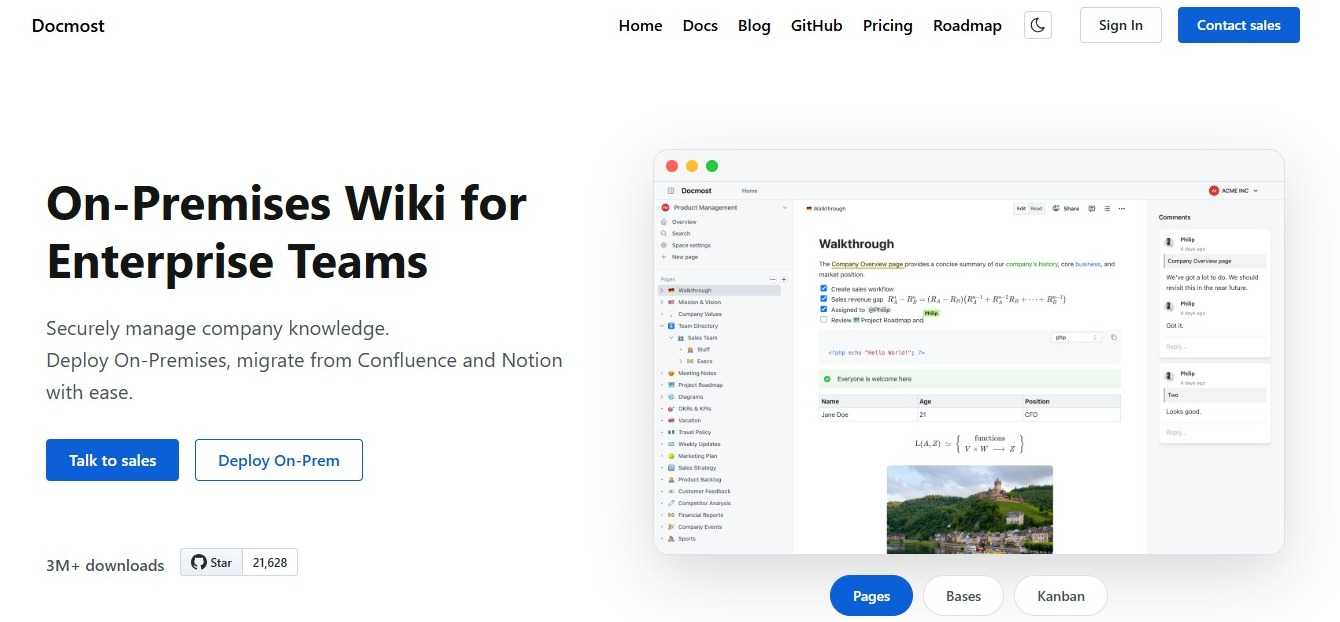
Docmost is an open source wiki that you run on your own servers. You organize content into spaces, and pages can sit inside other pages. Several people can edit the same page at once and see each other's changes as they type.
It comes in three tiers. The Community tier is free and covers the basics: editing together in real time, spaces, and full-text search. The Business tier adds what most growing teams ask for. The Enterprise tier adds extra controls for larger companies with strict security rules.
Business ($6 per seat per month, billed annually, 10-seat minimum) includes:
- Single sign-on, so people log in with their work account (works with SAML 2.0, OIDC, and LDAP)
- Access settings for individual pages
- AI answers, plus MCP, which lets other AI tools read your docs
- A tool to bring your pages over from Confluence
- Search inside PDF and Word attachments
- Two-step login for extra security
- Diagrams
- Page history, so you can see and restore older versions
- The option to run it on a network with no internet connection
Enterprise (custom pricing) adds:
- Automatic account setup and removal through your identity provider (SCIM)
- Audit logs (a record of who did what)
- Connections to your security monitoring tools (SIEM)
- Page verification and review
Things to keep in mind:
- Your IT team looks after the servers, backups, and updates.
- AI and single sign-on aren't in the Community tier.
- Page verification needs Enterprise.
- Enterprise pricing goes through the sales team.
Nonprofits, schools, and universities can get a discount through the sales team.
Best for: teams that need their knowledge to stay on their own servers.
2. BookStack: Best Free Self-Hosted Wiki
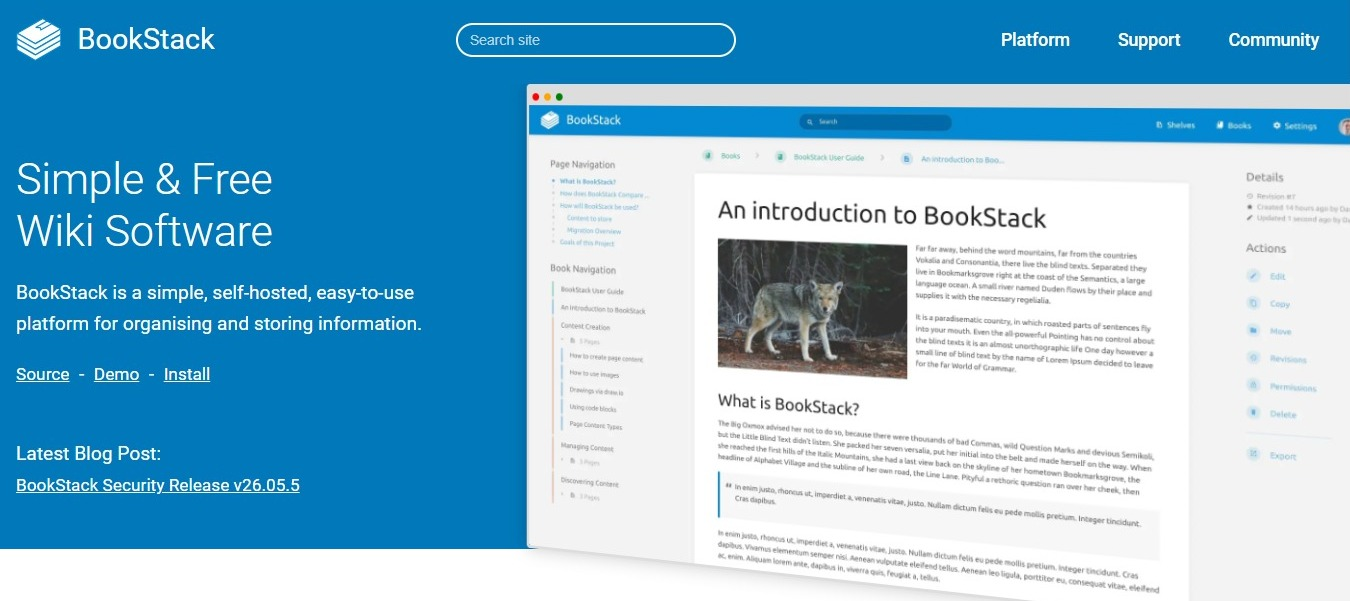
BookStack is free wiki software you run yourself. Its license (MIT) lets you use it however you like. Everything is set up like a library. Shelves hold books, books hold chapters, and chapters hold pages. That makes it easy for new people to find their way around, though teams that want to organize things their own way may find it limiting.
Features:
- An editor that works like a word processor, plus an optional Markdown editor
- A built-in diagram tool (diagrams.net)
- Login with your work account (OIDC, SAML2, or LDAP)
- Two-step login
- Roles and permissions to control who sees what
- Links that jump straight to any paragraph
Things to keep in mind:
- The library-style setup suits some teams and not others.
- It doesn't list any AI features.
- You handle all the server work yourself.
Pricing: free. You can pay for a support plan if you want help.
If you're looking into BookStack, see how Docmost compares to BookStack.
3. Outline: Best for Teams That Want the Choice of Cloud or Self-Hosted
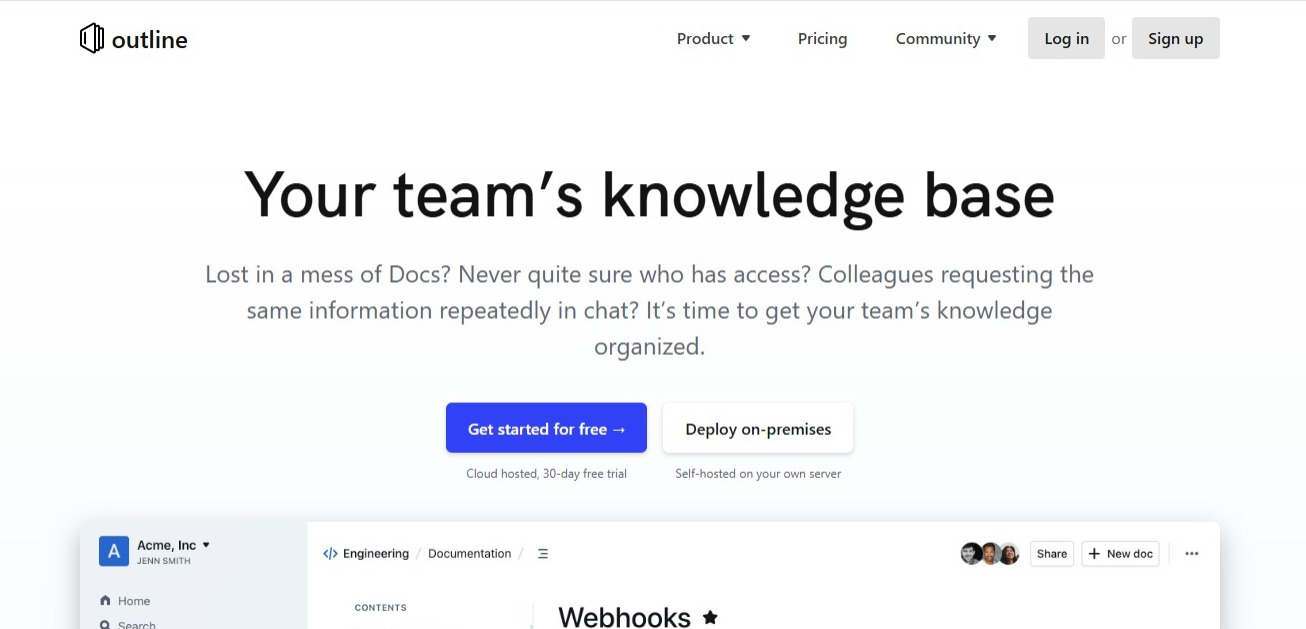
Outline is a team knowledge base where several people can edit a page at the same time. You can use it in Outline's cloud or run it on your own servers.
Check the license before you commit. Outline lets you see and run its code, but its license (BSL 1.1) isn't an open source license.
Features:
- Editing together in real time
- Comments and @mentions
- AI answers to your team's questions
- Translation into other languages
- Single sign-on
- 20+ connections to other apps, including Zapier
- Groups and permissions
- API and webhooks, for connecting it to your own tools
Cloud pricing:
- $10 per month for 1 to 10 members
- $79 per month for 11 to 100 members
- $249 per month for 101 to 200 members
- Over 200 members: contact sales
AI: AI answers come with every cloud plan.
On-premises pricing: free for up to 10 users, then $4 per user per month (billed annually) on the Business plan, and $5 per user per month at 100 users (also billed annually).
The free trial for the cloud version lasts 30 days.
You can also see how Docmost compares to Outline.
Best Cloud Tools for Everyday Team Knowledge
Cloud tools are the quickest way to get started. The company that makes the tool runs it and keeps it updated, so your team just signs up and starts writing.
4. Notion: Best for Docs and Projects in One Place
Notion puts documents, databases, and project tracking in one workspace, so your team can keep its knowledge base right next to the work it describes.
Pricing:
- Free plan
- Plus: $10 per member per month
- Business: $20 per member per month
- Enterprise: custom pricing
Paying yearly saves up to 20%.
Business adds:
- All of Notion's AI features, including Agent, AI Meeting Notes, and Enterprise Search (search that covers your connected apps)
- Single sign-on through SAML
- Page verification
- Private team areas that only invited people can see
- Database settings that can limit someone to only the rows assigned to them
Enterprise adds:
- Automatic account setup and removal (SCIM)
- An audit log (a record of who did what)
- A promise that the AI companies Notion works with don't keep your data
Things to keep in mind:
- It only runs in the cloud.
- The Plus plan only gets a trial of Notion AI.
- Custom Agents cost $10 per 1,000 credits.
For more detail, see how Docmost compares to Notion or read our Notion vs Confluence comparison.
5. Slite: Best for Quick Setup With AI Answers Built In
Slite is a cloud knowledge base built around writing docs and getting answers from them. Even the cheapest plan includes page verification and Ask, its AI search.
Basic ($10 per user per month, paid yearly):
- Unlimited docs
- Ask, which answers questions using your docs
- Page verification
- MCP and API access, for connecting other tools and AI apps
Pro ($20 per user per month, paid yearly):
- The Slite Agent
- Search across the other apps you've connected
- Single sign-on through OpenID
Enterprise: custom pricing.
Things to keep in mind:
- There's no free plan, only a 14-day trial.
- It only runs in the cloud.
To see how it compares to a close rival, read our Slite vs Slab comparison, or see Docmost and Slite side by side.
6. Slab: Best Free Plan for Small Teams
Slab's free plan covers up to 10 users, so a small team can get started without asking anyone for a budget.
Pricing:
- Free for up to 10 users
- Startup: $6.67 per user per month, paid yearly
- Business: $12.50 per user per month, paid yearly
- Enterprise: for teams of at least 100 users
Every plan comes with page verification and search that also covers your connected apps. Ask, Slab's AI feature, starts on the Business plan.
Things to keep in mind:
- Single sign-on through SAML and the Ask feature both need Business or higher.
- It only runs in the cloud.
You can see how Docmost compares to Slab, or read our Slab vs Confluence comparison.
7. Tettra: Best for Teams That Live in Slack
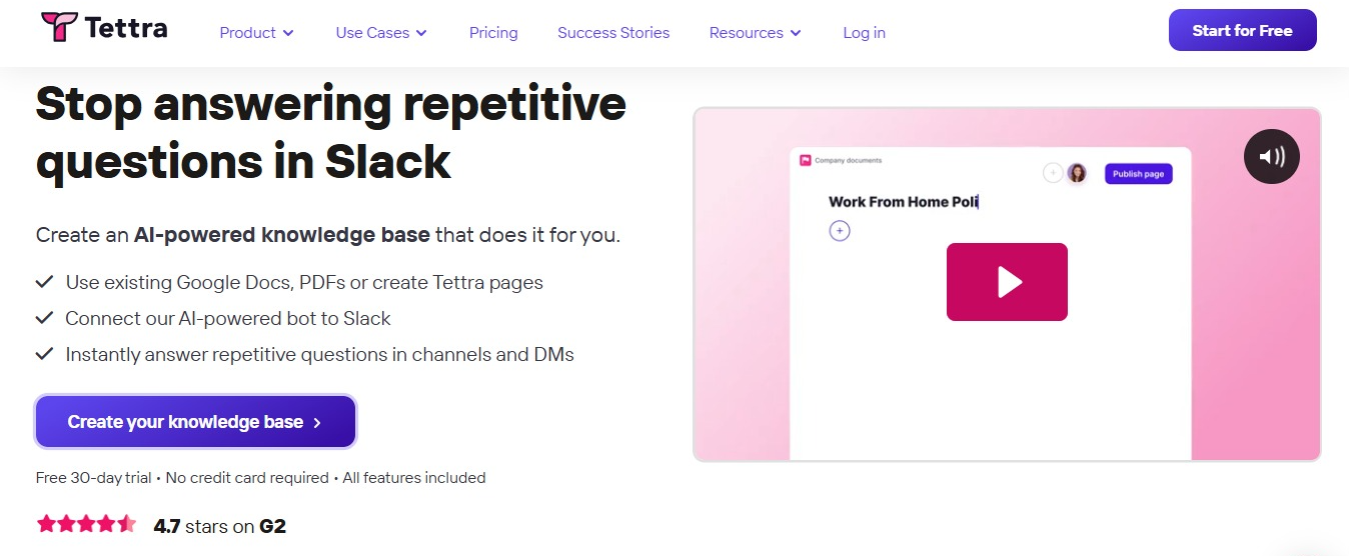
Tettra is a knowledge base with a Slack bot called Kai. Kai answers questions inside Slack using your Tettra pages, and it can turn useful Slack conversations into new pages.
Features:
- Page verification
- Log in with your Slack account
- Bring in content from Google Docs and Markdown files
- Google Workspace integration
- Usage analytics
- API access
AI: available on the Scaling plan and higher.
Free trial: 30 days, with all the AI features included.
Pricing: the Scaling plan is $8 per user per month, with a 10-user minimum.
Things to keep in mind: it only runs in the cloud.
Best Tools for Answers You Can Trust
These three tools focus on AI answers drawn from your company's knowledge.
8. Guru: Best for AI Answers Backed by Page Verification
Guru pairs AI answers with page verification, so the pages behind each answer have an owner who keeps them correct.
Features:
- Page verification
- Knowledge Agents that answer questions, show their sources, and only use pages the person asking is allowed to see
- MCP, so other AI tools can use your Guru content
- 100+ connections to other apps
- Single sign-on and automatic account setup (SCIM)
- A SOC 2 Type II security certification
AI: AI answers are available through a quote, since Guru sells custom packages.
Pricing: custom packages that include help from Guru's own experts. Nonprofits can get a discount.
Things to keep in mind:
- There's no public price.
- There's no free plan listed on its website.
If Guru is on your list, see how Docmost compares to Guru.
9. Bloomfire: Best for Large Companies
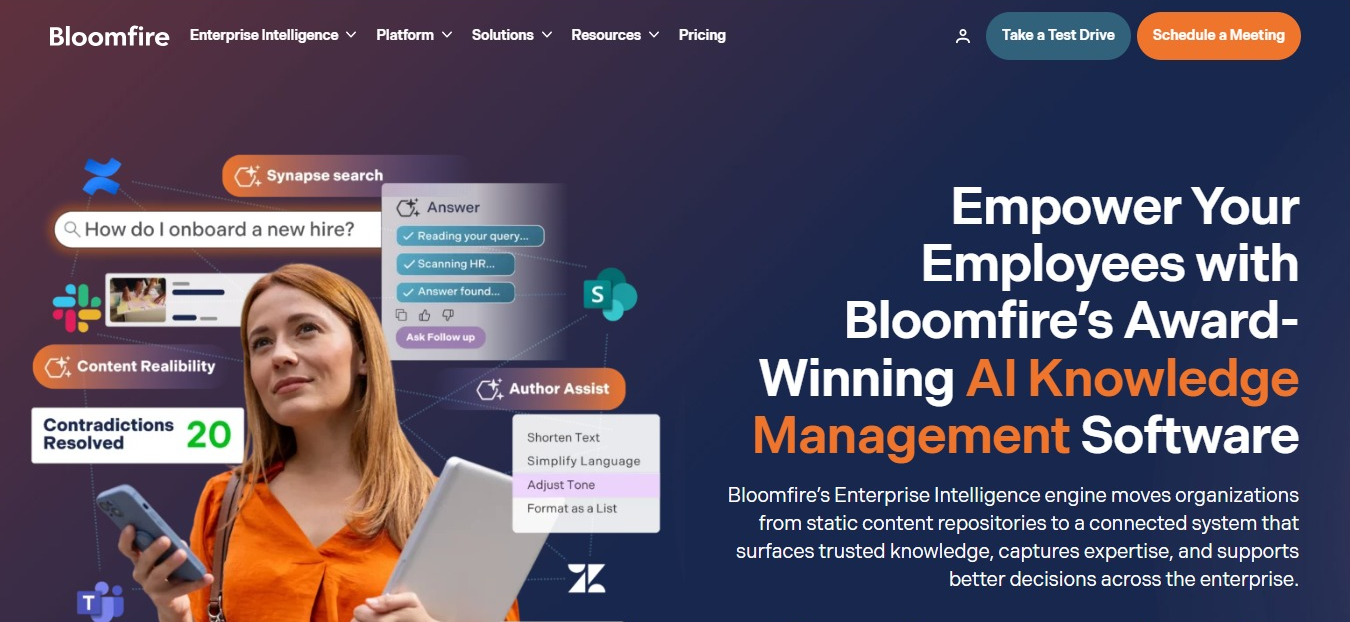
Bloomfire prices its plans by how much of the company will use it: one team, one department, or the whole company. Contracts run for several years at a time. Bloomfire says it's best for companies with more than 100 employees.
AI: AI features are offered, and plan details come with your quote. Bloomfire's AI assistant, Synapse, answers from your company's approved content and checks each answer for made-up details before showing it. You can hover over or tap the footnotes to see the exact passage behind each claim.
Keeping pages up to date: you can set expiration dates and scheduled reviews so outdated pages don't pile up, and approval workflows make sure content is reviewed before it goes live.
Things to keep in mind:
- There's no public price.
- There's no free plan or trial.
- A contract that runs for several years is a bigger commitment than paying monthly or yearly.
10. Document360: Best for Documentation Teams That Want Built-In AI
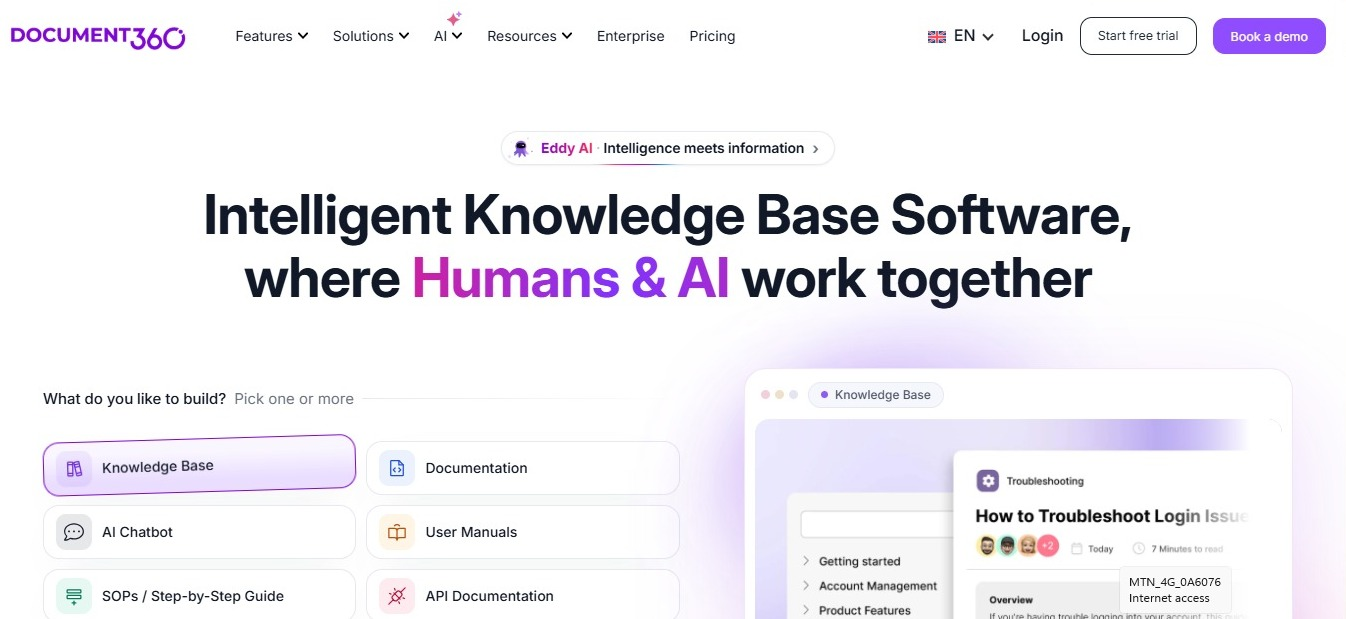
Document360 is a documentation platform with AI built in. Here, you get prices by contacting the company, and startups can apply for a program that gives them six months free on Business or Enterprise.
AI: Document360 describes its AI as one layer that reads, writes, and answers across your docs and the other sources you connect. It also supports MCP, so you can connect AI tools like Claude and ChatGPT.
Things to keep in mind:
- New users can't sign up for the free plan anymore.
- There's no public price.
- Which plans include AI isn't published, so ask when you get a quote.
If you're comparing tools like this one, our list of Helpjuice alternatives covers more of them.
Best Options for Microsoft and Atlassian Companies
11. Confluence: Best for Jira and Atlassian Teams
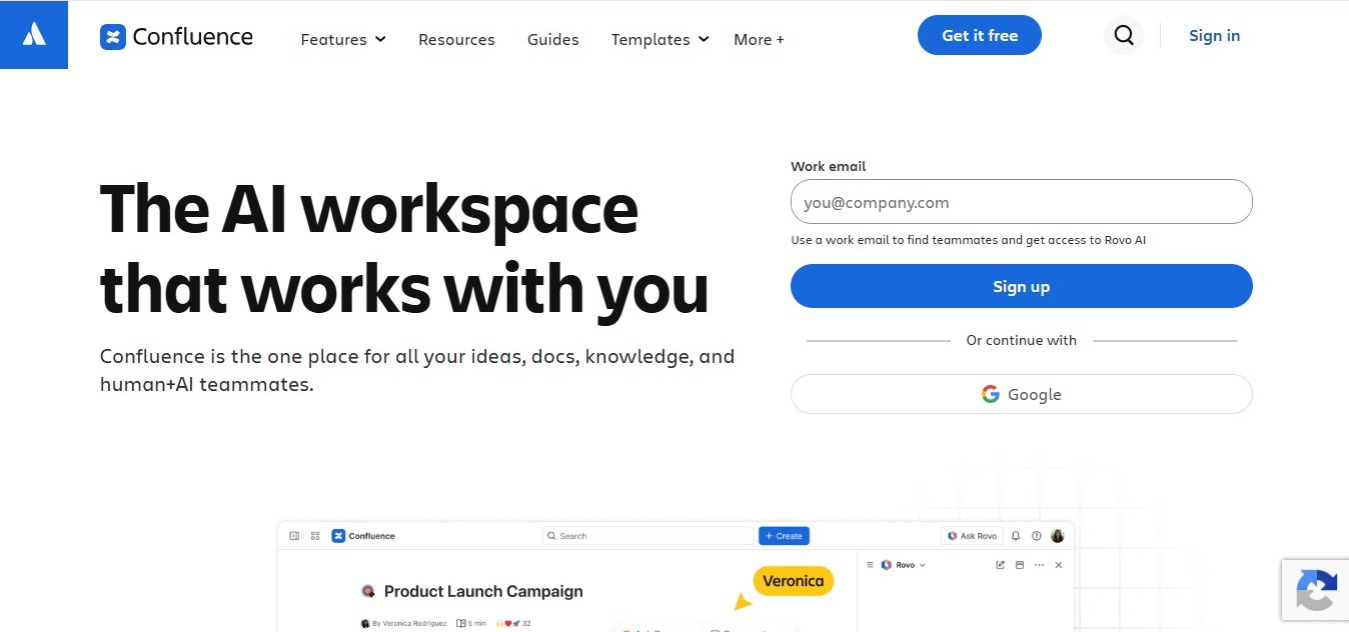
Confluence is Atlassian's wiki, and it fits best with teams that already track their work in Jira.
Pricing:
- Free for up to 10 users, with 2 GB of storage
- Standard: 5.42peruserpermonth,billedannually(6.40 per user per month, billed monthly, for 1 to 100 users)
- Premium: 10.44peruserpermonth,billedannually(12.30 per user per month, billed monthly, for 1 to 100 users)
AI: Rovo Search, Chat, and Agents start on the Standard plan.
Free trial: available on every paid plan except Enterprise.
Data Center (the version you run yourself): Atlassian stopped selling Confluence Data Center to new customers in March 2026. It shuts down on March 28, 2029. After that date, existing setups become read-only, so you can view pages but not change them.
Things to keep in mind: if you're buying Confluence for the first time, the cloud version is your only choice.
Before you decide, see how Docmost compares to Confluence.
12. SharePoint: Best for Companies on Microsoft 365
SharePoint is Microsoft's tool for sharing documents and building internal sites, and it's part of Microsoft 365. If your company already uses Microsoft 365, you may have access to it.
Pricing: the prices below are for Microsoft 365 plans, not a SharePoint-only price.
- Microsoft 365 Business Premium with Copilot (no Teams): $28.80 per user per month, paid yearly
- Microsoft 365 Business Premium with Copilot (with Teams): $32.00 per user per month, paid yearly
Both are annual subscriptions that renew automatically.
Free trial: available.
AI: AI chat is available on all plans.
What's the Best Internal Knowledge Base Tool?
The best internal knowledge base tool depends on where your data has to live, what your team already uses, and how much you want to spend. Start with the one thing your team can't live without, then use this table to narrow the list.
|
If your team... |
Look at |
|
Needs data to stay on its own servers |
Docmost, BookStack, Outline (self-hosted) |
|
Wants a free option |
BookStack, Docmost Community, Outline (self-hosted, up to 10 users), Slab Free, Notion Free, Confluence Free |
|
Lives in Slack |
Tettra |
|
Uses Jira |
Confluence |
|
Uses Microsoft 365 |
SharePoint |
|
Needs pages someone owns and checks |
Guru, Slab, Slite, Tettra, Notion (Business), Docmost Enterprise |
|
Wants docs and projects in one tool |
Notion |
|
Has more than 100 employees |
Bloomfire |
|
Wants help from the vendor's own experts |
Guru |
If your knowledge base will mostly hold product documentation, our guide to the best documentation tools for product teams goes deeper on that.
Questions to Ask Before You Choose
- Who will own each page and keep it up to date?
- How many people need access, and do you have to pay for a minimum number of seats?
- Where does your data have to be stored?
- Does the plan you can afford include AI answers?
These questions help you narrow down what your team needs.
Moving Your Existing Pages Over
You probably already have pages in Notion, Confluence, Markdown files, or Word documents, so check which kinds of files each tool can bring in before you choose one.
Docmost can bring in Markdown, HTML, Word, Notion, and Confluence files, and you can upload a ZIP of Markdown and HTML files for bigger imports. The Confluence import tool comes with the Business tier, and you can find the steps in the Docmost import and export guide. Whichever tool you pick, move one team or section at a time, and leave time to fix links and formatting once everything's in.
Frequently Asked Questions
- What Is the Best Internal Knowledge Base for a Small Team?
It depends on whether you want to run it yourself. If you don't want to manage servers, Slab's free plan covers up to 10 users, and Notion and Confluence both have free plans too. If you want your data on your own servers, BookStack and Docmost Community are free to run yourself, and Outline is free on your own servers for up to 10 users. Someone on your team will need to look after the servers, backups, and updates.
- Which Internal Knowledge Base Tools Can Be Self-Hosted?
On this list, you can run Docmost, BookStack, and Outline on your own servers. The rest only run in the cloud. Confluence used to sell a version you could run yourself, called Data Center, but Atlassian stopped selling it to new customers in March 2026.
- What's the Difference Between an Internal Knowledge Base and a Wiki?
A wiki is a type of tool: a set of pages that a group of people can edit together. An internal knowledge base is what you build with it, the collection of answers your team relies on. Since most internal knowledge bases are built with wiki tools, people often use the two words to mean the same thing.
- How Do You Keep an Internal Knowledge Base From Going Out of Date?
Give every important page an owner, and ask that person to check it regularly. Page verification makes this easier. Guru, Slab, Slite, Tettra, Notion's Business plan, and Docmost Enterprise all let you mark pages as checked, so readers know which ones they can trust. Archiving pages nobody reads also keeps search results clean.
- Can I Add AI Search to an Existing Knowledge Base?
Often, yes, but it usually depends on your plan. In Docmost, AI search comes with the Business tier. Slite includes AI answers on its Basic plan, Notion puts its full AI on the Business plan, and Slab includes Ask from its Business plan up. Check which plan you're on before you count on it.
- How Do I Move From Confluence or Notion to a New Knowledge Base?
Export your pages first, then use the new tool's import feature if it has one. Docmost can bring in Confluence pages on its Business tier, and it can bring in Notion pages too. Move one team or section at a time, then fix links and formatting once everything's in place.
Keep Your Team's Knowledge on Servers You Control
If your team needs a knowledge base that runs on your own servers, Docmost lets you edit pages together in real time, and its Business and Enterprise tiers add page-level access settings, single sign-on, and AI answers. Talk to our sales team to find the right tier for your company.