Wiki for Sales Teams: What Belongs in Your CRM vs. Your Wiki
Where should your sales team keep pricing rules and customer data? Learn what belongs in your wiki and what belongs in your CRM.

A rep on a live call gets asked whether the customer can have 30% off a three-year commitment. They've seen a version of that number before, in a deal note on a similar account, so they say yes. The number is now sitting in the customer's inbox, and it's two approval tiers above what they're allowed to offer.
Nobody here did anything careless. The answer they needed existed somewhere in the company. It was buried in someone else's deal notes instead of somewhere they could check in four seconds.
That's the gap a sales wiki closes. It's not a replacement for your CRM, or another place to log activity, but a place to keep the pricing rules, answers, and playbooks your reps reach for on every call.
What Does It Mean To Have A Wiki for Sales Teams?
The easiest way to think about it is to ask what question each system answers.
| System | CRM | Sales Wiki |
|---|---|---|
| Question it answers | What happened with this account, and what's next? | What applies to every account, and what am I allowed to offer? |
| Lifespan of a record | Tied to one deal | Outlives every deal it informs |
| Who reads it | The rep on the deal and their manager | Anyone selling, at any time |
| What changes it | Deal activity | A decision by pricing, product, or leadership |
| Example entry | "Sent revised quote 12 Mar" | "Discounts above 20% need VP approval" |
Your CRM is a record of events. Events are useful, but they can't tell a new rep what they're allowed to do, how your product handles single sign-on, or why you stopped positioning against a particular competitor last quarter. Those answers apply everywhere and belong somewhere everyone can reach.
Why Sales Knowledge Ends Up in Deal Records
Reps spend their day inside the deal record. When a customer raises an objection and the rep works out a good response, writing that response into the deal notes costs nothing. They're already on the page, the notes are right there, and the thought is fresh.
But writing it somewhere reusable takes a bit more effort, because they have to work out where it belongs and whether a page for it already exists. And when they're mid-deal with three other things waiting, the quicker option wins.
Why Sales Teams Need a Wiki
The same answer gets written twenty ways
Once that habit sets in, a predictable pattern follows:
- Twenty reps write twenty versions of the same security answer, and each one is slightly wrong in a different direction.
- Nobody can tell which version is current, so nobody quotes any of them.
- When the product changes, there's no single page to update, so the older versions keep circulating.
- New hires learn by reading whichever deal record they happened to open first.
This usually shows up as reps asking the same questions in chat, managers answering them all the time, and customers hearing a different answer depending on who they ask.
The knowledge leaves when the rep does
When a rep resigns, their deals get reassigned within the hour and what they worked out about pricing a competitive displacement, or which security question always slows procurement down at mid-size banks, doesn't transfer with the record. Their successor inherits the pipeline but has to start the learning all over.
What Belongs in Your Sales Wiki
A useful test for anything you're about to write down: would the next rep need this on a deal that has nothing to do with this one? If yes, it goes in the wiki.
| Content | Why the CRM can't hold it |
|---|---|
| Pricing and packaging rules | Applies to every deal and changes on its own schedule, not the deal's |
| Discount authority and approval tiers | Has to be findable before the rep commits to a number, not after |
| Competitive positioning and objection handling | Written once, used on hundreds of calls |
| Security and procurement answers | Reused close to word for word, and a wrong answer creates a problem you can't unsend |
| Onboarding path for new reps | It's the same material for every new hire, so it belongs somewhere permanent |
| Call and demo structure | It's a process your team follows |
| Post-loss reviews | The value is in comparing them, which you can't do from inside a single deal |
Contact records, pipeline stages, forecast numbers, activity history, and anything that counts as personal data with a retention schedule attached should stay in the CRM. Your wiki has no business holding customer contact details, and copying them in gives you a second place to worry about.
When something has to live in both systems, link to it rather than copy.
The Sales Content That's More Sensitive Than It Looks
Most teams set up a sales wiki thinking of it as playbook material, then fill it with things they'd be uncomfortable seeing outside the building.
- Discount floors and margin thresholds: These tell a competitor exactly how far you'll go and where you'll stop.
- Named account intelligence: Notes on a customer's internal politics, who blocks deals, and who to route around read very differently outside your company than inside it.
- Contract and legal fallback positions: What your legal team will accept when a customer pushes back, and in what order.
- Competitive teardowns: Written the way your team talks internally, and rarely written with the thought that the competitor might read them.
- Renewal notes and flags on accounts that might leave: Honest views on customers who are still paying you.
None of this is regulated the way patient records or export-controlled drawings are. There's no clause in a contract telling you where your objection-handling page has to sit. That's exactly why it usually gets less thought than it deserves. No auditor is going to ask where these pages sit, so if the team doesn't ask, nobody will.
Who Should See Which Numbers
The instinct when documentation gets sensitive is to lock everything down. That backfires because a wiki nobody can browse through is a wiki nobody uses, and reps go back to guessing from deal notes.
A better approach is to sort content by who needs it and set permissions once, at the space level.
| Role | Should see | Shouldn't see |
|---|---|---|
| Account executive | Pricing, approval tiers, playbooks, competitive material | Margin data, other reps' account notes |
| Sales manager | Everything above, plus account notes for their team | Company-level margin modelling |
| Sales leadership | Everything, including discount and margin analysis | — |
| Marketing and product | Positioning, objection handling, competitive material | Account intelligence, pricing floors |
| Wider company | Published positioning only | Everything else |
In practice, most teams end up with one open sales space that every rep can read and search, plus a locked space inside it for pricing details and account notes. Two levels is usually enough. If a rep has to request access to find a discount tier mid-call, they'll stop asking the wiki and start guessing again.
Decide this before you invite anyone in. Tightening permissions after people are already working in a space is far more disruptive than setting them up front, and it tends to come as a surprise nobody enjoys.
Keeping Pricing Pages Current When Pricing Changes
Sales documentation goes out of date faster than most internal writing, because pricing, packaging, and competitors all move on their own timelines. A few habits carry most of the weight.
- Name one owner for pricing rules and one for competitor positioning; One person needs to be in charge of updating prices, and another for updating competitor positioning.
- Put the last edited date on the page: Reps glancing at it mid-call need to see immediately that they're reading the current rules.
- Change the page first, then announce it: If you announce the change before updating the page, the only correct version is a chat message, and chat messages disappear. Anyone who checks the wiki gets the old price.
- Lean on version history when a number gets disputed: If a customer comes back three months later saying they were quoted something different, you can see what the rule said on the day the quote went out and who changed it since.
If you're setting this up from scratch, our guide on how to write internal documentation covers page structure and review habits in more depth, and how to make your enterprise wiki scale gets into what changes once the number of pages grows past what anyone can hold in their head.
Where Your Sales Documentation Is Hosted
Sales documentation carries commercial information that would be worth money to the right person, so where it sits is a fair question to ask of any platform you're considering.
Running your own wiki means three things:
- Data never leaves infrastructure you control.
- You define your own compliance posture, including access controls, encryption, and retention, instead of inheriting a vendor's.
- Hosting, backups, upgrades, and security patching become your IT team's responsibility.
Self-hosting gives you control, but it gives your IT team work. For teams where that work is already happening for other systems, it's a small addition. For a sales team with no infrastructure support behind it, a hosted option may make more sense, and there's no prize for choosing the harder path.
Building a Sales Wiki in Docmost
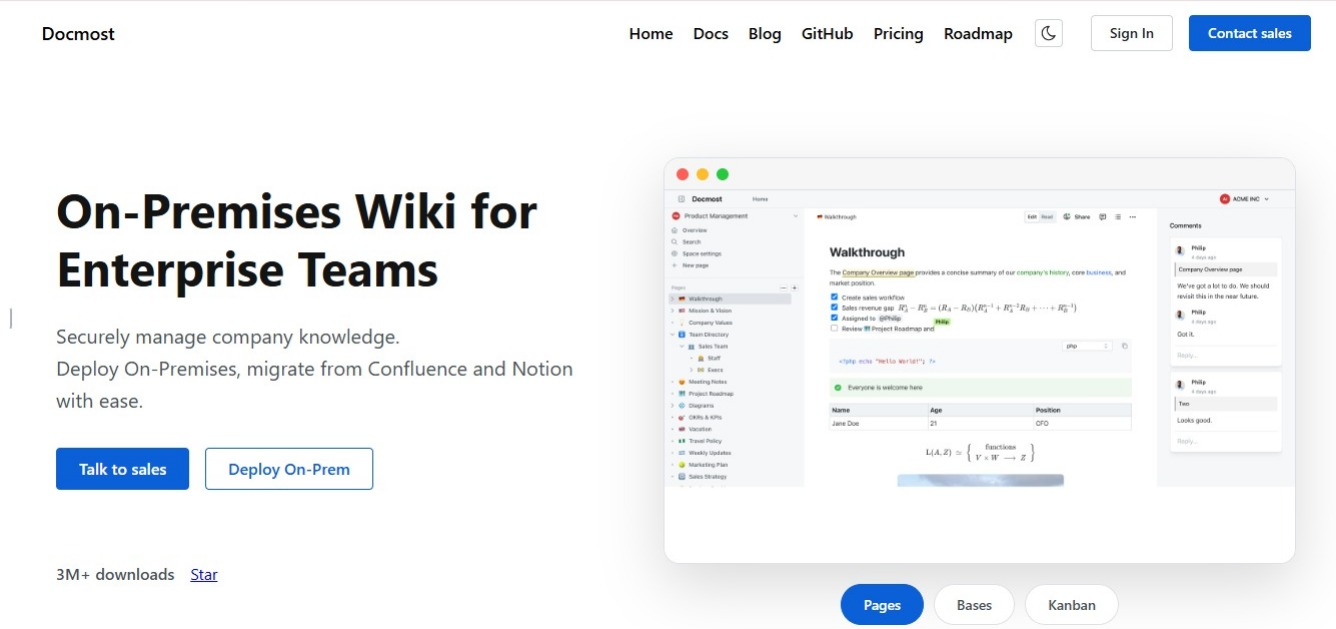
Docmost is built for the way sales teams use documentation:
- Spaces with their own permissions: The open sales space and the locked pricing space described above are two settings rather than two systems.
- Page history: It records what changed, who changed it, and when, which is what you fall back on when a quoted number gets questioned months later.
- Real-time editing: Enablement and product can update positioning together instead of passing a document back and forth.
- Public page sharing: When a partner or reseller needs a small slice of your material, individual pages can be shared without opening anything else.
Search matters more here than in most documentation work. If a rep can't find the discount tier in a few seconds, they'll go with whatever number they half remember.
Frequently Asked Questions
1. Is a wiki the same thing as a sales enablement platform?
No. Sales enablement platforms bundle content delivery with training, coaching, and reporting on what reps opened and how long they spent on it. A wiki holds the written knowledge and stops there. Plenty of teams buy the larger system when what they needed was a reliable place to keep pricing rules and playbooks.
2. Can a wiki replace our CRM?
No, and it shouldn't try. Deal records, pipeline stages, contact history, and forecasting belong in a system built for them. The wiki holds the rules and answers reps reuse, and the two work best when each stays in its lane.
3. Where do discount rules go if pricing changes every quarter?
In the wiki, with the effective date shown on the page. Frequent change is an argument for one maintained page rather than against it, because the alternative is a different version of the rules living in fifteen different deal notes.
4. Who owns the sales wiki when there's no enablement hire?
Usually a senior rep or the sales manager, with pricing pages owned by whoever signs off on discounts. Ownership matters more than the job title attached to it. An unowned wiki drifts out of date within a quarter or two.
5. How do we recover knowledge that's already buried in old deal notes?
Don't try to excavate all of it. Write the ten answers your reps ask for most often, get those right, and let the rest go. A short wiki people trust beats a long one assembled from years of half-accurate notes.
6. How do we get reps to use it during a call?
Search speed decides it. If finding the approval tier takes longer than guessing, they'll guess. Keep page titles specific, keep the structure shallow, and test it by asking a new hire to find three things without help.
Get the Right Wiki for Your Sales Team
The rep in the opening didn't need a bigger system. They needed one current page that told them what they were allowed to offer, and they needed to find it quick.
That's the whole case for a sales wiki. Decide what belongs there and what stays in the CRM, name someone to keep the pricing pages current, and set your permissions before anyone starts writing. The rest follows from those three decisions.
Ready to give your sales team one place for the answers it reuses every day? Try Docmost or talk to our team about running it on your own infrastructure.