Best 6 Enterprise Wikis With SSO and Role-Based Access
Need an enterprise wiki with SSO and role-based access? Compare 6 options and see which plan you need before your security team asks.

TL;DR
- You'll see six enterprise wikis with SSO and role-based access side by side: Docmost, Confluence, Notion, XWiki, Document360, and Guru, plus which one fits your situation.
- SSO and SCIM often come in different plans, so check which plan you'd need, not just whether the feature exists.
- If you need to self-host, Docmost gives you SSO (SAML 2.0, OpenID Connect, LDAP) and page-level permissions in Business. Enterprise adds SCIM (automatic account setup and removal) and audit logs.
- Test your own identity provider before you sign anything.
Most enterprise wikis support single sign-on (SSO), but which plan includes it depends on the tool. For example, Confluence Cloud handles SSO through Atlassian Guard, which is included with the Enterprise plan and may be a separate subscription on other plans.
Notion offers SAML SSO on its Business and Enterprise plans, but SCIM is Enterprise only. Docmost works the same way: SSO is in Business, and SCIM comes with Enterprise. Document360 doesn't publish prices, so you'll need a sales call to find out what SSO costs you.
This list shows what each of the six wikis supports, which plan you'd need for SSO and SCIM, and how far its permissions go. Use it to build a shortlist your security team can review.
What Makes a Wiki Enterprise-Ready
An enterprise wiki is a shared knowledge base that connects to your company's sign-in system, called your identity provider. It lets you control who can see and edit each part of the wiki. SSO decides who gets in, and role-based access decides what each person can do once they're inside.
When you compare tools, look at these five things:
- SSO protocols: SAML 2.0, OpenID Connect (OIDC), and LDAP are the common ones. Your identity provider will support at least one of them, so check that the wiki speaks the same one.
- SCIM provisioning: your identity provider creates, updates, and removes wiki accounts for you, so your admins don't have to do it by hand.
- Permission levels: some wikis stop at the space, while others let you lock down a single page.
- Audit logs: a record of who did what, which your security review will often ask for.
- Hosting: whether the wiki runs in the vendor's cloud or on servers you control.
How We Compared These Wikis
We checked every wiki here against the same points, so you can compare them fairly:
- Which SSO protocols it supports
- Whether it offers SCIM provisioning
- Which plan includes SSO and SCIM
- How far its permissions go
- Where it can be hosted
We took everything from each vendor's own pricing and documentation pages in October 2026. Because plans change often, confirm the details with each vendor before you buy.
Quick Comparison Table
|
Feature |
Docmost |
Confluence |
Notion |
XWiki |
Document360 |
Guru |
|
Hosting |
Self-hosted, air-gapped ready |
Cloud; Data Center (closed to new customers) |
Cloud |
Self-hosted or XWiki Cloud |
Cloud or private cloud |
Cloud |
|
Open source |
Yes (Community edition) |
No |
No |
Yes |
No |
No |
|
SSO protocols |
SAML 2.0, OIDC, LDAP |
SAML (Cloud); SAML and OIDC (Data Center) |
SAML |
LDAP, OIDC (extensions) |
SAML or OIDC (one at a time) |
SAML |
|
Group sync from your identity provider |
Business (SSO group sync) or Enterprise (SCIM) |
Atlassian Guard (SCIM) |
Enterprise (SCIM) |
LDAP and OIDC extensions |
SCIM (varies by provider) |
SCIM |
|
Permission depth |
Space roles and page-level |
Space permissions and page restrictions |
Teamspaces and page-level sharing |
Wiki-wide and page-level rights |
User roles and reader groups |
Collection and read-only folder access |
|
Standout feature |
SSO and page-level permissions in Business |
Built by the makers of Jira |
Docs and databases in one workspace |
Add-ons from its extension library |
One tool for a help center and internal docs |
Answers inside Slack and your browser |
The 6 Best Enterprise Wiki Platforms: A Side-by-Side Comparison
1. Docmost
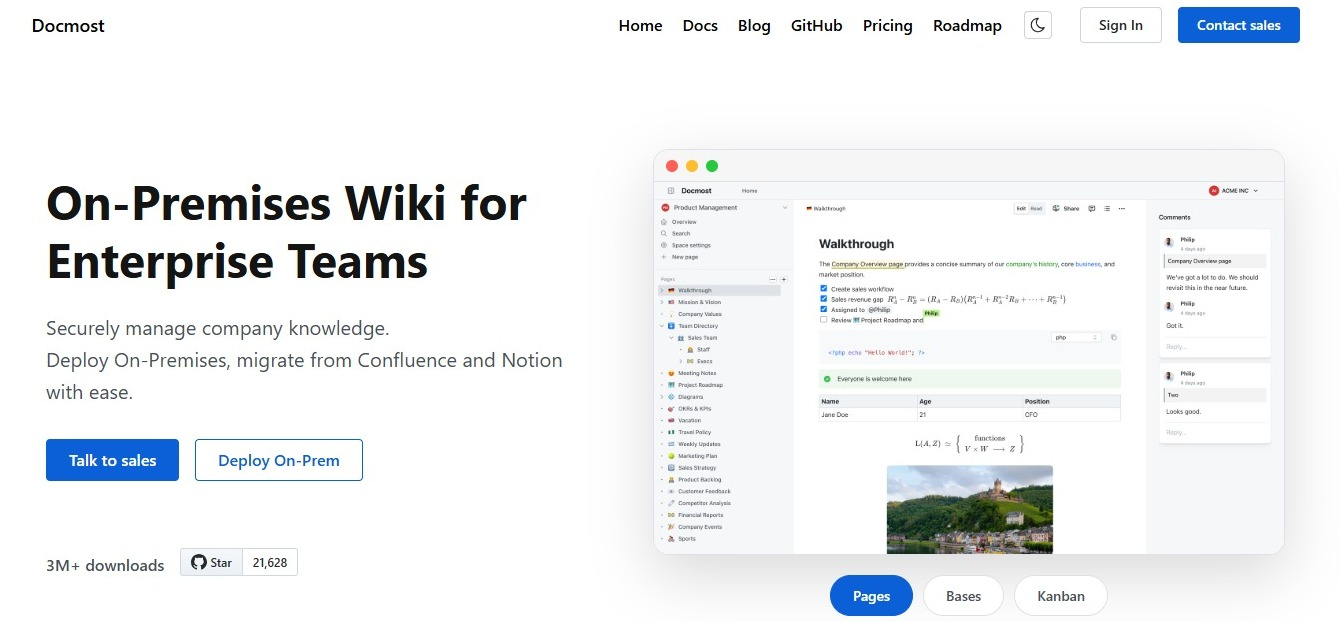
Docmost is an open source wiki you run on your own servers. If you need SSO and page-level permissions but don't want to send your documentation to a vendor's cloud, Docmost is built for you.
- Pick it if: your docs need to stay on infrastructure you control, including an air-gapped network.
- SSO and plan: Business includes SSO through SAML 2.0, OIDC, and LDAP, plus multi-factor authentication. It works with Microsoft Entra ID, Okta, OneLogin, Google, Keycloak, Authentik, Authelia, Duo, and other SAML and OIDC providers. Enterprise adds SCIM provisioning, audit logs, and SIEM.
- Role-based access: Every space in your wiki has three roles: Full Access, Can Edit, and Viewer. You can give a role to one person or to a whole group. Business adds page-level permissions, so you can lock a page and pick exactly which people or groups can view or edit it. With group sync turned on, Docmost updates each person's groups from your SAML, OIDC, or LDAP provider every time they log in. You'll need to create the matching groups in Docmost first, though.
- Hosting: Self-hosted or on-premises, and ready for air-gapped networks. Running it yourself means:
- Your data never leaves infrastructure you control.
- You define your own compliance posture (access controls, encryption, retention) instead of inheriting a vendor's.
- Hosting, backups, upgrades, and security patching become your IT team's responsibility.
- Limits: The free Community edition doesn't include SSO, and SCIM and audit logs need Enterprise, so if you want people removed automatically when they leave, plan for that tier.
You'll find the full setup steps in Docmost's authentication documentation.
2. Confluence
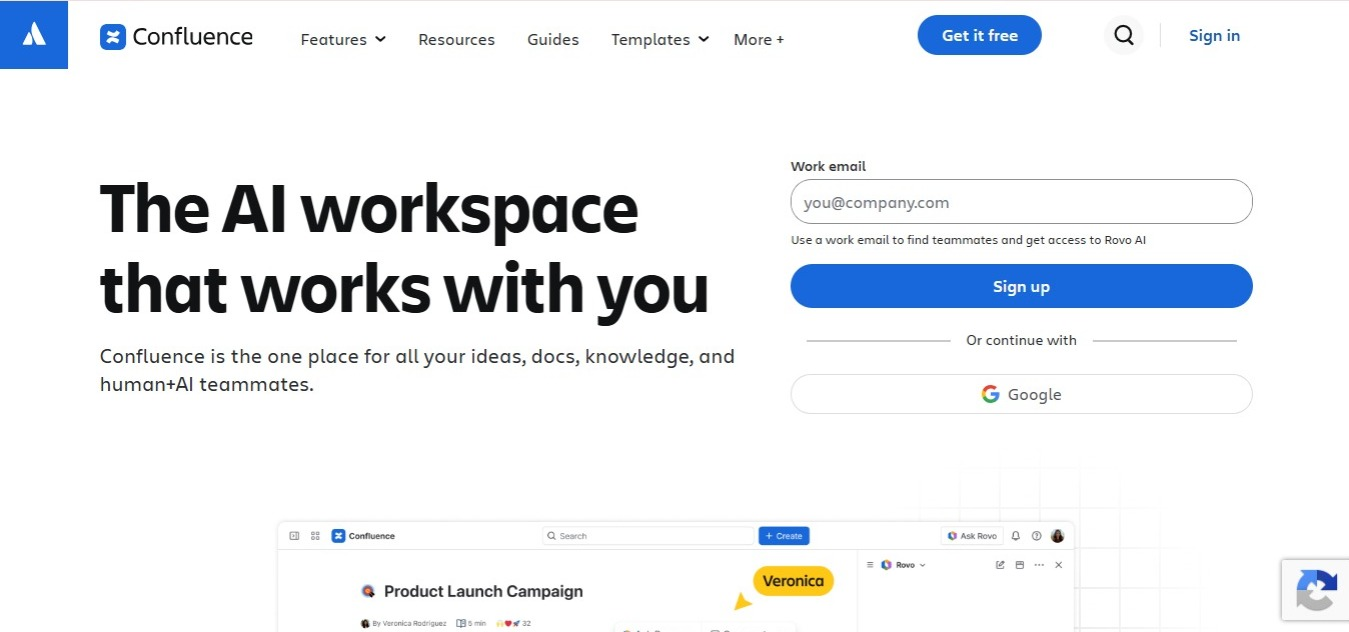
Confluence is Atlassian's wiki, made by the same company as Jira. If your team already tracks its work in Jira, you'll probably have Confluence on your shortlist already.
- Pick it if: you already use Jira and other Atlassian tools.
- SSO and plan: On Confluence Cloud, SSO and SCIM come through Atlassian Guard, a separate subscription that covers your Atlassian products. It's included with the Enterprise plan, though. Cloud SSO only supports SAML, while Data Center supports SAML and OIDC.
- Role-based access: Space permissions set what each group can do across a space, and page restrictions limit who can view or edit a specific page. With SCIM turned on, group memberships sync from your identity provider.
- Hosting: Cloud. Data Center is the version you run yourself, but Atlassian no longer sells it to new customers and has announced an end of life, after which instances turn read-only.
- Limits: If you're not on the Enterprise plan, check whether you'll need to add Atlassian Guard for SSO. If you need to run it yourself, Data Center isn't an option for new customers.
If you're weighing a self-hosted replacement, see how Docmost compares to Confluence and check Docmost's import and export guide for moving your content.
3. Notion
Notion mixes documents and databases in one workspace, so you can use it as your wiki and your planning tool at the same time.
- Pick it if: you want docs and databases in one flexible workspace and you're comfortable in the cloud.
- SSO and plan: SAML SSO is available on the Business and Enterprise plans. SCIM provisioning is Enterprise only.
- Role-based access: Teamspaces group your content by team, and you can change access on any single page. You give each person or group a level such as Full access, Can edit, Can comment, or Can view.
- Hosting: Cloud only.
- Limits: Guests can't sign in through SAML SSO, and SCIM can't manage them either, so contractors you invite to pages use a separate login. You'll also need Enterprise if you want people removed automatically through SCIM.
For a closer look, read the Notion vs Confluence comparison or see how Docmost compares to Notion.
4. XWiki
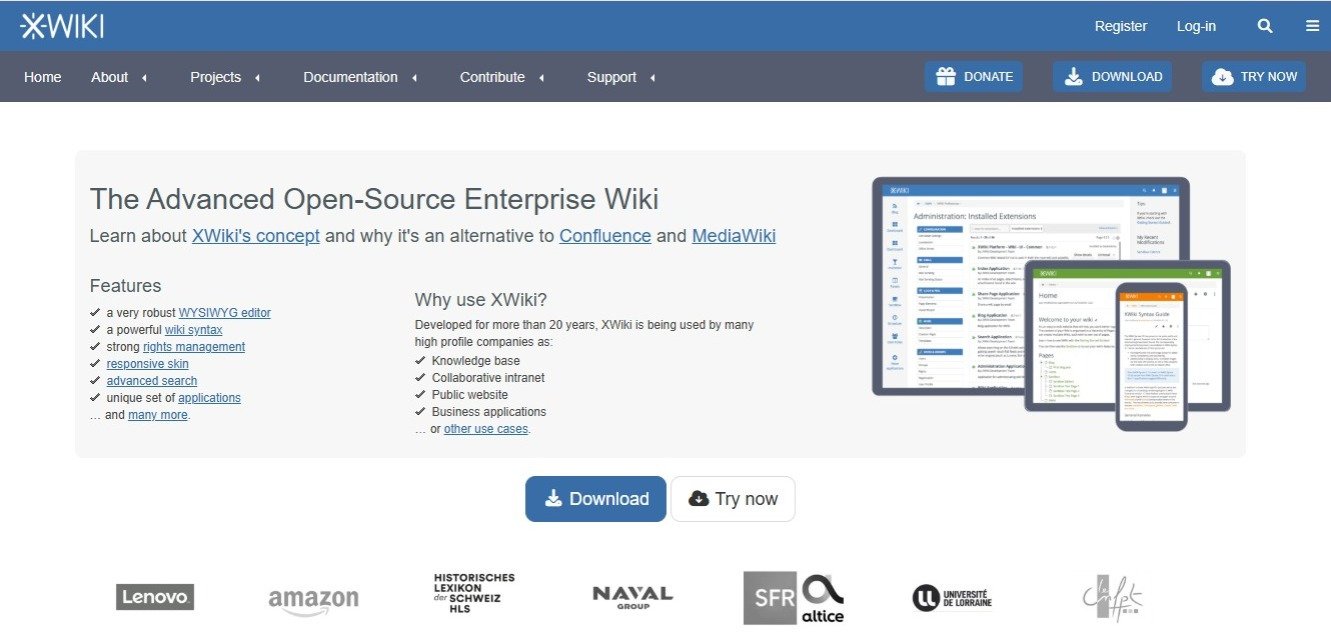
XWiki is an open source wiki with a large library of add-ons (called extensions), so it suits you best if you have developers who can customize it.
- Pick it if: you want an open source wiki you can shape around your own processes, and you have the technical help to do it.
- SSO and plan: XWiki supports LDAP and OpenID Connect through extensions, and both can sync groups. If your identity provider only supports SAML, ask the XWiki team before you shortlist it. The core wiki is open source.
- Role-based access: You can set rights for your whole wiki or for a single page, and give them to users or groups. Your LDAP groups can map to XWiki groups, so your directory decides who sees what.
- Hosting: Self-hosted, or hosted for you through XWiki Cloud from XWiki SAS, the company behind the project.
- Limits: Setting up SSO means installing extensions and editing config files, so expect to spend admin time on it. And if your identity provider only speaks SAML, confirm with XWiki that it's covered.
If open source is on your list of must-haves, compare more options in our list of open source wiki software, or see how Docmost compares to XWiki.
5. Document360
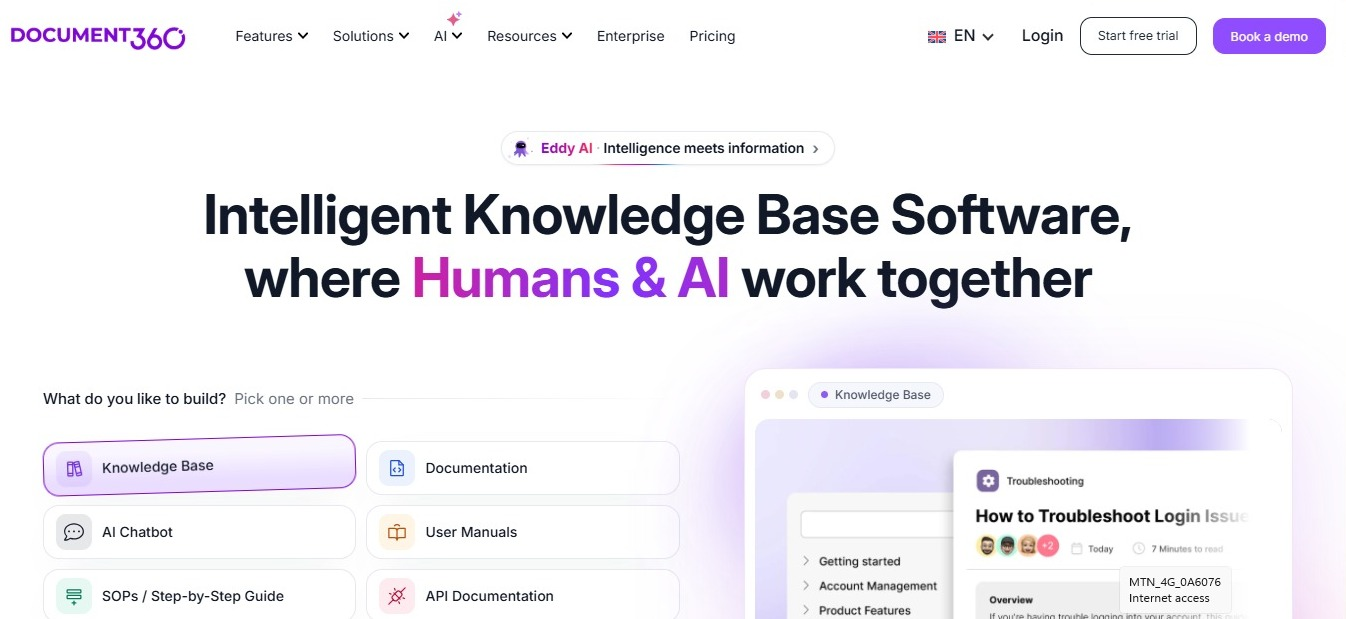
Document360 is a knowledge base platform that lets you serve your customers and your employees from the same place.
- Pick it if: you run a customer help center and want your internal docs in the same tool.
- SSO and plan: Document360 supports SAML or OpenID Connect (one at a time). SCIM can sync users, readers, and groups, though what it supports depends on your identity provider. It doesn't publish prices, though, and your SSO and security needs are one of the things that change your quote.
- Role-based access: Team accounts get roles and permissions for editing, and reader groups decide which readers can see which content.
- Hosting: Cloud, with a private hosting option that gives you a dedicated cloud setup. There's no on-premises version.
- Limits: You can't run it on your own servers, and you'll need a sales call before you can compare costs.
6. Guru
Guru stores knowledge as short cards that your subject experts keep verified, and it brings answers into Slack, Microsoft Teams, and your browser.
- Pick it if: you want your team to get answers inside the apps they already use, without opening a separate wiki.
- SSO and plan: Guru supports SAML SSO, and you can add SCIM for users and groups once SSO is set up. Ask sales to confirm SSO and SCIM are in your quote.
- Role-based access: Workspace roles are Admin and Creator. On content, you can assign Owner or Viewer, and you can add custom roles. Groups get a role in each Collection, and Collection Owners can give groups read-only access to folders inside it. SCIM groups also link to Guru groups and keep their Collection access.
- Hosting: Cloud only.
- Limits: Once you turn on SSO, everyone except your Guru admins has to sign in through your identity provider, so your contractors need an account there. And once SCIM is on, synced users are managed through your identity provider, not in the Guru app.
You can see how Docmost compares to Guru if you need longer docs alongside quick answers.
SSO Compared: Protocols, SCIM, and Plan Requirements
|
Wiki |
SSO protocols |
How accounts and groups stay in sync |
|
Docmost |
SAML 2.0, OIDC, LDAP |
Group sync on every login; SCIM in Enterprise |
|
Confluence |
SAML (Cloud); SAML and OIDC (Data Center) |
SCIM through Atlassian Guard |
|
Notion |
SAML |
SCIM (Enterprise) |
|
XWiki |
LDAP, OIDC (extensions) |
Group sync through LDAP and OIDC |
|
Document360 |
SAML or OIDC (one at a time) |
SCIM (support varies by identity provider) |
|
Guru |
SAML |
SCIM after SSO is set up |
It's easy to look at protocols and stop there, but the plan you'd need is just as important. A wiki might support SAML and still keep it in a tier that's out of your budget. Check the plan details above before you build your shortlist.
Role-Based Access Compared: How Each Wiki Handles Permissions
|
Wiki |
Roles |
Page-level limits |
Groups from your identity provider |
|
Docmost |
Full Access, Can Edit, Viewer in each space |
Lock a page to chosen people or groups (Business) |
Group sync on login; SCIM in Enterprise |
|
Confluence |
Space permissions |
Page restrictions |
SCIM through Guard |
|
Notion |
Levels such as Full access, Can edit, Can comment, Can view |
Change access on any page |
SCIM (Enterprise) |
|
XWiki |
Rights such as view, edit, and admin, for users and groups |
Page-level rights |
LDAP and OIDC group sync |
|
Document360 |
Team account roles and reader groups |
Reader group access to content |
SCIM groups |
|
Guru |
Admin, Creator, Owner, Viewer, custom roles |
Collection permissions and read-only folder access |
SCIM groups |
As your team grows, syncing groups from your identity provider saves you a lot of upkeep. When wiki access follows the groups you already have, moving someone to a new team updates their access too. That way, you won't end up with hundreds of one-off permissions nobody remembers setting.
If you want to plan your roles before you pick a tool, use our buyer's checklist for choosing a wiki tool.
How to Choose the Right Enterprise Wiki
- If your docs must stay on your own servers or an air-gapped network, look at Docmost or XWiki. XWiki needs extensions for SSO, while Docmost gives you SAML, OIDC, LDAP, and page-level permissions without extensions to install.
- If your teams already work in Jira, start with Confluence. But if you need to run it yourself, keep in mind that Atlassian no longer sells Data Center to new customers.
- If you want docs and databases together and you're fine in the cloud, Notion is built for that.
- If your teams need answers inside Slack or their browser, Guru brings them there.
- If you serve customers and staff from one knowledge base, Document360 lets you do both in one tool.
If running it yourself is your top priority, our list of self-hosted documentation tools has more options.
How to Test a Wiki's SSO and Permissions Before You Buy
- Start by connecting your own identity provider during the trial: A vendor listing your provider as supported doesn't mean your exact setup will work, so sign in through your real provider with a test account and see for yourself.
- Next, check that groups land in the right roles: Add a test user to a group in your identity provider, log in as that user, and make sure they see what the group should see, and nothing more.
- Then remove a user and see if their access ends: Turn off the test account in your identity provider, then try to get back into the wiki with it. You want to be locked out.
- Finally, try a guest or contractor login: Some wikis handle guests outside SSO, so check that the way you work with outside people still fits your security rules.
Frequent Answered Questions
1. Which enterprise wikis support SSO?
All six wikis here support SSO: Docmost, Confluence, Notion, XWiki, Document360, and Guru. The difference for you is in the details. Some only support SAML, and some need an add-on or a higher plan. Docmost and XWiki are the two you can run on your own servers as a new customer.
2. What is role-based access control in a wiki?
Role-based access control means you give permissions to roles, like viewer or editor, and then give those roles to people or groups. It's easier to manage than setting permissions person by person, especially when your groups come from your identity provider.
3. What's the difference between SAML, OIDC, and LDAP?
SAML and OIDC are both ways for your identity provider to tell the wiki who you are after you sign in once. OIDC is built on top of OAuth 2.0 and is common in newer apps. LDAP works differently, because the wiki checks your username and password directly against a company directory like Active Directory.
4. Do I need SCIM if I already have SSO?
SSO controls how people sign in, but SCIM handles the accounts themselves: it creates, updates, and turns them off when you make changes in your identity provider. So if you have a lot of people joining and leaving, SCIM saves your admins a lot of cleanup.
5. Can a self-hosted wiki use SSO?
Yes. Docmost and XWiki both run on your own servers and can connect to identity providers like Keycloak or Active Directory. You set up the connection the same way you would for a cloud tool, just on infrastructure you manage.
6. How do identity provider groups map to wiki permissions?
In most wikis, you give the wiki group the same name as the group in your identity provider, then give that wiki group a role in a space. After that, when someone logs in or when SCIM syncs, the wiki updates their group membership to match. In Docmost, though, SSO group sync needs the groups created in Docmost first. SCIM can create them for you, and while SCIM is on, it takes over group membership from SSO group sync.
Try Docmost for Enterprise SSO and Role-Based Access
If you need SSO, page-level permissions, and a wiki that runs on infrastructure you control, Docmost covers all of it in Business, with SCIM and audit logs in Enterprise. Get a free trial license to test it with your own identity provider, or contact sales to talk through your setup.